

Atari ST - Beckemeyer Development Tools - 1991
Hard Disk Sentry
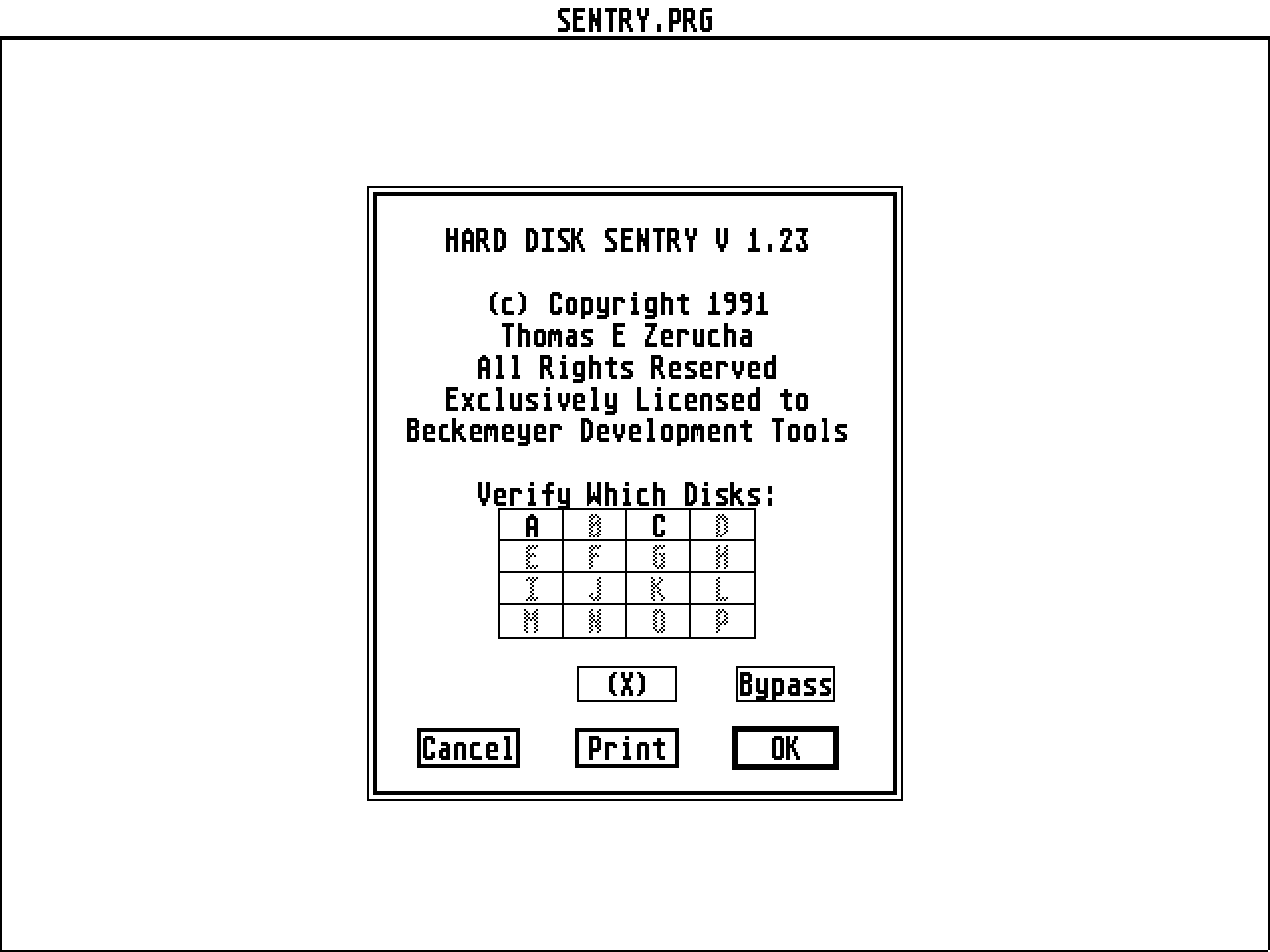
- Genre
- Tape / Disk / Cartridge Utility
- Year
- 1991
- Language
- [unknown]
- Publisher
- Beckemeyer Development Tools
- Controls
- Mouse
- Distributor
- —
- Resolution
- Medium / High / VGA
- Developer
- [n/a]
- ST Type
- ST, STe, TT, Falcon030 / 0.5MB
- Licensed from
- —
- Programmer(s)
- Zerucha, Thomas E.
- Country

- MIDI
- —
- Software
- English
- Version
- 1.23
- Box/Instructions
- English
- Number of Disks
- 1 / Double Sided / HD Installable
- License
- Commercial
- Dump
- Download
- Serial
- —
- Dump format
- MSA
- Protection
- —
OTHER VERSIONS WITH THE SAME TITLE (2)
INSTRUCTIONS
Sentry 1.10

	Improvements:

	- Optimizes subdirectories to be first entries in the directories
	  to speed searches.

        - Print option for the status display

Explanation of the "write gap":

	The current revision of TOS has a very slow search of the FAT
	entries, so every time it has to allocate more space for a file
	it must start at the beginning and search until it finds free
	space.  This can take several seconds on a packed partition, and
	optimization will make this even slower since it would pack
	everything completely at the beginning making it worse.  The
	write gap is space left near the beginning of the disk (after
	the directories) so that new files can be created very quickly,
	i.e. it will find free space close to the beginning of the disk
	so will take a fraction of a second.

	To verify this for yourself, try using a writegap of zero on a
	full partition, then try to create a new file.  You will notice
	a slow blinking on your Hard Disk light (unless you have a cache)
	and it will pause before the file is actually written (this may
	be either when you open or save a new file with an editor).

	Now, change the write gap to something larger (as large as possible
	- anything too large will be disabled).  Try creating another new
	file.  There should be practically no delay.

	The varying files are for varying sizes of gaps.  If you only
	write letters you don't keep around, 50K should suffice, but
	you might want 200K for graphics.  Use no gap for partitions
	you never or just rarely write to.  Use 1000K (1 megabyte) for
	very active partitions.

Using PCDBOOT for PC-Ditto
	To boot MS Dos under PC Ditto from a hard drive, you need to write
	a boot sector to a partition AFTER your first one on disk (usually
	D: if C: has MS Dos).  You also need to write IBMDOS.COM and
	IBMBIO.COM to the top of the first partition (usually C:), and
	Hard Disk Sentry will move them to the right place when you do
	an optimize operation on that partition.  PCDBOOT will place a
	boot sector by specifying the letter of the partition on the
	command line ("PCDBOOT D" in a shell, or enter "D" in the TOS
	TAKES PARAMETERS dialog box - here D is the typical drive - it
	should be the letter of the drive just after your first one).
	Now, PC Ditto should boot from the Hard Disk (provided you used
	both PCDBOOT, moved the IBM???.COM files from a bootable MSDOS
	disk to your first partition, and ran Sentry and did an optimize
	on the first partition).
BOOK / MAGAZINE REVIEWS (2)
International TOS Software Catalog · Winter, 1992
ST Format · May, 1996Rating: 80%