

Atari ST - VersaSoft - 1988
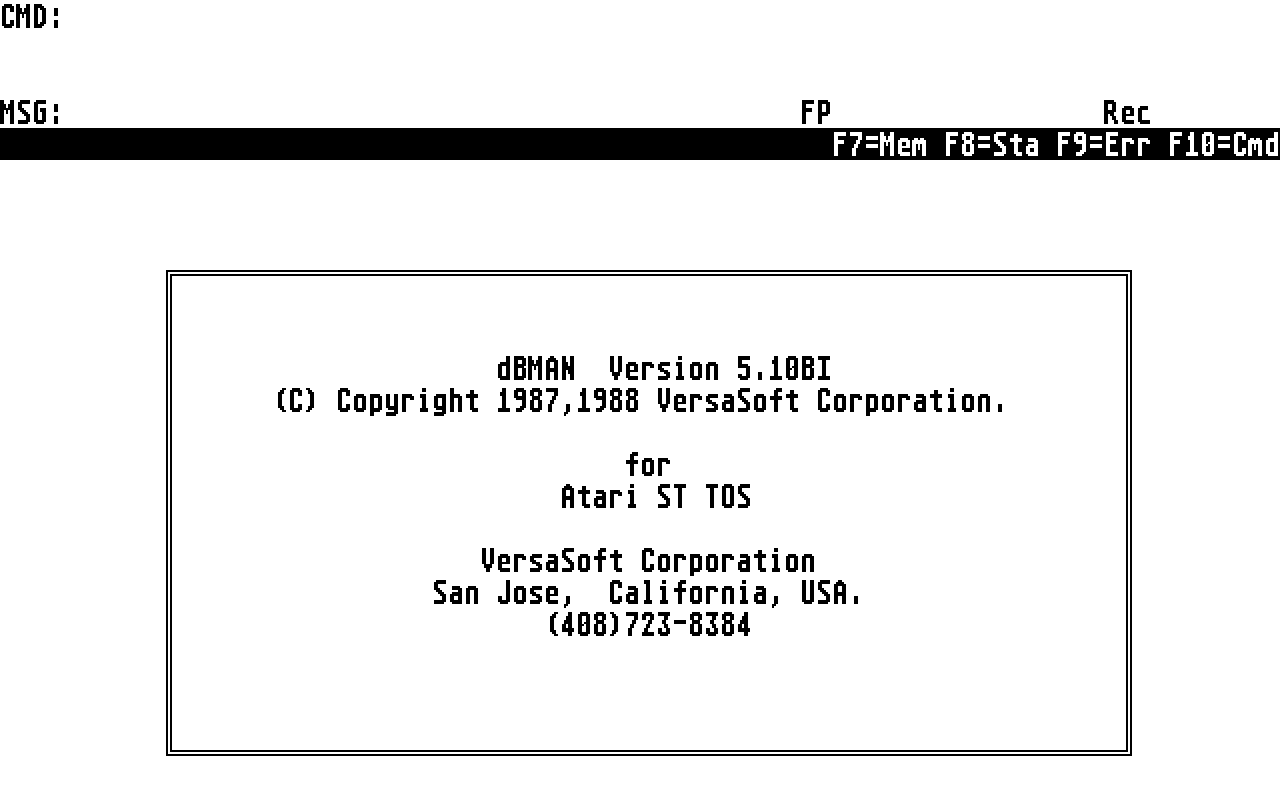
dBMAN
- Genre
- Database / Spreadsheet
- Year
- 1988
- Language
- [unknown]
- Publisher
- VersaSoft
- Controls
- Mouse / Keyboard
- Distributor
- —
- Resolution
- Medium / High
- Developer
- Versasoft
- ST Type
- ST, STe, TT, Falcon030 / 0.5MB
- Licensed from
- —
- Programmer(s)
- [unknown]
- Country

- MIDI
- —
- Software
- English
- Version
- 5.10BI
- Box/Instructions
- English
- Number of Disks
- 2 / Double Sided
- License
- Commercial
- Dump
- Download
- Serial
- —
- Dump format
- MSA
- Protection
- —
OTHER VERSIONS WITH THE SAME TITLE (6)
INSTRUCTIONS
dBMANV INSTALLATION


There is a program on the dBMAN V disk called, "INSTALL.RUN".  To exectue this program, run dBMAN and at the "CMD:" prompt, type "DO INSTALL".   This program is menu driven and prompts you for installation information.


Following are commands and functions that were not included in the manual:


Syntax: ASSIST

Description:  This command will execute the ASSIST.RUN program.  The ASSIST program is an easy-to-use menu driven interface that allows you to execute dBMAN V commands.

With ASSIST you can create, modify and delete databases, indexes and records.


Syntax:  AVERAGE [] [] [TO ] [] []

Description:  This command adds the numeric value in the , divides it by the number of records added and stores the result in the .  If the  is not specified, the first eight fields in the file will be averaged.  A maximum of 64 fields can be averaged.


The number of expressions in the  must match the number of variables in the .

The default for  is ALL.


Example:
	   ITEM		   CATEGORY	UNITPRICE

1	NAVEL ORANGE	    FRUIT	  .50
2	CHERRIES	    FRUIT	  .75
3	CHICKEN:WHOLE	    FRUIT	 1.05
4	STRAWBERRIES	    FRUIT	  .99

AVERAGE UNITPRICE TO TTL

?TTL

.82


Syntax:  REFRESH GETS

Description:  This command causes dBMAN V to redraw all of the gets for the READ command.  Use this command if you have a GET-file and change the contents of a GET field.


Syntax: RESUME

Description:   The command RESUME is currently not supported by dBMAN V.  You can use the  key outlined in KEYBOARD DEFINITIONS of the supplimental manual.


Syntax: RW [] FORM  [FOR ] [PLAIN] [HEADING ] [SUMMARY] [TO PRINT | TO FILE ] [NOEJECT]

Description: This command is the same as REPORT FORM except the databases, index files, and report page information is loaded from the FRM file.


Syntax:  SET MEMOWIDTH TO

Description:  SET MEMOWIDTH TO allows you to specify how many characters wide the memo field is to be displayed when the @ SAY  command is used.


New directive in CONFIG.DBM for European characters in INDEX files.

CONFIG.DBM has a new directive called, "EUROKEY".  This allows you to use european keys (i.e. the umlauts).  If EUROKEY=1, European keys are enabled.  If EUROKEY=0, European keys are disabled and the indexing will be considerably faster.


Special notes

If you are using the relation type SCAN, you must not position the child databases yourself.  i.e.  GO %CHILD TOP.  This will cause the relationship between the parent and the child to be incorrect until the parent database is skipped.

If you have a SCAN relation set up, you must not BROWSE, SHOP, or DISPLAY the parent database.  Doing this will cause the parent reocrd to be repeated as many times as the child record matches the parent.


dBMAN BBS for technical support and product updates!


We have a bulletin board that you can use to get the latest information and product updates of dBMAN.  As new revisions are made we will place the update on the board and if you have the access you can download the file.  The BBS operates 24hrs a day 7 days a week.  Accepted baud rates are: 2400, 1200 and 300.  Settings are: 8-bit, NO parity and ONE stop bit. Phone number is: (408) 723-9047


Technical support hours are 9:00 am - 12:00 noon and 1:30 pm to 3:00 pm PDT.  The phone number is: (408) 723-8384.
ARTICLE (1)
BOOK / MAGAZINE REVIEWS (1)
International TOS Software Catalog · Winter, 1992