

Atari ST - 1988
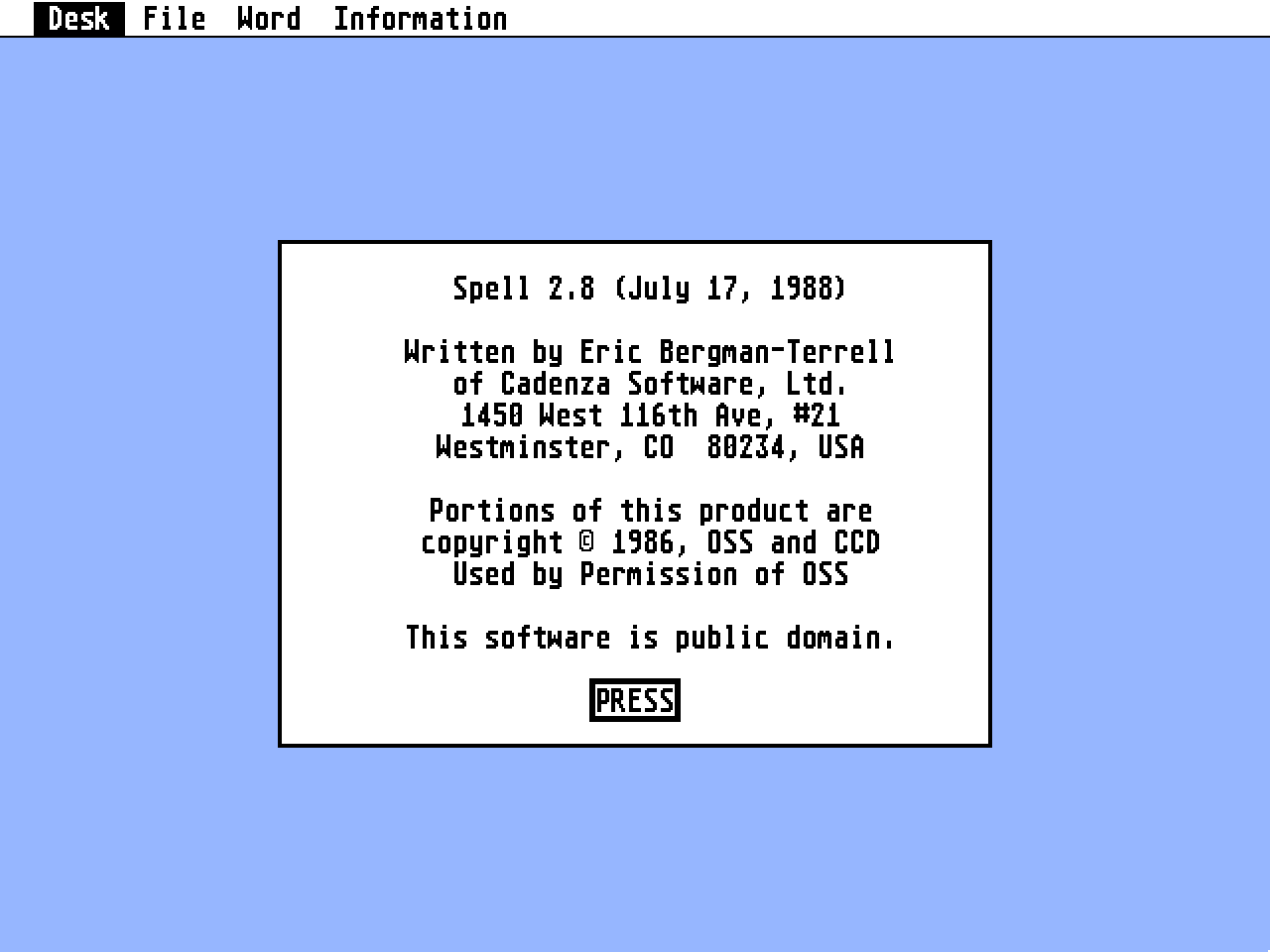
Spell
- Genre
- Word Processing
- Year
- 1988
- Language
- [unknown]
- Publisher
- [no publisher]
- Controls
- Keyboard / Mouse
- Distributor
- —
- Resolution
- Medium / High / VGA
- Developer
- Cadenza Software
- ST Type
- ST, STe, TT, Falcon030 / 0.5MB
- Licensed from
- —
- Programmer(s)
- Bergman-Terrell, Eric
- Country

- MIDI
- —
- Software
- English
- Version
- —
- Box/Instructions
- English
- Number of Disks
- 1 / Double Sided
- License
- PD / Freeware / Shareware
- Dump
- Download
- Serial
- —
- Dump format
- —
- Protection
- —
INSTRUCTIONS
                    --------------------------
                    | SPELL 2.8 User's Guide |
                    --------------------------

                          July 17, 1988


HOW TO USE THE SPELL PROGRAM:

SPELL is a program that allows you to detect and correct  spelling
mistakes  in disk files (henceforward  called  documents).   SPELL
should  work  with  documents  produced by  just  about  any  word
processor.  SPELL has been tested on documents produced by the 1ST
WORD word processor.  A hard disk is recommended but not required.


THE WORD LIST:

SPELL  uses  a special disk file  named  "words.txt".   This  file
contains  all  words  that SPELL  recognizes  as  being  correctly
spelled.  When you use SPELL for the first time, this file will be
empty,  and  SPELL will ask you if each word in your  document  is
misspelled.  As you check the spelling of more and more documents,
SPELL  will  know the correct spellings of  more and  more  words.
Eventually  SPELL  will have a word list containing  most  of  the
words  that  you  use,  and will only ask you  if  misspelled  and
unfamiliar words are misspelled.


RUNNING THE PROGRAM:

Before running SPELL, make sure that the disk containing the SPELL
program  and the disk containing the document to be corrected  are
not write-protected (i.e.  make sure that the hole in each disk is
covered by the sliding piece of plastic).  Also make sure that the
document  that  you wish to correct is not a read-only  file  (See
Atari 520ST Owner's Manual, p. 56).  When SPELL starts to run, all
words stored in the file "words.txt" are loaded into  memory.   If
SPELL is being run for the first time, no words will be loaded.

Now  you are ready to check the spelling of documents.   Move  the
mouse over to the File menu.   This menu has two  options,  "Quit"
and  "Correct Document".   Choose the "Quit" option when  you  are
completely finished correcting all documents.

To  correct  the  spelling of  a  document,  choose  the  "Correct
Document" option.   You will be asked for the name of the document
for  which the spelling is to be corrected.   Choose the file  you
want.


After  the  document to be checked is  specified,  whenever  SPELL
encounters a word that is not in the file "words.txt", you will be
given three choices:

  Add this word to dictionary
  Do not add word to dictionary
  Try new spelling of word
  Quit correction

Regardless  of which choice you make,  you can always correct  the
spelling of the word.   To do this,  type in the word as you would
like it to appear in the document being checked.  You can edit the
word with the backspace, arrow keys, and escape (Esc) key.

After the spelling of the word is corrected (if it was wrong), you
can  add the word to the dictionary by pointing the mouse  in  the
"Add  this  word to dictionary" box and pressing  the  left  mouse
button.

If  you do not want to add the word to the dictionary,  but it  is
correctly spelled, choose the "Do not add word to dictionary" box.
Even if the same word is encountered later on in the document, you
will  not  be  asked  about it.

If  you have changed the spelling of the word,  and would like  to
find  out if this new spelling is in the  dictionary,  choose  the
"Try  new  spelling of word" box.   If the word is  found  in  the
dictionary,  the  program  will go on and check the  rest  of  the
document.  If the word is not found in the dictionary, you will be
given the four options again.

If  you want to stop the spelling correction process,  select  the
"Quit correction" box.  This will leave the file you're correcting
unchanged,  and you will be free to either correct other documents
or quit the program.


THE WORD MENU

The Word menu has a single option,  "Delete Bad Word".   Selecting
this  option  will  allow you to specify a  word  that  should  be
removed  from the dictionary.   Just enter the word to delete  and
select  the "Delete Misspelled Word" box.   If you decide  not  to
delete the word, press the "Cancel" box.  If you attempt to delete
a  word that is not in the dictionary,  the program  will  mention
this.


THE INFORMATION MENU

The  Information  menu has only one  option,  "Show  Information".
Selecting this option will reveal how many words are stored in the
dictionary,  as  well as how much memory is available for  storing
new words.


UPDATING THE DICTIONARY:

After  your  document has been completely  checked,  if  you  have
inserted any words into the dictionary,  or deleted any words, you
will be asked if you want to update the dictionary.

Why  do you need to update the dictionary?   Every time you  start
the SPELL program, the dictionary contains all the words that were
in  the  file  "words.txt".   As you insert  new  words  into  the
dictionary they are stored in your computer's main memory, and are
NOT  automatically placed in the disk file  "words.txt".   By  the
same   token,   words   deleted  from  the  dictionary   are   not
automatically removed from the "words.txt" file.

If you choose to update the dictionary by pressing the left  mouse
button  in  the "yes" box,  the new words in main memory  will  be
inserted  into  the  file "words.txt",  and  any  words  that  you
deleted will be removed from the file.   When the program is done,
"words.txt"  will contain all words it had before SPELL  was  run,
plus  the  new ones that you inserted,  minus the words  that  you
deleted.   When  you run SPELL again,  it will know that  the  new
words are spelled correctly,  and will not ask you about them when
they are encountered again.

If  you choose not to update the dictionary by pressing  the  left
mouse  button in the "no" box,  the file "words.txt" will  not  be
changed - it will have the same words that it had when you started
running SPELL,  and will not have the new words that you  inserted
when SPELL was running.


Questions and Answers:

Q:
I get an "out of memory" message when SPELL runs.   Why does  this
happen, and what can I do about it?

A:
This  happens when SPELL does not have enough memory to store  all
the  words  in the file  "words.txt".   If  this  happens,  remove
desk accessories (Atari 520ST Owner's Manual,  p. 30) that take up
a large amount of memory (especially ramdisks).


Q:
I already have a file similar to the "words.txt" file.   Can I use
this file instead?

A:
Many spelling correction programs come with a file containing  the
correct spellings of many words.   If you have such a file, and it
is   an  ordinary  ASCII  file  (i.e.   contains  only   printable
characters),  and has each word on a line of its own,  you may use
this  file  with  SPELL.   Just  copy the  file  onto  the  folder
containing  the  SPELL program,  and make sure that  it  is  named
"words.txt".


Q:
Can I give copies of SPELL to other people?

A:
SPELL  is  a public domain program.   This means that  it  can  be
copied  and given to anyone.   However,  if you find this  program
useful, please send $5.00 US to:

Eric Bergman-Terrell
Cadenza Software, Ltd.
1450 West 116th Avenue, #21
Westminster, CO  80234
U.S.A.


Q:
Is this the same program advertised in ANTIC magazine?

A:
No  - it is a much more recent version.   Both are written by  the
same author, and both are in the public domain.


Additional Information:

If  you have a question about SPELL that is not answered  by  this
user's  guide,  send  a stamped,  self-addressed envelope  to  the
above  address.   If you are not in the U.S.A.,  please  send  the
necessary  international reply coupons (available in post  offices
throughout the world).

Enjoy the program!