

Atari ST - 1992
Serial Fix
- Genre
- Patch / Driver
- Year
- 1992
- Language
- [unknown]
- Publisher
- [no publisher]
- Controls
- -
- Distributor
- —
- Resolution
- Low / Medium / High / VGA
- Developer
- Medical Designs Software
- ST Type
- ST, STe, TT, Falcon030 / 0.5MB
- Licensed from
- —
- Programmer(s)
- Penner, Bill
- Country

- MIDI
- —
- Software
- English
- Version
- 1.00
- Box/Instructions
- English
- Number of Disks
- 1 / Double Sided
- License
- PD / Freeware / Shareware
- Dump
- Download
- Serial
- —
- Dump format
- MSA
- Protection
- —
INSTRUCTIONS
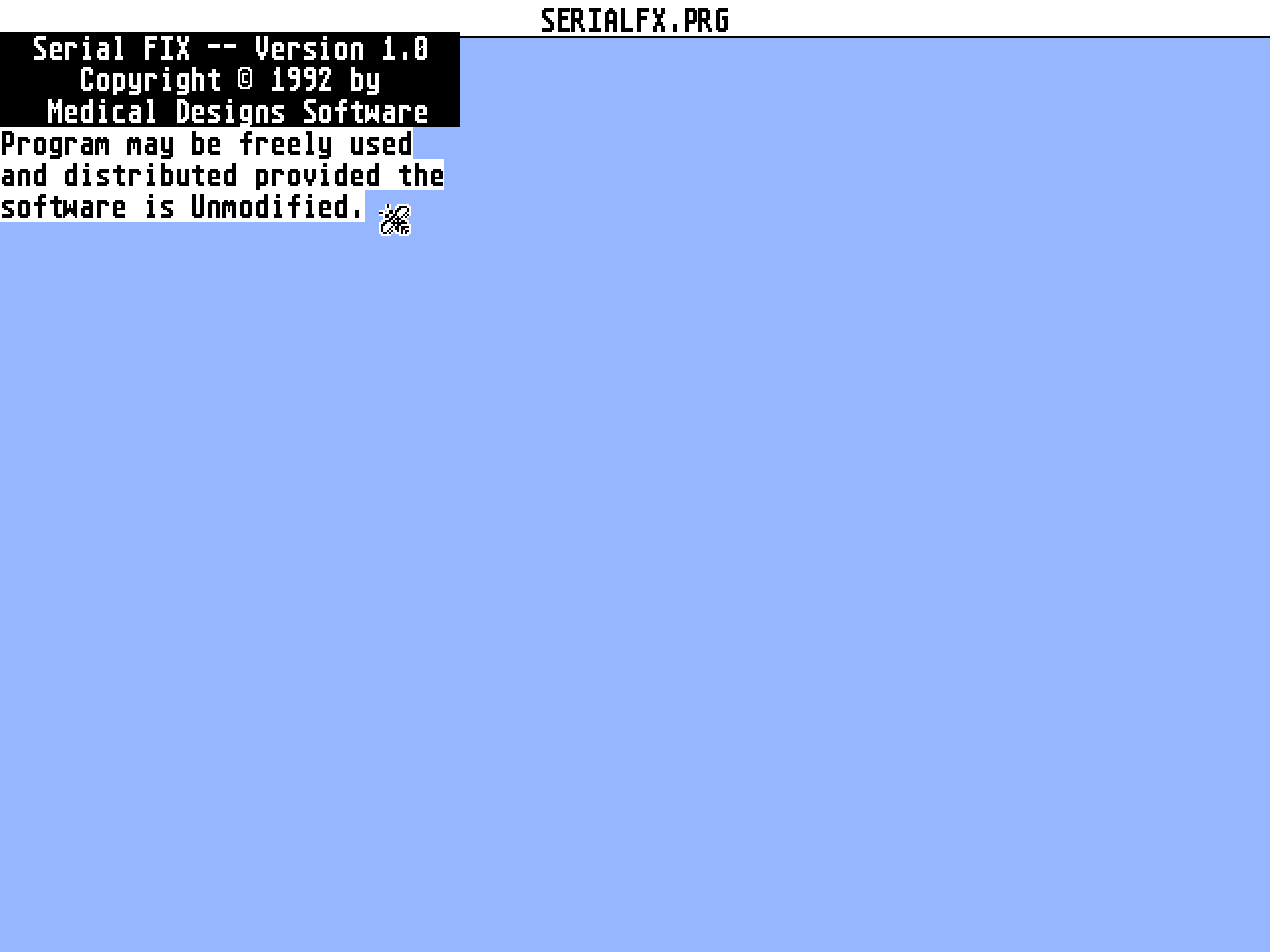
                                 Serial Fix c 1992
                            by Medical Designs Software
                                    Version 1.00

         Written by: Bill Penner
         Icons created by: Bruce D. Noonan, M.D.


              This  program  may  be  distributed and used, free of charge,
         provided  that  the  program  is  distributed in complete form and
         UNmodified.   This  software  is  not  to be sold, however, may be
         included  on  disks  which  are  sold  for  a small handling fee.
         Medical  Design  Software  retains  all copyright exclusive rights
         except  exclusive  distribution.   This  software  consists of the
         following  files:  SERIALFX.PRG,  SERIALFX.CPX,  and  SERIALFX.DOC
         (this file).

         PURPOSE

              Serial  Fix  was  written  as  an upgrade to the old TurboCTS
         program,  written  by  Bill Penner, long ago, as an attempt to fix
         the  old  RTS/CTS  problem.  The problem the ST/STe/TT has, occurs
         when  a high speed modem is used in conjunction with ZMODEM or any
         near-continuous  flow  transfer program is used to send data.  The
         ST/TT  sometimes  has problems properly recognizing when the modem
         deasserts CTS (telling the ST/TT that the buffer is full and don't
         send  any  more data), resulting in the ST overflowing the modem's
         buffer.   This results in bad data being sent which results in CRC
         errors, packet size problems, and other data transmission errors.

              TurboCTS was only a partial fix of the problem.  TurboCTS did
         manage  to  speed  things  up  to the point where CTS response was
         generally  ok,  however,  that program did not work on the TT, did
         not  support  XBRA  programming  requirements, and only worked for
         RTS/CTS handshaking.

              Serial  FIX  is a replacement for TurboCTS and will work with
         all  versions of TOS (1.0 through 3.06).  Serial FIX supports FOUR
         forms of handshaking:  (1) XON/XOFF, (2) RTS/CTS, (3) BOTH RTS/CTS
         AND  XON/XOFF,  and (4) NONE.  The desired handshaking mode is set
         from  the RS232 control panel or other program as you currently do
         now.   The new fix is a REAL fix to the RTS/CTS problem.  Previous
         fixes  (like  TurboCTS)  only  fixed the symptoms of the problem.
         NOTE:   Although  documented  as legal in official Atari bindings,
         TOS  normally  will  NOT allow both XON/XOFF and RTS/CTS to be set
         simultaneously.  Serial FIX DOES support this option, however.

         INSTALLATION:

              Serial  FIX  is composed of two parts, a program for the AUTO
         folder  and  a  CPX  file  to  be used with the extensible CONTROL
         (XCONTROL.ACC) panel.

              SERIALFX.PRG  is  the  heart  of  the  Serial  FIX solution.

         SERIALFX.PRG  is  intended  to  be  installed in your AUTO folder,
         although  it can be ran from the desktop, and replaces the current
         serial  routines  for  the  ST compatible port.  The ST compatible
         port  is  the only port on the ST and STe machines, or the Modem 1
         port (ONLY!) on the MegaSTe and TT machines.

              SERIALFX.CPX   is  a  control  panel  to  be  used  with  the
         Extensible  Control Panel (XCONTROL.ACC).  The CPX is used to lock
         the  serial  routines  into  using  at  least RTS/CTS handshaking,
         regardless  of the desires of a program to the contrary.  The file
         SERIALFX.CPX is to be placed in in your folder of CPX files (often
         called 'CPX').

         OPERATION:

              SERIALFX.PRG:   Once  the  program  has  been started (either
         booted  in  the 'AUTO' folder or run from the desktop), no special
         operations  are  needed.  The program replaces the system routines
         and  the  port speed and handshaking are set just as they are now,
         either  by  terminal  software,  CONTROL  panel, or the Extensible
         Control Panel.

              SERIALFX.CPX:   This  program  will  allow  you  to  lock the
         handshaking  in  RTS/CTS  mode.   This  is  often needed because a
         number  of programs have been written to ignore RTS/CTS mode (like
         FLASH).   If  the CPX is not used to lock the mode on, and RTS/CTS
         mode  is  SET  from  the  control panel, AND a terminal program is
         started,  very  likely,  the program would turn off RTS/CTS.  With
         the  mode  locked, the program will be unable to disable RTS/CTS.
         The CPX will give you the option to save the current lock setting.
         Saving  the  setting  will  cause  the selected mode to be entered
         every  time  the  CPX  boots  up.   NOTE:   to be able to lock the
         RTS/CTS  mode  on,  you  must  use  BOTH  THE SERIALFX.PRG AND THE
         SERIALFX.CPX.

         PROGRAMMING INFORMATION:

              This  version  of  the  software  should  now  be  fully XBRA
         compliant.   When the software starts and installs the replacement
         routines,  the TOS version is checked to determine the best method
         of installation (read for maximum speed).  Under TOS 1.0, traps 1,
         13, and 14 are intercepted and processed.  Under TOS 1.2, 1.4, and
         1.6 (non-Bconmap() compatible machines after 1.2), the xcon vector
         table is used, and only trap 14 is used to receive Rsconf() calls.
         Under  Bconmap()  compatiable  systems,  bconmap (port 6) and xcon
         vectors are modified so that no trap interception is necessary.

              Other  software  can  be  used  to  lock or unlock the serial
         routines.   To perform this function, look in the cookie jar for a
         'MDSa'  cookie.   The long data byte is a pointer to the following
         data structure:

             struct {
                     int   lockfg;         /*  RTS/CTS locked flag (bit 1 =
         locked) */
                     int   (*setlock)()    /*  Routine  to  set lock status
         */
                    } serfx;

         The  lock  status  is  set by pushing an integer with the value of
         either  0  (to disable lock) or 1 (to enable) and then jsr'ing the
         setlock  routine  (i.e. (*serfx->setlock)(1) to enable the lock).
         The  call can be made in user or super mode.  That is all there is
         to it.

         WRAP UP

              As  normal,  PLEASE let me know if you have any problems with
         the  program.   I have attempted to make the program as compatible
         with other software as possible.


         Bill Penner, IAAD Member
         3235 Wright Avenue
         Bremerton, WA  98310-4753

         Phone: (206) 373-4840 (before 9pm Pacific)
         GEnie: BPENNER