

Atari ST - 1990
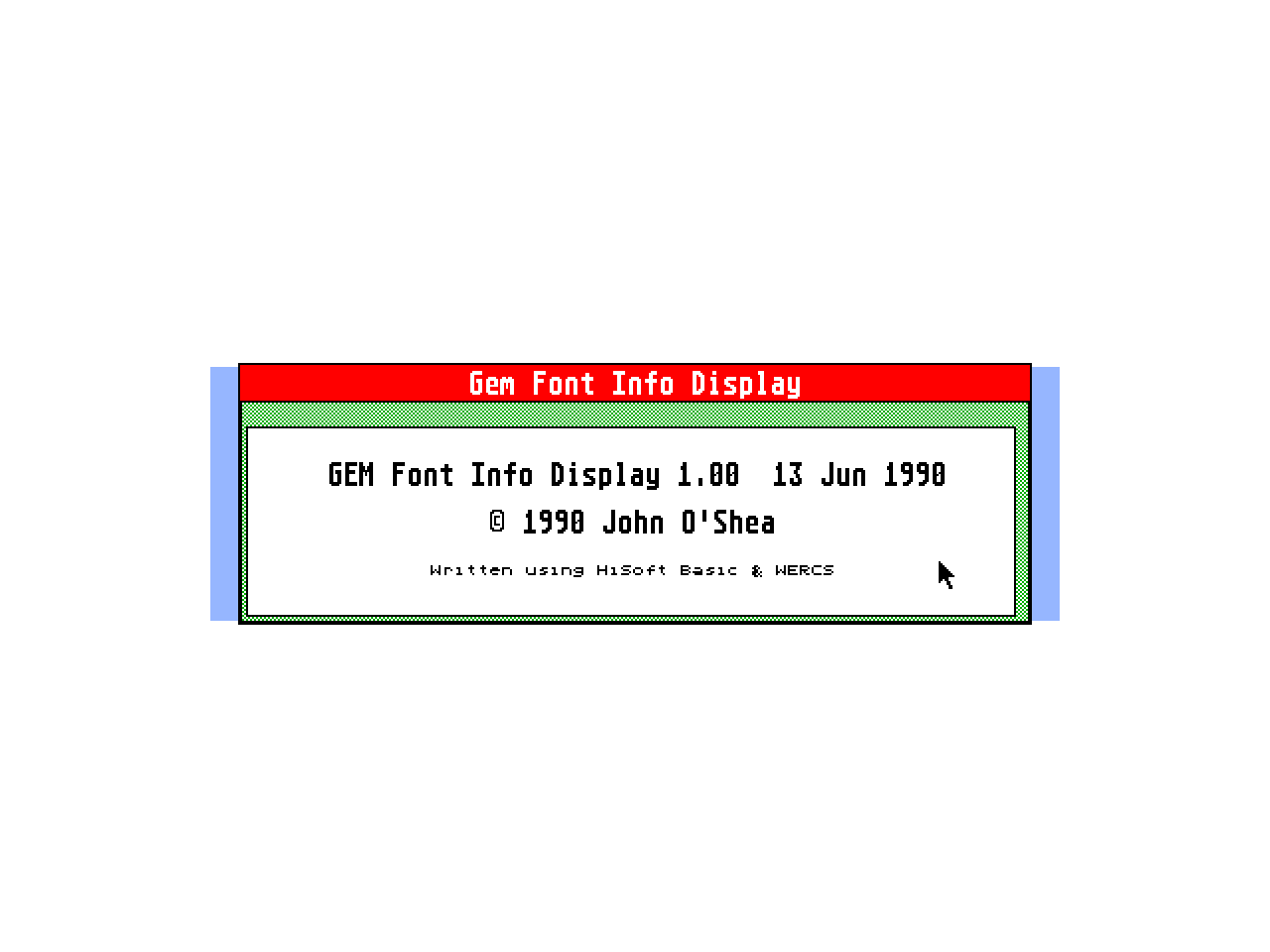
GEM Font Info Display
- Genre
- Printing - Desktop Publishing
- Year
- 1990
- Language
- Compiled BASIC
- Publisher
- [no publisher]
- Controls
- Mouse
- Distributor
- —
- Resolution
- Medium / High / VGA
- Developer
- [n/a]
- ST Type
- ST, STe, TT, Falcon030 / 0.5MB
- Licensed from
- —
- Programmer(s)
- O'Shea, John
- Country

- MIDI
- —
- Software
- English
- Version
- 1.00
- Box/Instructions
- English
- Number of Disks
- 1 / Double Sided
- License
- PD / Freeware / Shareware
- Dump
- Download
- Serial
- —
- Dump format
- MSA
- Protection
- —
INSTRUCTIONS
                          GEM Font Information Display

                          ----------------------------


This program has but one task in life - show various details of GEM fonts to
the user.  It was written because I wanted to know certain information about
my GEM fonts and I got tired of having to load each font into Fontkit+ to get
the details I wanted (Fontkit, by the way, is a truly wondrous program for
creating and manipulating GEM fonts - buy it now, you won't regret it).


All I really needed to know was the ID of each font in my font folder, so I
could build a reasonable ASSIGN.SYS file (not as easy as it should be, that
one).  Thus was born my GEM Font Info Display program (yeah, I _know_ it's a
really snappy title, but I was half-asleep doing the resource file...)


In Use

------


You start with a standard GEM dialog box onscreen (yep, you can't use
accessories with it) with a text box, a group of radio-buttons, and start and
cancel buttons (the cancel button may not be terribly obvious - it's the
'window close' box in the top-left corner).  The text line is used for
entering the path to the folder containing your GEM fonts, but clicking on
the 'F' to the right of this calls the GEM file-selector - handy if you don't
like the keyboard.  The path you specify should end with a backslash ('/') as
my program will only read up to the last backslash.  To enter a path using
the file-selector, simply use the file-selector as you normally would to get
into the directory containing your fonts then click the 'OK' button or press
return - this will return you to the main dialog where you can further amend
the path, or start the program running.  The radio buttons control where the
output of the program goes to : the screen, the printer selected with the
control panel (parallel or serial), or to a disk file called 'FONTINFO.OUT'.
The little copyright symbol in the bottom-right is for vanity only and
probably does exactly what you expect.


When you've made your choices and pressed RETURN (or clicked the START
button), FONTINFO will attempt to save your preferences to the current
directory - this can lead to the only problem that I'm aware of at the
moment: if you're running from a write-protected floppy you'll get a couple
of 'disk is write-protected' messages which I can't do anything about with my
current compiler (as an aside, how do I tell if a disk's write-protected
_without_ attempting a write ? please let me know...) -- anyway, just click
the 'cancel' button both times and the program will run normally.  The
preferences are saved in FONTINFO.DAT and are plain ASCII text (i.e. you can
edit the file manually) and consists of two lines :


line 1 holds the path to the folder you last visited, and should end with a
backslash ('\') - the program defaults to the current folder if the
preferences file can't be found.


line 2 holds the output device you selected - this can be either 'screen',
'printer' or 'file' - the default is screen.


The program may take some time while scanning your fonts - it takes about 7
seconds to scan 1.3megs of fonts on a Megafile 20 so it's _reasonable_
(floppy users may beg to differ though...).  LATE AMENDMENT : just checked
the speed running from a maxi-formatted floppy (820-odd K) - it's pretty bad:
about a minute and three quarters.  I'll see if I can do anyhting to speed it
up, but I'm not promising anything - most of the overhead comes from GEM
searching for and opening the files (there were 62 in my test).


The output section is on the basic side - no text effects, GDOS fonts (hah!),
or anything of that sort - just bog-standard text with spaces in the
appropriate places.  The output is exactly the same for all three devices:
you get the file name, font id, point size and the font name.  The fonts are
sorted by font id primarily and then by point size, mainly because that's the
way I wanted them sorted.  A sample of what you can expect to see follows :


File name    Font id    Point Size    Font name

---------    -------    ----------    ---------

Q2HELV06        2        6            Helvetica

H2HELV06        2        6            Helvetica

Q2HELV08        2        8            Helvetica

H2HELV08        2        8            Helvetica

Q2HELV10        2       10            Helvetica

H2HELV10        2       10            Helvetica

Q2HELV11        2       11            Helvetica

H2HELV11        2       11            Helvetica


(Before anyone asks where I got GDOS Helvetica from - I didn't, I just
renamed the Swiss font that came with Timeworks DTP using Fontkit...)


Problems, limitations and other howlers


If you have a (very) full disk with 0 bytes free and are attempting to either
write a virgin preferences file or are sending output to disk, the run-times
put in by my compiler drop you out in a pretty unfriendly way - just a
one-liner, no alert or anything equally trappable by my prog...


The program reserves about 100k to play with and generally do fun things like
read and sort the data - I don't have problems with that, but then again I'm
running from a 520 with lots of accessories.  If anyone wants a less-greedy
version, get in touch with me, and I'll see what I can do (though anyone
using GDOS on a 520 with lots of accessories _definitely_ has more patience
than I could muster...).


There's a limit of 400 files to search/sort - I figure this is reasonable as
TOS can't hold more than this in one directory (is this right ? - can't
remember).


I've tested the program using the standard Atari file-selector (ugh!) and the
muchos wonderful Little Green Selector from Charles Johnson, and will
hopefully test it with a few more (the HiSoft one, and possibly Martin
Patzel's one too) - as an aside, dontcha just _lerve_ this rough-and-ready
style of documentation writing ?  No ?!  Oh well...


Legal Stuff

-----------


I admit to writing the aforementioned program and this documentation, the
copyrights of which will stay with myself until I disown either as being
deeply embarrassing.  I take _no_ responsibility for any damages (real or
imagined) caused by running the program (or reading the documentation !). I
have tested the program fairly extensively and am fairly sure it is harmless
in all situations - if, however, you can cause it to fry your mouse, torch
your printer or cause long-term emotional damage, I apologise in advance, but
accept no blame.  Program and documentation may be copied, given away and
generally distributed in any manner you see fit - just don't alter or charge
for them (or I'll lay some _bad_ juju on your cornflakes...)


Program written using HiSoft's Power Basic, WERCS and Tempus 2.

Fontkit 2+ used for checking that I'd actually got the correct data from the
font files.

Life made immensely easier by Neodesk 2, Turbo ST, and Multidesk.

A big raspberry to all involved with GDOS (haven't tried G+PLUS yet, as you
may have gathered)


Any (positive) comments can be sent to me at the address below, any negative
ones please file away somewhere for an awful long time (hey, who likes being
insulted by post ?)


   John O'Shea

2 Leopold Road

   Walthamstow

        London

       E17 8QA