

Atari ST - 1995
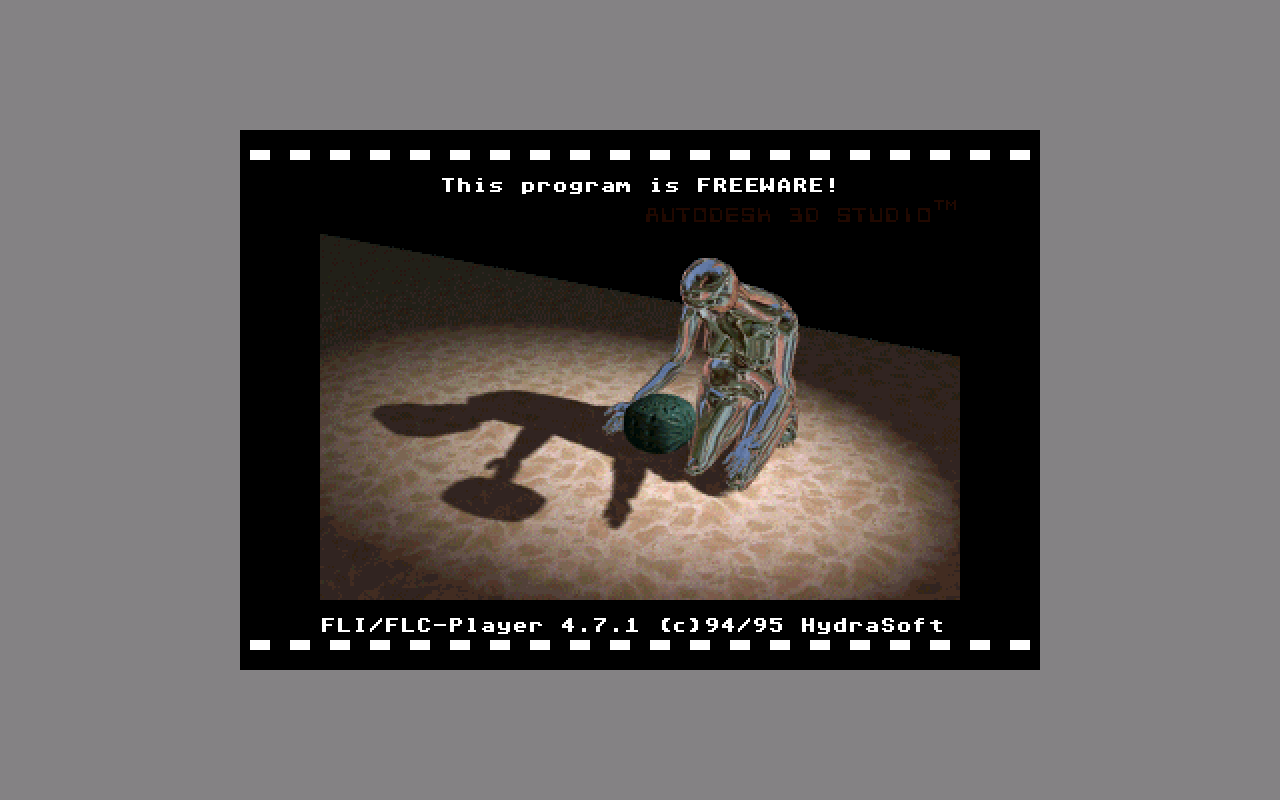
FLI / FLC-Player
- Genre
- Graphics - Animation
- Year
- 1995
- Language
- [unknown]
- Publisher
- [no publisher]
- Controls
- Mouse
- Distributor
- —
- Resolution
- RGB
- Developer
- HydraSoft
- ST Type
- Falcon030 / 4MB
- Licensed from
- —
- Programmer(s)
- Bruns, Sven
- Country

- MIDI
- —
- Software
- English / German
- Version
- 4.71
- Box/Instructions
- English / German
- Number of Disks
- 1 / Double Sided / HD Installable
- License
- PD / Freeware / Shareware
- Dump
- Download
- Serial
- —
- Dump format
- MSA
- Protection
- —
INSTRUCTIONS
Quick and dirty manual for FLICTC47.PRG
please excuse my worse english...
copyright:
FLICTC47.PRG is FREEWARE - you may copy it for your friends and for non
commercial purposes, but it has to be copied completely in a folder or in
an archive including all files:
FLICTCxx\
DEUTSCH\
CHANGES .TXT
FLICTC .TXT
FLICTCxx.PRG
HYDRAMRK.TOS
README .1ST
SPEED .TXT
ENGLISH\
FLICTCxx.PRG
FLIC_TCE.TXT
HYDRAMRK.TOS
README_E.1ST
SPEED_E .TXT
The copyright still remains at me, changing the program or this documentation
requires my written permission.
FLICTC47.PRG mustn't be taken in any PD-series without my permission.
Commercial use of FLICTC47.PRG requires my written permission, too.
what is FLICTC47.PRG?
FLICTC47.PRG is a _fast_ player for animations in .FLI/.FLC-format, now
you're able to watch your animations in original speed!
disclaimer:
I take no responsibility for any damages or loss of data, which occur using
this program or this manual, you use it on your own risk.
system requirements:
The program runs in all HiColor-resolutions (Atari calls them True Color...),
with 320x200 pixels or bigger.
advantages:
-fast, most of the animations run at original speed, i.e. as fast as on a
486DX...
-FLIs will be played directly from disk if necessary, i.e. file size is only
limited by the capacity of your drive
-compatible, all tested animations ran correctly (and there _are_ some traps!)
-can be driven via command line
-can be installed as a desktop icon: just drag a movie file on the icon, drop
it, and enjoy!
-switches to HiColor automatically (works fine with screen resolution enhancements)
-flicker free because of optional double buffering
-optimized code for 68000/68020
-automatic detection of the videohardware's word format (Motorola/Intel)
(optional)
-quietmode (no text outputs)
-pausing
-adjustable brightness
-freeware
disadvantages:
-not a GEM program
-directly accesses the screen memory
-should have problems with MultiTOS because of this
-doesn't support color cycling (which is not used in any .FLI known to me)
-animation size is limited by screen resolution
usage:
The player can be started normally as a program, then there will be a file-
selection box and you may choose any .FLI file which will be loaded and
played immediately, or, you may install FLICTC47.PRG as an icon, as described
in your system owner's manual, file type should be FL?.
Following keys can be used while animation playback:
<+> increase speed
<-> decrease speed
disable/enable double buffering, this will only work if double buffering
was active at program start
enable/disable synchronization via 200Hz timer
enable/disable synchronization via vsync
toggles waiting time after last frame on/off, some animations jerk
cyclical, because the last an first frame are identical. This should
fix the problem :-)
or pause on, any key releases pause
<0> resets all options to default values
stops the animation after the last frame
stops the animation immediately
options via command line:
Normally it should not be necessary to change these options, they are just
mentioned for completeness.
-a=0 disables screen resolution check (via LINE_A #0 (Init))
-a=1 enables screen resolution check for HiColor, it also uses LINE_A;
the check routine works fine on the Falcon (default)
-c=x colorscale to adjust brightness, x is a percantage value
(default -c=100)
-d=0 disable debug mode (default)
-d=1 enable debug mode
-D=0 double buffering disabled -> more free memory
-D=1 permanent double buffering, animations are played flicker free,
unfortunately double buffering is quite costly, so fast animations
will be slowed down by this option
-D=2 intelligent double buffering: slow animations will be played with
double buffering, fast ones without, the limit for double buffering
to be used can be set by -S= (default)
-i=0 suppresses display of FLI-header information (default)
-i=1 displays FLI-header information and waits for any key then starts
playing animation
-I=0 Motorola videomode (highbyte/lowbyte)
-I=1 Intel videomode (lowbyte/highbyte)
-I=2 automatic videomode detection (default)
-l=0 disables looping of the animation, animation will only be played once
-l=1 enables looping of animation (default)
-L=0 normal pauses between frames (default)
-L=1 no pause after last frame
-k=0 keyboard-off-mode disabled, i.e. player can be controlled via keyboard
during replay (default)
-k=1 keyboard-off-mode enabled, the player will only stop when finished (if
loop mode off) or mousebutton pressed (fine for use with quietmode)
-m=x makes the player use only x kB of memory ( integer value) as a buffer,
of course always a minimum amount is needed, e.g.
bytes in Version 3.5.0.
Default value is about 2GB (-m=2000000), so all free memory will be used.
-s=x sets the display speed to fps (default off)
-S=x sets limit for intelligent double buffering: apropriate values for
standard falcons should be x=10..x=14 fps, for faster falcons x=14..
x=18 fps (default value: x=14 fps)
-t=0 disables synchronization via 200Hz system timer, the player still
synchronizes with the vsync if not disabled seperately (-v=0), this
should only be necessary for statistic purpose (oh wow - another
3.1415% faster!!!!!!)
-t=1 enables the synchronization via 200Hz timer, the player tries to
play the .FLI at the speed found in the file header. Because the player
uses the 200Hz timer instead of a 70Hz timer, there may be a
difference of about 5% in playing speed (with vsync disabled)
(default)
-v=0 FLICTC47.PRG ignores the vsync - faster, but there may be flickering
-v=1 enables synchronization with vsync which reduces flickering to a minimum
(default)
-z=0 does not try to change screen mode -> only works in HiColor (default)
-z=1 if Falcon videohardware is detected, the player tries to change the
screen mode if not in HiColor. WARNING: you use this option at your
own risk - I take no responsibility for any damages that may occur!
frequently asked questions:
problem: animation runs too slow
solution:(does your CPU run at full speed? are the caches enabled?)
-Turn off double buffering (-D=0), because double buffering is
extremely costly, at 14 fps 80-90% of processing time are spent
on double buffering (!), you may use intelligent double buffering
(-D=2) instead of turning it completely off
-Try reducing screen resolution, your computer will speed up if
you switch to a lower resolution, 320x200 should be enough for any
.FLI file (because of the 64kB segment size of some intel CPUs
(hihihi)), of course the player would be able to play bigger
.FLIs ...
If the animation is still too slow, try disabling the synchronization
with the vsync via -v=0 in the command line (see above).
Still too slow? Try -t=0 in the command line
Could be faster? Try -t=0 -v=0, that's it, you have maximum speed,
the animation should now be fast enough, even too fast!
problem: animation is played jerky or still too slow (see above)
solution:looks like the animation is too big to fit into your computers free
memory and is played directly from disk. If you can free some more
memory you should try this first (accessories, resident cpx-modules,
etc - is the player allowed to use all free memory or is the <-m=x>
option enabled?); next you may copy the file from floppy to your
harddisk drive. If it's still bad, try using a small(!) harddisk cache,
to speed up file operations.
problem: animation jerks cyclical
solution:Probably the first and last frame of the FLI/FLC are identical, try
the <-L=1> option or simply press the key during playback.
Better now? ;-) (doesn't work fine with double buffering turned on)
problem: animation too fast
solution:enable timer synchronization via -t=1 in the command line
problem: animation flickers
solution:enable vsync synchronization via -v=1 in the command line, if it's
still flickering then your machine is too slow, try using a lower
resolution, 320x200 should be enough ...
problem: not enough memory
solution:free more memory, the player only needs about 200kB, also in this
case the animation will be played from disk.
problem: player crashes with trash on the screen
solution:a) retry on a Falcon
b) switch to HiColor, enable the screen resolution check!
c) looks like your .FLI file is badly damaged. If THIS file
runs with another player or on another computer, please send
me a copy of the .FLI file and I will try to fix the error (?)
in my player, but please retry with another player/computer
first!!!
problem: animation is displayed in strange colours (e.g. blue faces)
solution:wrong graphics mode selected (Intel/Motorola), try:
a) -I=2 : automatic detection (default)
b) -I=0 : Motorola mode (highbyte, lowbyte)
c) -I=1 : Intel mode (lowbyte, highbyte)
development system:
Falcon using Omikron.BASIC 3.6 & Compiler 3.6, TurboAssembler
reference:
This program is based on an article in c't 8/94
credits:
-Petra for moral assist
-Alexander Clauss for his frequent bug reports and some information about the
FLC format
-Lars Weinrich for correcting some mistakes in this doc
-Christian "Chrisker" Krger for his resolution switching routine
-Daniel Hedberg for several bug reports
-Torsten Lang for his constructive suggestions
Have fun using the Player, please send criticism and new ideas to my address
Sven Bruns
Metzstr. 52
24116 Kiel
Germany
email: NIP70@rz.uni-kiel.d400.de (until 15.2.96, perhaps longer)
[EOF]