

Atari ST - 1989
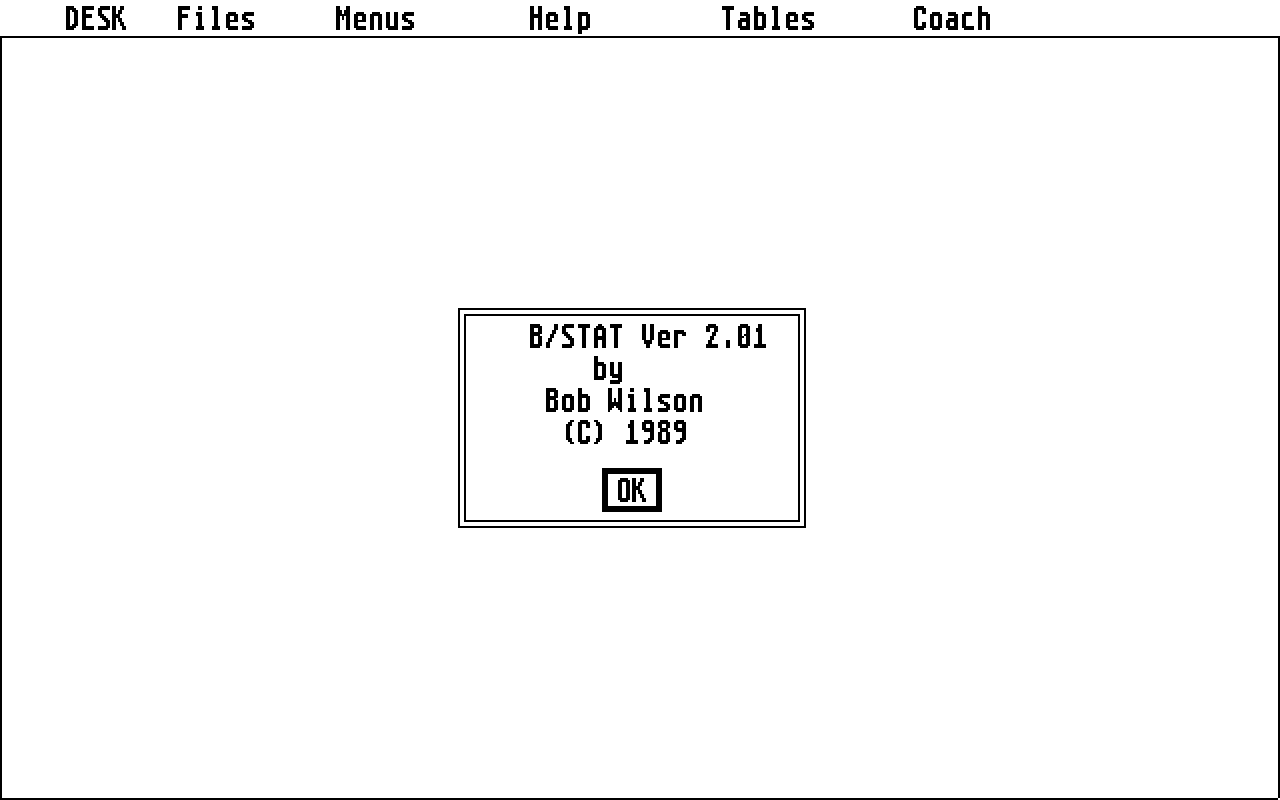
B/Stat
- Genre
- Calculations / Statistics / Engineering
- Year
- 1989
- Language
- GFA BASIC
- Publisher
- [no publisher]
- Controls
- Keyboard / Mouse
- Distributor
- —
- Resolution
- High
- Developer
- [n/a]
- ST Type
- ST, STe / 0.5MB
- Licensed from
- —
- Programmer(s)
- Wilson, Bob
- Country

- MIDI
- —
- Software
- English
- Version
- 2.01
- Box/Instructions
- English
- Number of Disks
- 1 / Double Sided
- License
- PD / Freeware / Shareware
- Dump
- Download
- Serial
- —
- Dump format
- MSA
- Protection
- —
INSTRUCTIONS
The main menu area is used for travelling between menus and for
loading and creating files. "Creating files" first requests
information on the type of label to be used for the data. These
labels are used only for graphing, and have no impact on the
statistical procedures in the program. They may be initialized as
blanks to be filled in later by you. They may simply be a counter,
in which case you will be asked to specify the starting value and
a rate of increment. This option would be used if you wanted to
specify calendar years, such as 1988. You may select months as a
label. In this case, you must enter a numeric value for the month,
such as 1 for January, etc. The data may be specified as days of
the week or weekdays. The difference between these two is that
days of the week includes Saturday and Sunday, while week days
includes only Monday to Friday. For each of these options, you
have 13 different ways in which the date may be shown. These are
displayed in a grid of 27 squares on the screen. Clicking the
mouse button on one of the squares will highlight the style. A
subsequent click will return the square to normal. Clicking on OK
will make the choice official.

This style of dialog box is used throughout B/STAT for selecting
variables. Pressing the "F1" key will have the same effect as
pressing OK. Pressing the "F2" key will cancel the operation, and
the default or previous labels will remain. In other procedures
"F2" will also act as a cancel button. After selecting the style,
you must specify the date information about the starting day for
the data. These values must be specified numerically. The week is
assumed to start on Monday, so 1 is Monday and 7 is Sunday. If you
enter an impossible month, such as month 23, the program will take
the modulus of 12 and this number to generate the starting month.
Similar actions occur for the day and the day of the week. Years
may be entered as 1988 or as simply 88. Any number below 100 is
treated as 1900+ the number; any negative numbers are converted to
positives, so, unfortunately, years such as 34 B.C. will have to
be typed as manual labels.

Once the type of label is entered, you will move to the
spreadsheet style data entry screen. This screen allows for 26
columns of data, and as many rows as you initialized in the
program. The minimum number of data rows is 19. B/STAT is not a
spreadsheet. This screen is simply for data entry, although some
facility for variable creation does exist. The spreadsheet uses
both drop-down menus and commands for operation. For rapid
movement around the spreadsheet the ">" command is used. >s45 will
move the cursor to column "S" and row 45 automatically. As well,
there are commands for sorting columns, adding them together, etc.
The command list is available by selecting the help menu from the
data entry screen. For missing data, enter NA as the value.

The normal view of the columns in the spreadsheet is as separate
data variables. There are statistical procedures in B/STAT,
however, which treat the entire collection of data as a matrix of
data. These procedures are discussed more fully in the manual and
in the individual help screens.

B/STAT can save and load different data formats.

-"Save" and "load" do so in B/STAT's format.

-"DIF load" and "DIF save" do so in the data interchange format
introduced by VISICALC many years ago and currently supported by
most programs. B/STAT will ask you if you want to load the data by
column or row. Strictly speaking, the question is misleading. In
the original DIF standard you could save the data by row or by
column. Many programs today give you no such choice, so you cannot
tell whether the variables were saved as rows or columns.
Similarily, B/STAT cannot tell whether the data represents 12
variables with 20 points each, or 20 variables with 12 points
each. We suggest that you load data by column and then check to
see if you got what you wanted. If not then simply type "FLIP".
The program will switch the rows and the columns. Note that B/STAT
can accept only numeric data in a DIF file.

-An ASCII file refers to a file in which each record is a number.
To be used by B/STAT the data must be in the following order:
#rows used;
#columns used;
data value for col 1 row 1;
data value for col 2 row 1;
data value for col 3 row 1;
etc.

-PRN files are created by many spreadsheet programs. These are
actual disk images of pages which would otherwise have been
printed. Only numerics are allowed in B/STAT. The data must have
been saved in such a way that the columns represent data
variables.

-WKS files are produced by products such as LOTUS 123. They may
also be labelled as WK1 files. To load these you must specify a
range from the spreadsheet. This range will be stated as A23-F47
for example. Only numeric data will be accepted. If you already
have data in B/STAT, you will be asked if you want to replace the
existing data or to augment it by creating new variables for the
new data.

-SYLK files are created by multiplan. In all respects the dialogs
are the same as for WKS files.
Editing a file simply places you in the spreadsheet data editor
without destroying the existing data. This allows for adding or
changing data.

The help drive selection allows you to change the drive path for
finding the help files. When you start the program, the drive
searched for the files is the one from which the program was
started.

The "Tables" selections load in standard statistics tables so that
you can check values against them. Not all possible tables are
present. Tables are not used for tests where B/STAT is able to
calculate the probability by direct mathematical means.

Coach poses a series of questions. Your answers to these will
enable the program to suggest statistical procedures. Not all
processes available in B/STAT are referenced by "Coach". For
example, time series studies are not suggested. This is because
coach was designed for a different class of problem than is
addressed by time series. As well, some of the procedures in
B/STAT are not, in and of themselves, statistical procedures.
Interpolation, fourier smoothing, etc., are not really statistical
in nature but simply mathematical. To use "Coach", you must have
some knowledge about your data and of terms used. The tutorial
should give these to you. The first question asks about the number
of variables measured for the experimental units. If, for example,
you are studying data on cars and you measure the price of each
car, then you have measured 1 variable. If you measure gas mileage
and acceleration as well, then you have measured 3 variables. If
you want to measure the influence of acceleration and gas mileage
on price, then price would be considered the dependent, or
criterion variable, and acceleration and gas mileage are the
independent variables. If you don't want to assume a dependency
relationship, then there would be no dependent or criterion
variable. In such a case, you would only be looking for
relationships among the variables. The succeeding questions will
deal with the nature of the variables themselves, to determine
whether they are nominally, ordinally, or intervally scaled, and
whether they are related or not. At the end of the questions (3 or
4 generally), the program will return a suggested procedure. In
some cases, there is none. Remember that one can consider
intervally scaled data to be ordinally scaled, and you may wish to
do so for some types of analysis. Similarily you can restate
ordinal data as nominal on occasion.