

Atari ST - ?
Twixt
- Genre
- Board Game - Miscellaneous
- Year
- —
- Language
- Compiled Pascal
- Publisher
- [no publisher]
- Controls
- Mouse
- Distributor
- —
- Players
- 1 vs. 2 / 2 (sim. Modem/Network)
- Developer
- Recursive Subdiaries
- Resolution
- Medium / High
- Licensed from
- —
- Programmer(s)
- Calculus Kid (The)
- Country

- Graphic Artist(s)
- Calculus Kid (The)
- Software
- English
- Game design
- Calculus Kid (The)
- Box/Instructions
- English
- Musician(s)
- [n/a]
- License
- PD / Freeware / Shareware
- Sound FX
- [n/a]
- Serial
- —
- Cover Artist(s)
- —
- ST Type
- ST, STe / 0.5MB
- MIDI
- —
- Version
- —
- Dump
- Download
- Number of Disks
- 1 / Double Sided
- Dump format
- MSA
- Protection
- —
INSTRUCTIONS
                                 T  W  I  X  T
                              By The Calculus Kid


             Twixt - a strategy game for two players.

             Set Up : After double-clicking TWIXT.PRG, decide which
         player will be black and which will be red.  This done, click
         on menu item GO, under title TWIXT.

             The Board : is a square matrix, 24 * 24, of holes. In
         each hole may be placed a peg.  The holes along the edges of
         the board are 'Home Territory' holes.  Each player controls
         two sides, designated by lines of his color marking off his
         territory.  The corners are no-man's-land and pegs cannot be
         placed there.

             Twixes : when two of a player's pegs are placed exactly a
         'Knight's Move' apart from each other, a TWIX may be placed
         between them. This Twix is an impenetrable connection between
         the two pegs - no Twix may be placed across another.  When
         the menu item AUTOTWIXING is on, these Twixes will be placed
         wherever possible - if you turn it off by clicking on it, you
         may create Twixes by clicking on item TWIX.  We suggest that
         you leave AutoTwixing ON.
             There are 8 possible Twixes for each peg - each a
         'Knight's Move' away.  A Knight's Move consists of two pegs
         vertically and one peg horizontally, or one peg vertically
         and two pegs horizontally.

             The Object : for one player to connect an unbroken line
         of Twixes from one of his Home Territories to the other.

             Play : Players alternate turns, starting with red.  On a
         player's turn, he places one peg of his color in an empty
         hole.  Twixes will be drawn automatically.  A player may NOT
         move in his opponent's Home Territories, or in the corners.
         To place a peg, simply click on the hole you wish to place
         your peg into.  If you make a mistake, click on UNDO MOVE
         before your opponent makes his move.

             The Screen : However HARD it is to do, it is still possible
         to cause the board to become unintelligible through the use
         of desk accessories and some fancy clicking.  If this occurs,
         simply click on REDRAW BOARD, and all will be redrawn. The
         window the board is contained in may be moved freely about
         the screen, but you may only move in areas that can be seen.

             PhoneLink Twixt : Twixt has a feature nearly unique among
         public domain computer games - the ability to be played over
         the phone.  To play Twixt with a friend by modem --
             1 : If your partner does not have a copy of TWIXT.PRG,
                 upload it to him on the modem or simply give him a
                 copy.
             2 : Install VT-52 Emulator(MODEM.ACC) as a desk
                 accessory before running Twixt.
             3 : Run TWIXT.PRG.
             4 : Click on GO!.
             5 : Click on VT-52 Emulator.
             6 : Connect signals with your partner.
             7 : Decide who will be Black and who will be Red.
             8 : Exit VT-52 Emulator.
             9 : Click on Play PhoneLink.
             10: An alert box will appear - click on the color you
                 have chosen to play.
             11: The game will begin - your moves will be sent to your
                 partner, and vice-versa.
             12: To chat with your opponent, click on VT-52 emulator
                 and press ESC.  This will show him an alert box saying
                 that you have requested a chat.
             13: To break the PhoneLink, click on STOP! at any time.
             14: At the end of the game, click on New Game, and the
                 game will restart with colors unchanged.

             Once in chat, the game may be re-entered at any time, but
         it is adivisable to have the person whose turn it is NOT to
         exit first.

             In PhoneLink mode, several features are disabled - you
         cannot use Modify Board, Twix, or Undo.  Saving of the board
         is allowed, but not loading.  To finish a previous game on
         the phone, upon loading Twixt, click on GO!, then Load Game,
         then begin the PhoneLink as usual - however, BOTH players
         must have the SAME BOARD on both sides or havoc will result.
         We suggest uploading the saved game file to your opponent
         prior to starting the game.

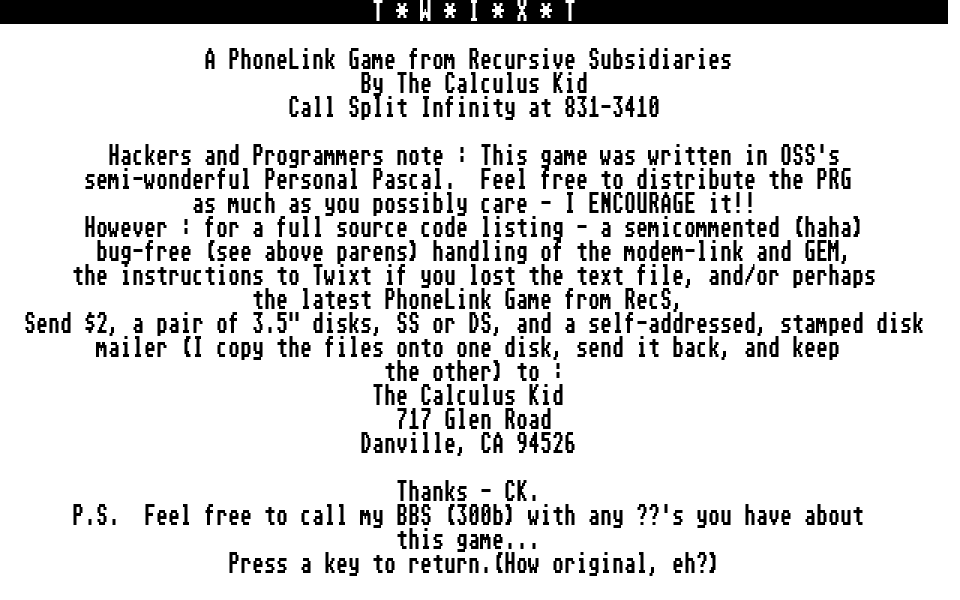
             TWIXT is a public domain PhoneLink game from Recursive
         Subsidiaries.
             'PhoneLink' is a trademark of Recursive Subsidiaries.
             Written by The Calculus Kid in OSS Personal Pascal.
             (Portions of this product copyright 1986 by OSS)
             For full source code, send $2, two 3.5" disks and a
         self-addressed, stamped, disk mailer (I keep one disk and
         send the other back with the source code on it) to :

             The Calculus Kid
             717 Glen Road
             Danville, CA 94526

             If you have any questions or comments on the game, call
             Split Infinity (300b only, alas) at 415-831-3410.

             Thank you,
             CK