

Atari ST - Supra Corporation - 1988
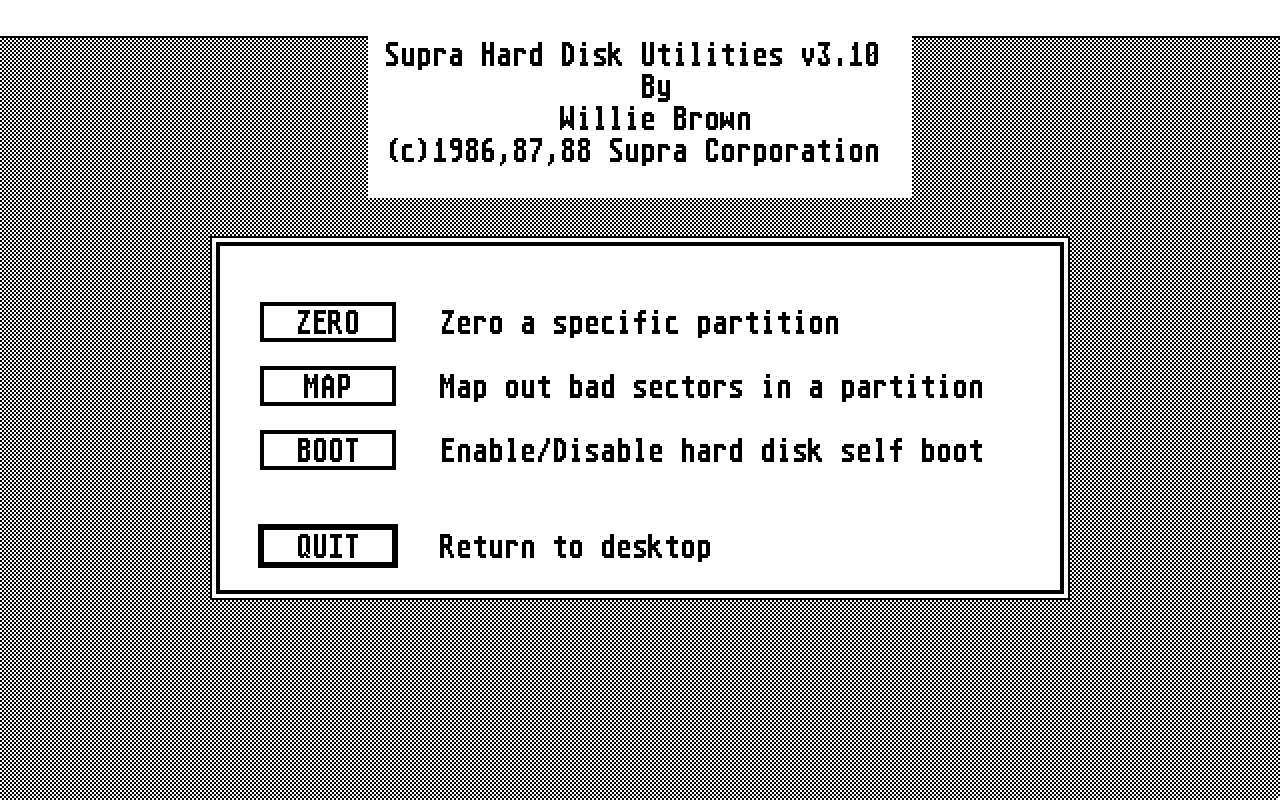
Supra Hard Disk Utilities
- Genre
- Tape / Disk / Cartridge Utility
- Year
- 1988
- Language
- [unknown]
- Publisher
- Supra Corporation
- Controls
- Keyboard / Mouse
- Distributor
- —
- Resolution
- Medium / High
- Developer
- [n/a]
- ST Type
- ST, STe / 0.5MB
- Licensed from
- 16 Blitz Mastertronic
- Programmer(s)
- Brown, Willie
- Country

- MIDI
- —
- Software
- English
- Version
- 3.10
- Box/Instructions
- English
- Number of Disks
- 1 / Double Sided / HD Installable
- License
- Commercial
- Dump
- Download
- Serial
- —
- Dump format
- MSA
- Protection
- —
OTHER VERSIONS WITH THE SAME TITLE (1)
INSTRUCTIONS
/************************************************************************/
/*			New programs and enhancements			*/
/* 									*/
/* 6/9/88								*/
/* 									*/
/* Any Supra HD owner can get updates by contacting us via the 		*/
/* following or								*/
/*									*/
/*			503-967-9075  main number	8-5 pst		*/
/*			503-967-9081  tech support 	9-4 pst		*/
/*			CIS 76004,565					*/
/*			GEnie - Supratech				*/
/*			BIX - Supracorp					*/
/* We are active on CompuServe in the ATARI16 and ATARIDEV SIG sections */
/* We also have a Supra message base set aside for us on the ATARIDEV   */
/* SIG on CompuServe. We are active on GEnie in the Atari ST area.  We	*/
/* have several mesg threads running in the HARDWARE and 		*/
/* TELECOMMUNICATION areas.  We have a vendor support area on BIX in 	*/
/* SUPRA.CORP.								*/
/* 									*/
/* 									*/
/*			Mark White					*/
/*			Supra Corp					*/
/************************************************************************/

/************************************************************************/
/* 			SUPFMT.PRG					*/
/************************************************************************/

The format program will now allow a partition to be larger than 16M.
This allows alternative OS's to have any size partition.

NOTE: DO NOT USE GEMDOS WITH A PARTITION THAT IS LARGER THAN 16M.

/************************************************************************/
/* 		BLAST.PRG						*/
/************************************************************************/

This program allows you to view Degas or Neocrome pictures very fast from
your hard drive.

/************************************************************************/
/* 		AUTOBOOTING						*/
/************************************************************************/

If you do not want to execute the boot from the hard drive, hold down the
   keys when booting. This will abort the hard
drive boot and boot normally from the floppy. If you are using a Mega ST,
you need to wait for the floppy drive to access before pushing the keys.

 WARNING: You must boot your system with the NEW driver before installing
          the autoboot. Some older drivers may not support physical
          sector 0.

 WARNING: If you are using a hard disk cache, you must deinstall it before
 	  installing the autoboot. Some hard disk cache programs do
 	  not support accessing physical sector 0. If you forget and your
 	  drive C does not respond, you can use SUPEDIT to resurrect the
 	  drive.

 WARNING: DO NOT place SUPBOOT.PRG in the AUTO folder on drive C:.

 NOTE 520: If you do not have the floppy connected when autobooting the hard
disk you will not be able to access the floppy.

/************************************************************************/
/* 			SUPBTHP.PRG					*/
/************************************************************************/

This is a special boot program for the HP NightHawk series hard drives.

/************************************************************************/
/* 			SUPCLOCK.PRG & SUPCLKRD.PRG			*/
/************************************************************************/

Our new ST interface has a battery backed clock.  If the back of your drive
has 2 connectors, a 19 pin DMA and a 25 pin SCSI, then your drive also
has a clock.  You use the SUPCLOCK program to set the drive's clock.
The SUPCLKRD program is placed in the AUTO folder on your boot partition.
SUPCLKRD sets the ST's system clock to that of the drive.

/************************************************************************/
/* 		SUPEDIT.PRG						*/
/************************************************************************/

Another feature has been added to the main menu, EDIT SECTORS. This is a
simple sector editor which can edit any hard disk sector.

/************************************************************************/
/*		PIN25.DOC						*/
/************************************************************************/

This shows how to wire the 25 pin SCSI connector to a 50 pin SCSI, if
you are making a 25 -> 25 SCSI cable, you need to have a 1-1 connection,
except for pin 25, which is not connected.

/************************************************************************/
/* 		40 FOLDER limit						*/
/************************************************************************/

The ST has a minor problem with logging in to many folders.  Our driver
allows 90-100 folders to be logged in.  It is best to have only '40'
folders logged in, as proper garbage collection is not done.  There are
several Public Domain fixes for this, but we urge you to ONLY use the
program called FOLDERXXX.PRG.  This program was released as PD software
by Atari.  You should be able to find it on CompuServe,GEnie,Delphi, or
from your local user group or ST dealer.