

Atari ST - 1989
ShipACC
- Genre
- Tape / Disk / Cartridge Utility
- Year
- 1989
- Language
- [unknown]
- Publisher
- [no publisher]
- Controls
- Mouse
- Distributor
- —
- Resolution
- Low / Medium / High / VGA
- Developer
- Atari Corporation
- ST Type
- ST, STe, TT, Falcon030 / 0.5MB
- Licensed from
- —
- Programmer(s)
- Badertscher, Ken / Dyer, Landon
- Country

- MIDI
- —
- Software
- English
- Version
- —
- Box/Instructions
- English
- Number of Disks
- 1 / Double Sided / HD Installable
- License
- PD / Freeware / Shareware
- Dump
- Download
- Serial
- —
- Dump format
- MSA
- Protection
- —
INSTRUCTIONS
SHIPACC.PRG, by Landon Dyer and Ken Badertscher
Copyright 1989, Atari Corp.

Anyone who uses the Atari Hard Disk Utilities is familiar with SHIP.PRG,
the program that tells your hard disks to put their heads someplace safe
so they don't hurt themselves.  Well, anyone who has used SHIP.PRG is also
familiar with what a pain it is to run, since it must be run from floppy,
and it ships your hard disks with extreme prejudice, and...

Now there's SHIPACC.PRG.  It's called SHIPACC.PRG because it can
function as both a desk accessory and a program.  And since it takes up
less than a kilobyte of memory, it's a nice accessory to have around.
Especially since nobody ever runs SHIP on their hard disks before they
power them down, even though it's a VERY good idea.

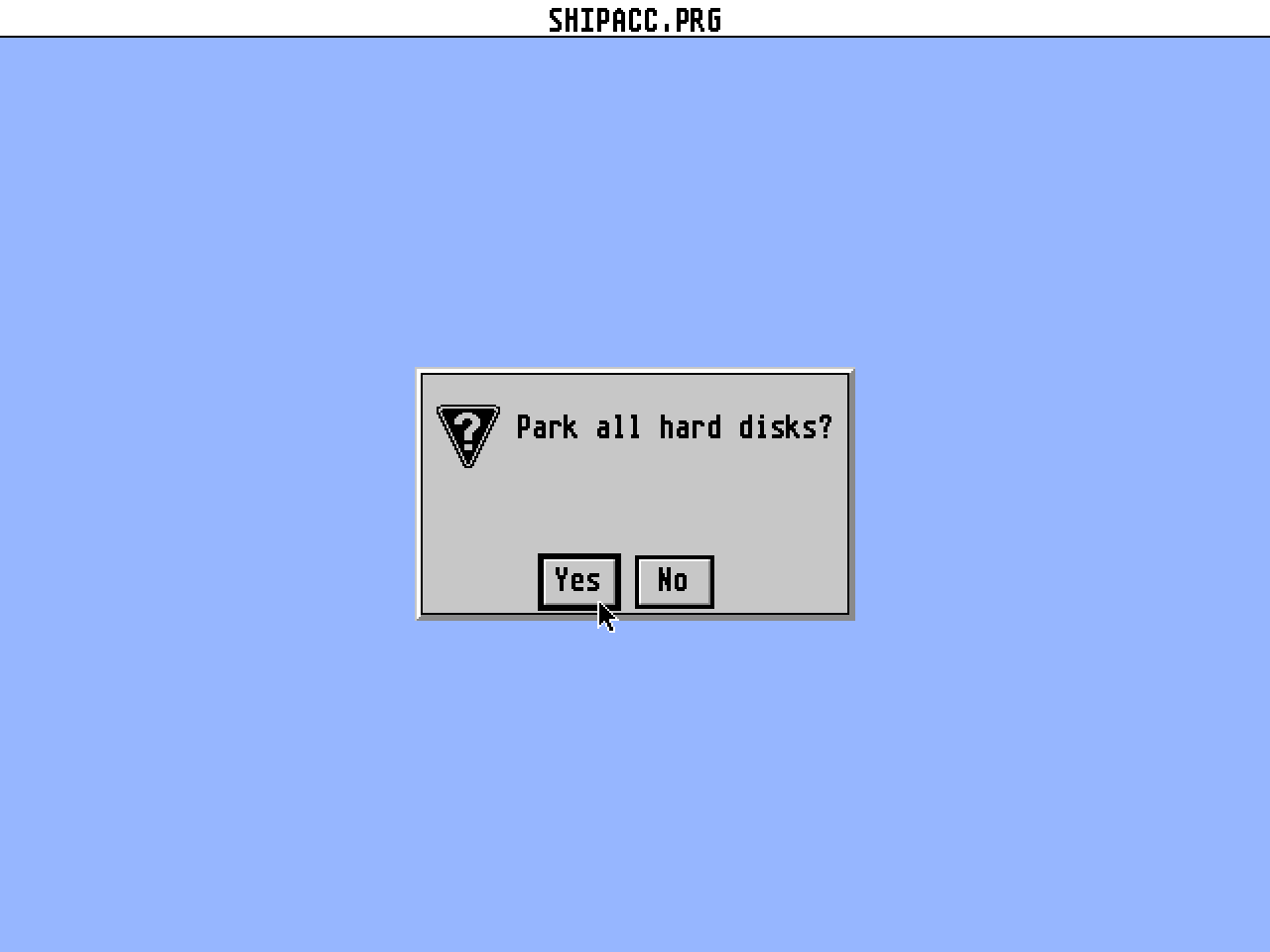
When you run SHIPACC.PRG, it presents you with an alert box, asking
whether you really want to park all hard disks or not.  BE CAREFUL,
because the default selection is YES - PARK THEM ALL.  After it has
done the deed, it presents you with another alert box, informing you
that you had better turn off all your hard disks.  Please follow its
advice.  Trying to access a hard disk after its heads have been parked
can be EXTREMELY BAD for the hard disk.

If you want SHIPACC available all the time, rename it to SHIPACC.ACC,
and copy it to the root directory of drive C.  Next time you boot,
you'll see a "Park Hard Disks" selection in the Desk menu.  If you
select it, SHIPACC will work the same as if run as a program.  Try it!

As if that wasn't enough, SHIPACC can also be run as a TTP program or
from a command line shell.  To do this, you must give it arguments, or
else it will assume that you are running it from the desktop, and present
you with the alert box mentioned above.  If you give it any arguments on
its command line, it will go ahead and ship all hard disks, then inform
you that it has done so, and firmly suggest that you turn off all hard
disks.  It won't go away until you inform it that you have done so by
pressing a key.