

Atari ST - 1990
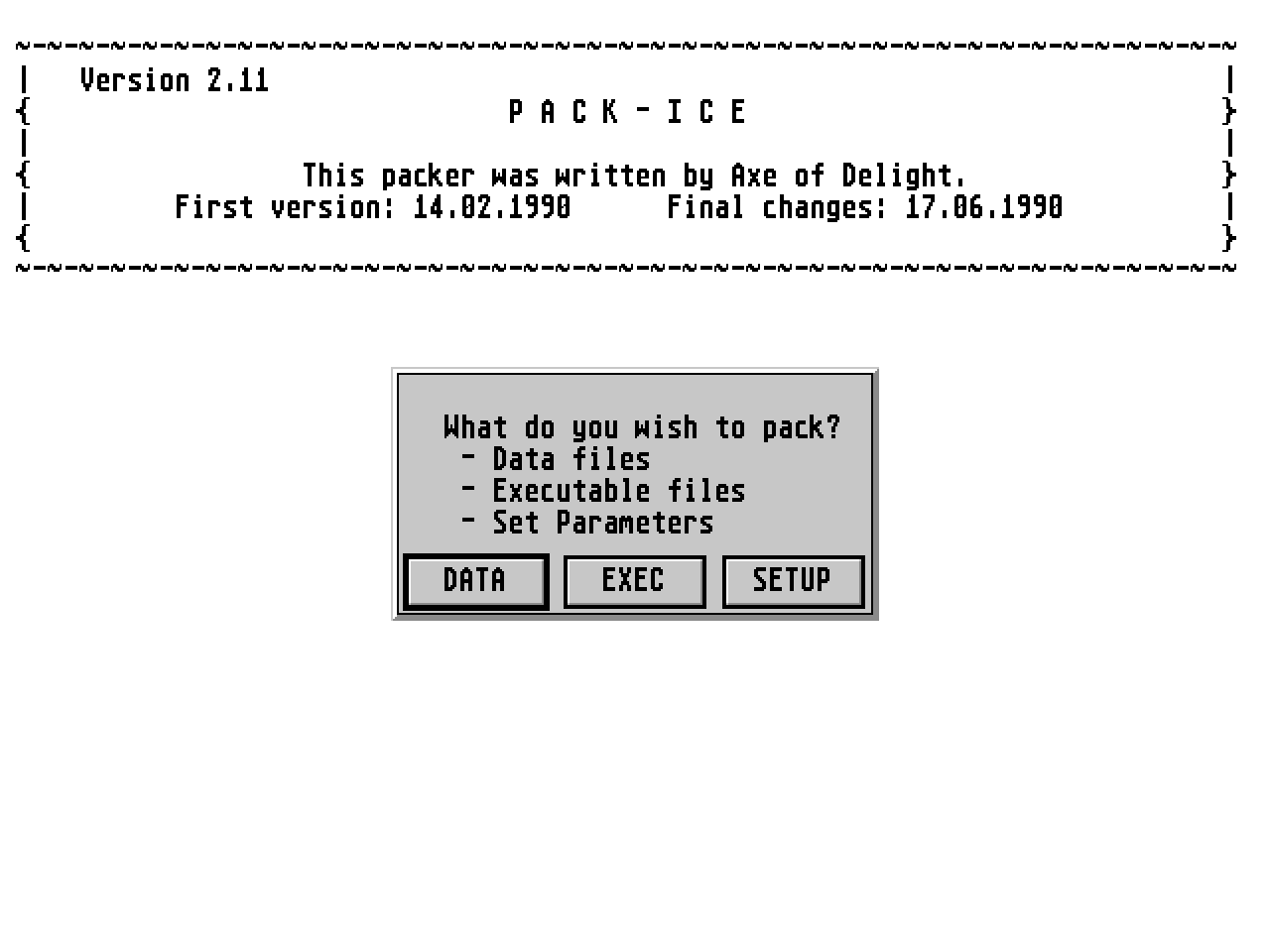
Pack-Ice
- Genre
- Archiving
- Year
- 1990
- Language
- Machine Language
- Publisher
- [no publisher]
- Controls
- Keyboard / Mouse
- Distributor
- —
- Resolution
- Low / Medium / High / VGA
- Developer
- Delight
- ST Type
- ST, STe, TT, Falcon030 / 0.5MB
- Licensed from
- —
- Programmer(s)
- Axe
- Country

- MIDI
- —
- Software
- English
- Version
- 2.11
- Box/Instructions
- English
- Number of Disks
- 1 / Double Sided / HD Installable
- License
- PD / Freeware / Shareware
- Dump
- Download
- Serial
- —
- Dump format
- MSA
- Protection
- —
INSTRUCTIONS
Hello, freaks!

Today I have decided to give out my packer "Pack-Ice" as Public Domain.
That means, that you can use it on whatever program you want to.
Actually I never wanted to give out to anybody, but I see many groups
using very slow and very bad packing and depacking routines.
I hate wating for my computer to decompress, so I give this packer into
your hands. I hope that you will use it instead of Jek or anything.
The packing algorithm is based on the Automation packer, but I have improved
and debugged (!!!) it a lot. The packed files that are created are ALWAYS
smaller than files packed with the Automation packer.

In this folder, you will find:
        ICE_2_1.PRG     - the packer itself
        ICE_UNPA.S      - the normal unpacking source
        ICE_UNP2.S      - the comfortable unpacking source
        ICE_DISK.S      - source that depacks all loaded files
        ICE_READ.ME     - this text

As I told you above, you may freely copy this folder to anybody you want to.
I really hope that there is nobody out there who still uses lame packers
like Jek, Jam, Automation or anything that's even worse...

This is what the packer can do:
- pack all files without errors (I hope!!!)
- crunch files smaller than Automation packer 2.31
- work on harddisks and ramdisks!!!
- pack several files in one go (FILE*.* or SHIT.*)
- Files are saved under the same name as the original.
- The Offset is set to the value with best results (which is $1528).
- Percentage is shown during packing.
- Time for packing is shown after packing.
- The packed file is checked for errors automatically (even though there won't
  be any. If there should ever occur an error, please contact me!)
- The packed file is only saved if it is smaller than the original.
- The data may also be unpacked at an odd address.

Improvements for Version 1.1:
- Packing time was reduced.
Improvements for Version 1.11:
- Version 1.1 which I made in one night returned with a Verify-Error when
  a special combination of bytes appeared. Pack-Ice now works fine again.
Improvements for Version 1.12:
- If you press Alternate during packing (while the number of remaining
  percent is decreased), the current file is left unpacked and the next
  file is packed.
Improvements for Version 1.13:
- Some executable files that were packed with Pack-Ice caused an error on
  STE computers or very new TOS version. I never realized that error, because
  I don't have any of those. Thanx to Jinx of FOF who spotted the error and
  told me about it.
Improvements for Version 1.14:
- Was (Not Was) found a bug in the packer. It has been removed.

Improvements for Version 2.00:
- Comfortable working with Pack-Ice is possible, because the mouse is used.
- Fileselectbox: Select the path in which the file(s) which you want to pack
  are. If you select a filename, only this file is packed. If you select
  FILE*.*, then all files with this name are packed. If you do not specify
  any filename, then all files in the current directory are packed.
- If you don't like working with mouse (or don't have one), then press
  the Alternate-key, while the program is loading. Then you can work with
  the old keyboard commands.
- If you compress pictures (Degas, Neochrome, Doodle, ...), you may want to
  use the additional algorithm for picture compressing. It compresses screens
  to about 2 kB less. The unpacking for screens is done automatically with the
  normal source (ice_unpa.s or ice_unp2.s).
  If a picture file is packed with the special algorithm, then P> is shown.
  If it is not in the correct format, then -> is shown, which indicates that
  the normal compression routine is used.
  If you never use this feature, you can kill the 15 marked lines of the
  unpacking sources in your routines.
- Some files returned with "Data could not be packed". This only occured, if
  there were (somewhere in the file) more than 1038 bytes in a sequence
  that could not be packed. I corrected this and files like Castle Master 2
  should not make any problems anymore.
- Other changes in packing and unpacking source have been done.
  The old unpacking source is not compatible with the new one!
- With the source "ice_unpa.s", you can unpack data to whatever address you
  like (e.g.: original address: $32345, target address: $72213). Please
  check out that the target address is at least 120 ($78) bytes higher than
  the source address. Otherwise, you might overwrite the original data.
- You do not need the packed length for unpacking anymore. You just need to
  specify source and target address.
- The source "ice_unp2.s" will unpack every file onto itself. The program
  needs 120 bytes of free memory for saving and restoring data.

Improvements for Version 2.1:
- Unfortunately I have put some wrong sources into the Pack-Ice folder.
  Only the ice_unpa.s source worked correctly. Sorry about that.
- the decrunch at an odd address wasn't possible in version 2.0

Improvements for Version 2.11:
- I got special wish, demanding an input for the offset. Here it is.

Have fun using this great packer!


Axe of Delight
==============