

Atari ST - ISD Marketing - 1988
DynaCADD
- Genre
- Graphics - Miscellaneous
- Year
- 1988
- Language
- [unknown]
- Publisher
- ISD Marketing
- Controls
- Mouse / Keyboard
- Distributor
- —
- Resolution
- High / VGA
- Developer
- [n/a]
- ST Type
- ST, STe, TT, Falcon030 / 2MB
- Licensed from
- —
- Programmer(s)
- [unknown]
- Country

- MIDI
- —
- Software
- English
- Version
- 1.38
- Box/Instructions
- English
- Number of Disks
- 3 / Double Sided
- License
- Commercial
- Dump
- Download
- Serial
- —
- Dump format
- MSA
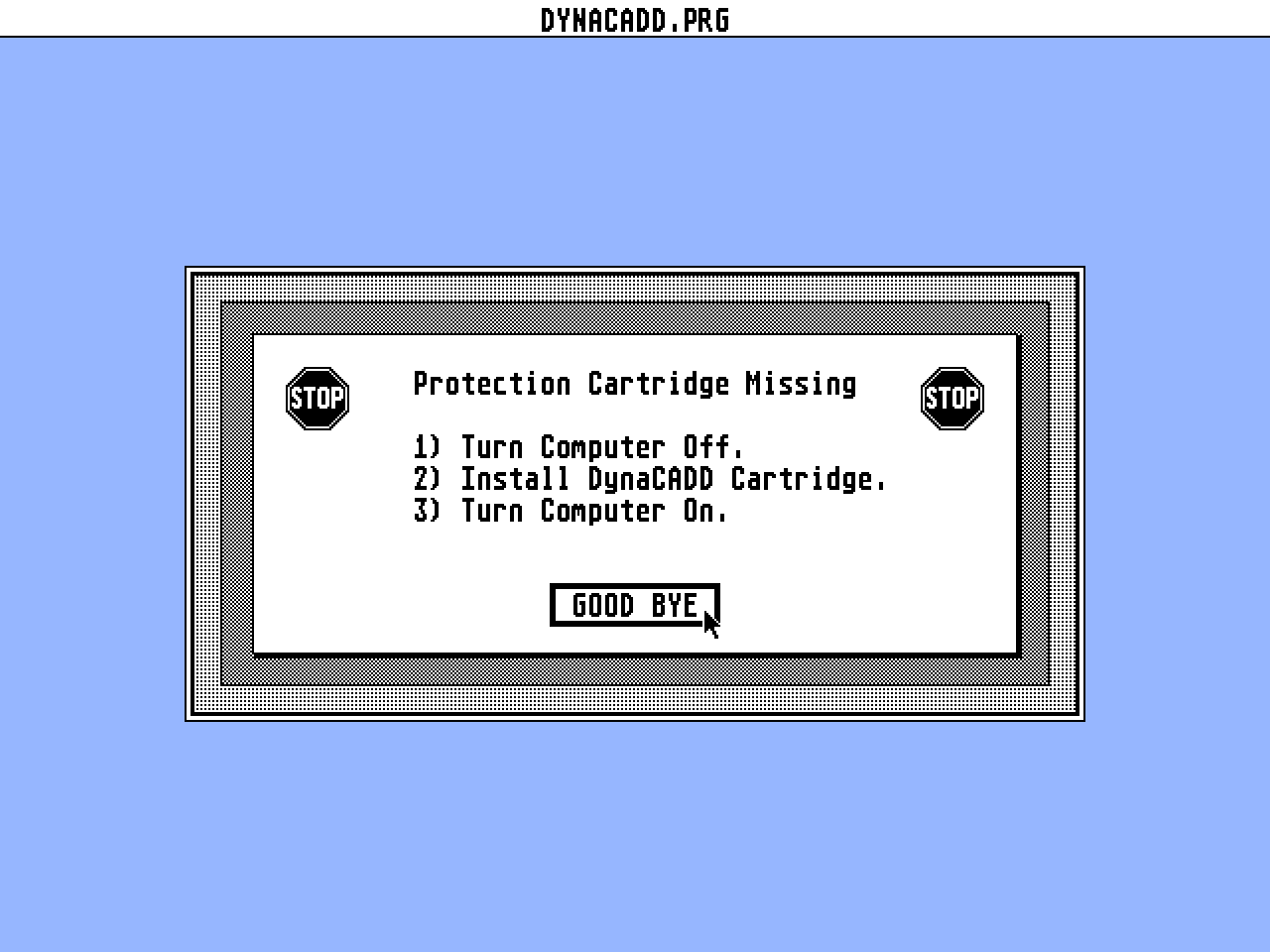
- Protection
- Dongle
OTHER VERSIONS WITH THE SAME TITLE (6)
INSTRUCTIONS
                      **  VERSION 1.38 : UPGRADE NOTES  **


        DynaCADD is constantly undergoing change. Due to recent enhancements
 we have enclosed a more current version of the DynaCADD package than is
 reflected by the manual.

        As each minor upgrade is made available a small file will be included
 on the "PROGRAMS" disk listing all of the changes made to the package since
 the last printing of the manual. The name of the file will always be
 README.XXX where "XXX" is the version number of the included package.

     1) Mirror Plotting about both the X and Y axis has been added.

     2) Rotated Plotting has been added. This allows small plots to be rotated
        90 degrees.

     3) All three of the more popular drawing sizes are now defined. These
        include metric, 8.5 x 11 inch multiples and 9 x 12 inch multiples.

     4) Auto Pause on the Help and List File options has been added.

     5) A List Ascii file menu selection has been added to
        the Suspended System menu. This is useful for visually inspecting
        either DXF or DEF files created by DynaCADD.

     6) When the help key is pressed with no command active, a general
        help file explaining how to use the on-line documentation will be
        displayed.

     7) When saving a part, the directory is now validated. If the path
        in which the part is to be stored does not exist it will be
        created. This only occurs when saving to a floppy disk and the
        original parts disk has been changed.

     8) Save Part As... has been added to the File menu. This allows the
        current part and drawing to be saved under a different name. Again
        the path will be validated and created if it does not already
        exist.

     9) Alternate key equivalents have been added to the most commonly
        used menu items. These are listed beside the applicable menu item.

    10) Printer and Plotter Statistics dialog boxes have been added to the
        appropriate output commands.

    11) The Measure Angle command now lists the selected angles in
        degrees, minutes and seconds as well as decimal degrees and radians.
        Both angles between the lines are output.

    12) The Text2loc command has been added to the Insert Text menu.
        For further information on how to use this command, see the
        on-line documentation.

    13) The Intersect modifier has been expanded to intersect
        lines, arcs, fillets and circles in both 2D and 3D mode.

        Note : Intersection of 3D non co-planar arcs is currently not
               supported. Attempting to find this intersection type will
               cause a "No intersection Found" message to appear.

    14) The Trim command has been expanded from a single command into a
        icon menu parent containing the following five
        new trim commands.

        Note : The trim command has undergone major revisions. The manual
               no longer accurately describes the function or use of the
               command. Please refer to the on-line documentation for
               a more current description of this command.

    15) The Trimone command has been added.
        For further information on how to use this command, see the
        on-line documentation.

    16) The Trimintof command has been added.
        For further information on how to use this command, see the
        on-line documentation.

    17) The Trimmulti command has been added.
        For further information on how to use this command, see the
        on-line documentation.

    18) The Triminc command has been added.
        For further information on how to use this command, see the
        on-line documentation.

    19) The Trimdist command has been added.
        For further information on how to use this command, see the
        on-line documentation.

    20) The Offset command has been added to the Transform menu.
        For further information on how to use this command, see the
        on-line documentation.

    21) A new item has been added to the main menu pad. Two new types
        of entities may now be inserted into a drawing. Both 2D and 3D
        B-splines and Bezier curves are supported.
        For furthur information on how to use this command, see the
        on-line documentation.

        Note : File Transfer Out of these curves are currently not
               supported.

    22) B-splines have been added to the curves menu.
        For further information on how to use this command, see the
        on-line documentation.

    23) Bezier Curves have been added to the curves menu.
        For further information on how to use this command, see the
        on-line documentation.

    24) Conversion between both B-splines and Bezier curves in both directions
        has been added. The appropriate commands are found under the
        Convert icon.
        For further information on how to use these commands, see the
        on-line documentation.

    25) Break Curve has been added to the curves menu.
        For further information on how to use this command, see the
        on-line documentation.

    26) Join Curve has been added to the curves menu.
        For further information on how to use this command, see the
        on-line documentation.

    27) Modify Curve has been added to the curves menu. This icon is the
        parent of a further five curve modification commands.
        For further information on how to use this command, see the
        on-line documentation.

    28) Move Control Point has been added to the Modify Curve menu.
        For further information on how to use this command, see the
        on-line documentation.

    29) Delete Control Point has been added to the Modify Curve menu.
        For further information on how to use this command, see the
        on-line documentation.

    30) Insert Control Point Before has been added to the Modify Curve menu.
        For further information on how to use this command, see the
        on-line documentation.

    31) Insert Control Point After has been added to the Modify Curve menu.
        For further information on how to use this command, see the
        on-line documentation.

    32) Reverse Curve Direction has been added to the Modify Curve menu.
        For further information on how to use this command, see the
        on-line documentation.

    33) The X, Y and Z scale for Polyfigure and Subfigure insertion is now
        stored and used as the default for all future insertions. These
        scaling factors are also saved with the drawing in the
        ".DWG" file.

    34) Once again, the plotter drivers support Parallel communications.
        Due to the large number of users currently with access to lower
        end plotters only, we have changed DynaCADD to allow virtually
        all plotters to be driven.

    35) A number of copies option has been added to the Printer
        Dialog box. This option is only available for use
        with Laser Printers.

    36) Output to Postscript Printers is now available. The icon and
        control dialog box can be found under the OUTPUT POSTSCRPT
        command. Both Mirrored and rotated prints are possible using
        this new driver. The extents and scale of the print are set in
        the same manner as the Plotter Dialog Box.

        Note : The SET PAGE option of the Postscript dialog box is
        used to inform DynaCADD of the actual size in inches of the
        paper to be used. These values must be set properly if the
        Drawing is to be properly centered on the page.

    37) DynaCADD will now print line styles on a dot matrix printer.
        The printing resolution of arcs has been doubled to produce
        sharper images.
ADS (2)
ARTICLE (1)
News
TRIVIA (1)
Hardware
Supports FPU and 19" monitor
BOOK / MAGAZINE REVIEWS (2)
Atari Dealer News · June, 1988
International TOS Software Catalog · Winter, 1992