

Atari ST - 1992
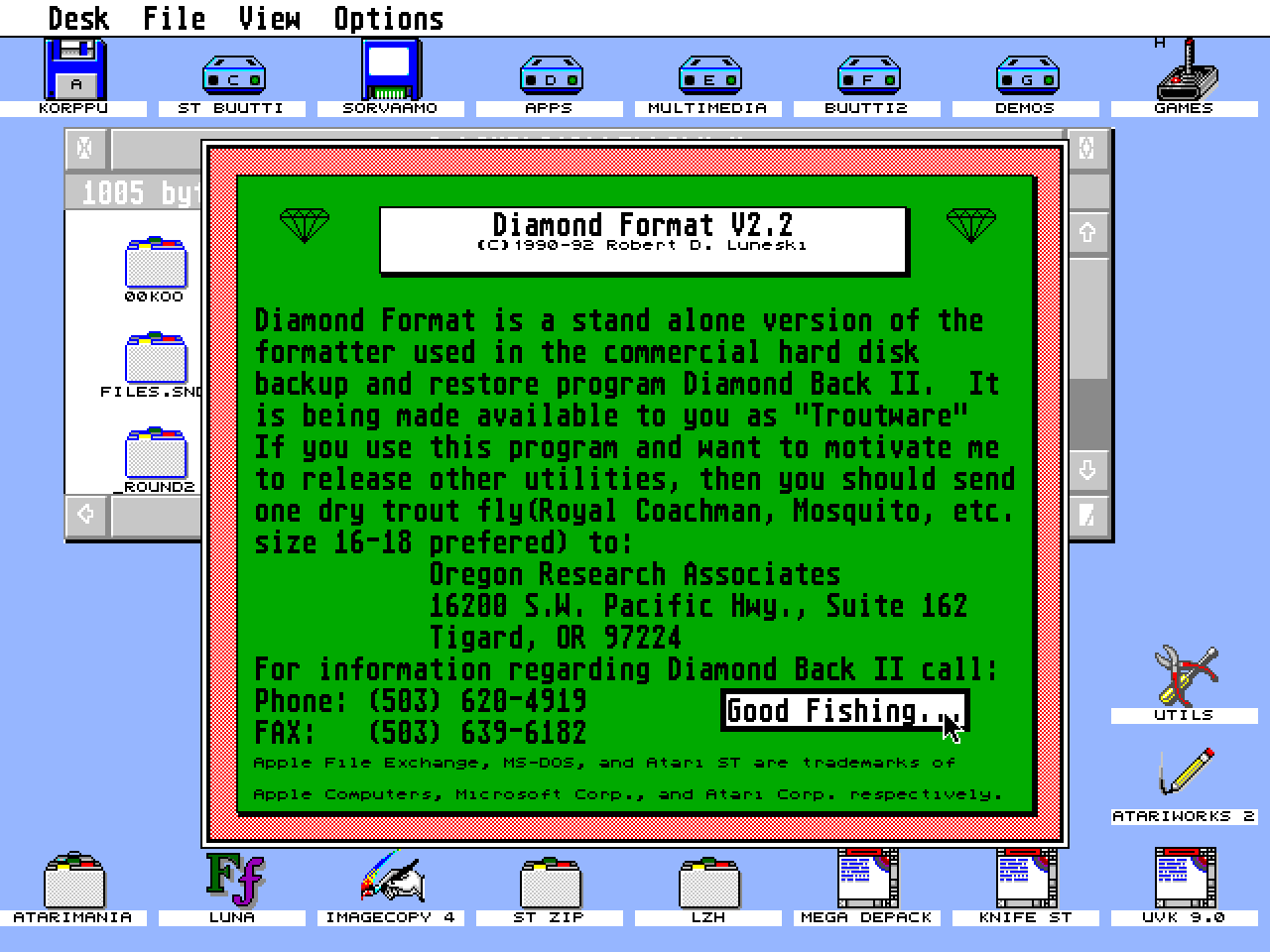
Diamond Format
- Genre
- Copying / Protecting / Dumping
- Year
- 1992
- Language
- [unknown]
- Publisher
- [no publisher]
- Controls
- Mouse
- Distributor
- —
- Resolution
- Medium / High / VGA
- Developer
- Oregon Research
- ST Type
- ST, STe, TT, Falcon030 / 0.5MB
- Licensed from
- —
- Programmer(s)
- Luneski, Robert D.
- Country

- MIDI
- —
- Software
- English
- Version
- 2.2
- Box/Instructions
- English
- Number of Disks
- 1 / Double Sided / HD Installable
- License
- PD / Freeware / Shareware
- Dump
- Download
- Serial
- —
- Dump format
- MSA
- Protection
- —
INSTRUCTIONS
                              Diamond Format V2.2

                           (C)1990-92 Robert D. Luneski
                  ST Troutware from Oregon Research Associates

                  Please support all your ST Troutware authors.

At last! The flexibility and reliability of Diamond Back II's custom
formatter in a standalone form.  This updated version adds complete
compatibility with all TOS versions and machines.   Enjoy.

New additions include Diamond Super faST format.  Absolutely the FASTEST
disk format available for the Atari ST. 25% faster than even twister
formated disks!  At this time Diamond Super faST format is restricted to
9 and 18 sectors per track.  I am working hard on the 10/20 sector
implementation.

Provided in an autodetecting PRG/ACC form(i.e. if you want to run it as
a program name it DFORMAT.PRG or if you want to run it as a desk accessory
just rename it DFORMAT.ACC),  Diamond Format has all the standard
features you find in a formatter plus a few new twists.  You can choose 1 or
2 sides, 80 or 82 tracks, twisted or normal format, and 9,10 18 or 20 sectors
per track, verify or no verify. Click on the appropriate buttons to select your
choice and then click on the Format A or Format B buttons to begin.  Control-C
aborts the format at any time.

What's that I hear? 18 & 20 tracks per sector?  Yes, Diamond Format allows
you to format high density 1.44/1.6 meg drives like the PowerDrive from
DreamPark Development or the new 1.44 meg support in TOS 2.06 & 3.06.
Obviously the 18/20 sector per track options only work if you have a high
density drive installed.

Additional features include:

1) The ability to quickly erase(zero) a preformatted disk. This is a lot
   faster than deleting all the files from the disk.

2) Write a MS-DOS compatible boot sector to a preformatted disk so they can
   be read by IBM 3.5" drives.(Note all disks formatted by Diamond Format
   have MS-DOS boot sectors on them).

3) Select the AFE button and Diamond Format will create a disk compatible
   with the Apple File Exchange utility on Mac II's and Mac SE's with FDHD
   floppy drives.  These are standard ST disks that you can use normally
   but are formatted in such a way that the Apple File Exchange can read them.
   This makes transporting files back and forth between ST's and Mac II's
   much easier. Twister formats will work, but the disks must be 2 sides,
   80 tracks, and 9 sectors per track(Diamond Format automatically selects
   these settings when you click on AFE).  Apple File Exchange is a trademark
   of Apple Computer, Inc.

4) Diamond Back II automatic disk switching is implemented in Diamond Format.
   If you have 2 floppy drives, then you may place a disk in drive A and
   select FORMAT.  The you can put a disk in drive B and press the 'b' key on
   the keyboard, then status for drive B will change from Waiting to Ready.
   Then when Diamond Format is finished formatting the disk in drive A, it
   will automatically start formatting the disk in drive B without pausing.
   You can continue to automatically switch between drives A and B as often
   as you wish.  This makes the process of formatting a lot of disks go much
   smoother and faster.

5) Select MinFAT to have Diamond Format use the smallest allowable number of
   FAT sectors possible for the selected format. This will increase disk
   capacity by 2-4K.

Diamond Format is distributed free of charge to all Diamond Back II owners,
otherwise it is distributed as ST Troutware.  If you care about the future of
software development for the Atari ST and you find this program useful then
please support your local ST Troutware author(that's me) by sending one dry
Trout fly(Royal Coachman, Blue Dunn, Mosquito, etc size 16-18 prefered) to:

                    Oregon Research Associates
                    16200 S.W. Pacific Hwy., Suite 162
                    Tigard, OR 97224

You will be rewarded by a warm fuzzy feeling and the knowledge that you are
directly and materially supporting the future development of quality software
for the Atari ST.

Thankyou very much for your support.

Bob Luneski

Genie: B.LUNESKI1
Usenet: bluneski@pogo.WV.TEK.COM

For more information on Diamond Back II call (503) 620-4919