

Atari ST - 1993
Data Manager to Atari Works Conversion Utility
- Genre
- Accounting / Business / Finance / Income
- Year
- 1993
- Language
- [unknown]
- Publisher
- [no publisher]
- Controls
- Mouse
- Distributor
- —
- Resolution
- Medium / High / VGA
- Developer
- [n/a]
- ST Type
- ST, STe, TT, Falcon030 / 0.5MB
- Licensed from
- —
- Programmer(s)
- Hoekstra, Randy
- Country

- MIDI
- —
- Software
- English
- Version
- —
- Box/Instructions
- English
- Number of Disks
- 1 / Double Sided
- License
- PD / Freeware / Shareware
- Dump
- Download
- Serial
- —
- Dump format
- MSA
- Protection
- —
INSTRUCTIONS
                              DM2WORKS.PRG
                                   by
                             Randy Hoekstra

                             September 1993


A simple utility to help convert Datamanger files to the new Atari Works
database program.

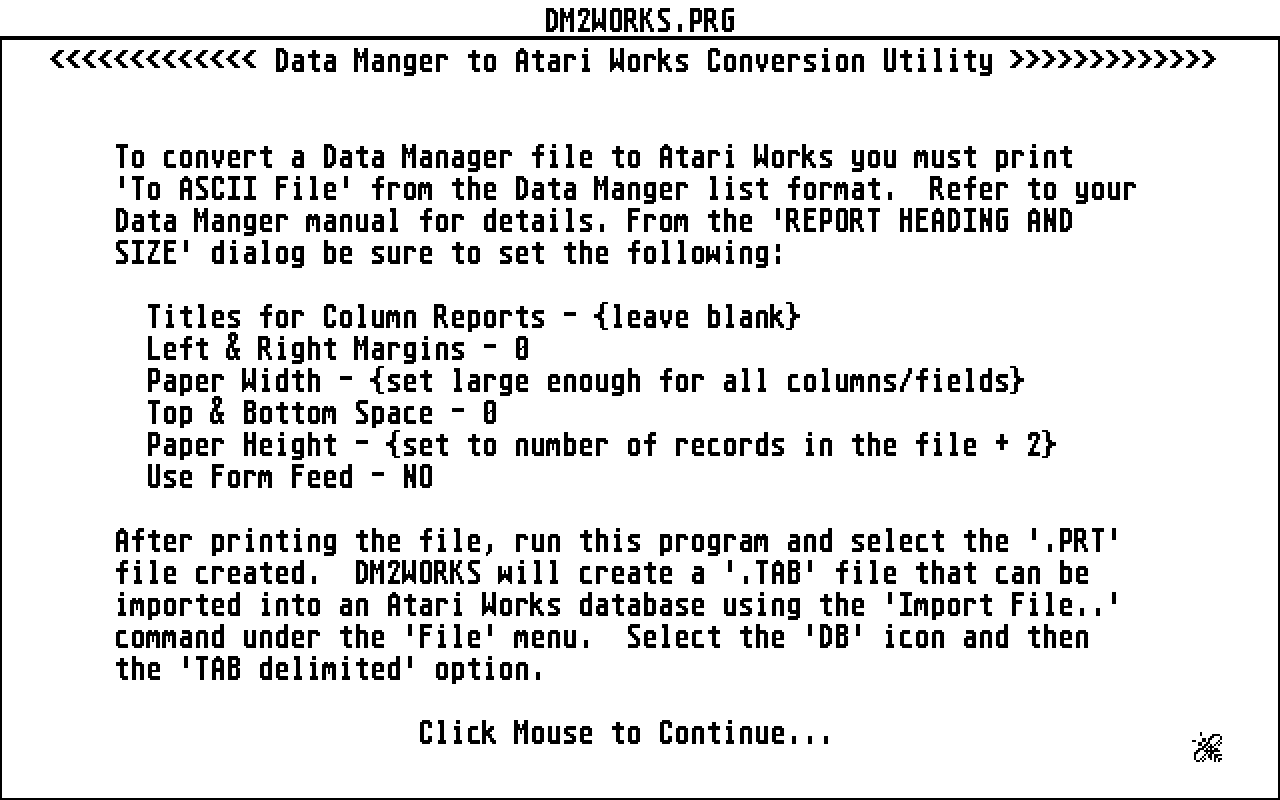
To convert a Data Manager file to Atari Works you must print 'To ASCII
File' from the Data Manger list format.  Refer to your Data Manger manual
for details. From the 'REPORT HEADING AND SIZE' dialog be sure to set the
following:

  Titles for Column Reports - {leave blank}
  Left & Right Margins - 0
  Paper Width - {set large enough for all columns/fields}
  Top & Bottom Space - 0
  Paper Height - {set to number of records in the file + 2}
  Use Form Feed - NO

After printing the file, run this program and select the '.PRT' file
created.  DM2WORKS will create a '.TAB' file that can be imported into an
Atari Works database using the 'Import File..' command under the 'File'
menu.  Select the 'DB' icon and then the 'TAB delimited' option.

This will import the field names and records.  Once imported, you can set
the field attributes as desired from with Atari Works.

Note: If you have commas in your fields in Data Manager, the records will
not be imported correctly into Atari Works.

If you have any questions or problems, contact me at:

Randy Hoekstra                GEmail - R.HOEKSTRA1
3414 Norwood Circle
Richardson, TX  75082