

Atari ST - Gribnif Software - 1992
CardFile 4
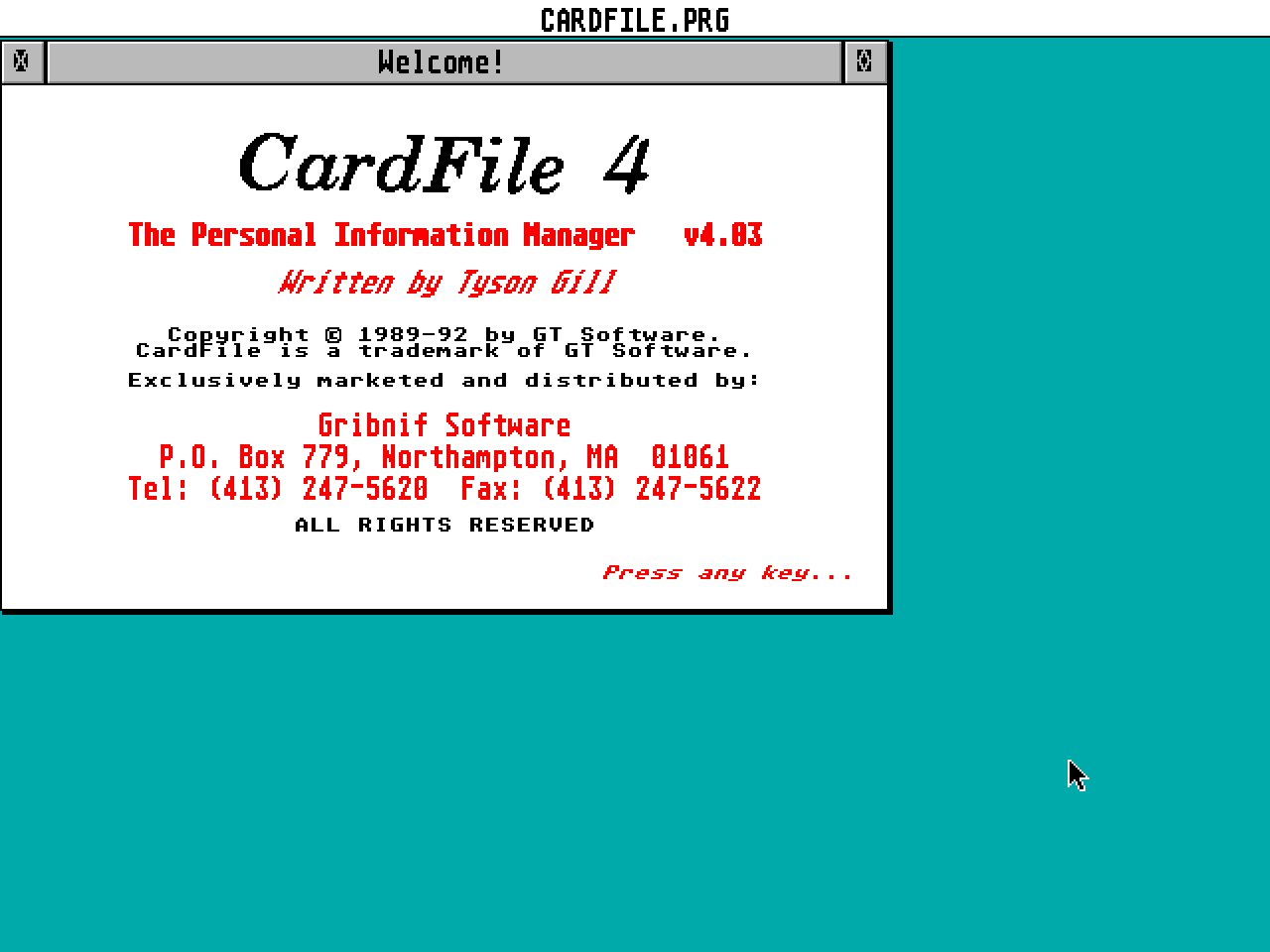
- Genre
- Accounting / Business / Finance / Income
- Year
- 1992
- Language
- [unknown]
- Publisher
- Gribnif Software
- Controls
- Mouse / Keyboard
- Distributor
- —
- Resolution
- High / VGA
- Developer
- [n/a]
- ST Type
- ST, STe, TT, Falcon030 / 0.5MB
- Licensed from
- —
- Programmer(s)
- Gill, Tyson
- Country

- MIDI
- —
- Software
- English
- Version
- 4.03
- Box/Instructions
- English
- Number of Disks
- 1 / Double Sided
- License
- Commercial
- Dump
- Download
- Serial
- —
- Dump format
- MSA
- Protection
- —
INSTRUCTIONS
README File for CardFile 4.02           10/7/92
-----------------------------


Additions to the manual:

    1. Note that in the demo version sorting is not possible since
       the sorted file cannot be saved.

    2. Compared to older versions of CardFile, the search field is no
       longer saved in the version 4 CFG file. Since the program now
       sorts, it sets the search field to the sort field given in the
       file header upon loading.

    3. Note that system folder is located only when there is no CFG
       file found. The appointment file is automatically saved in this
       folder thereafter. If you move the working folder to a
       different path, then you should delete the CFG file at the same
       time. If you do not, CardFile will attempt to save the
       appointment file to the old saved path.

    4. This version now has a global search function for cards.  To do
       a global search, finish entering the search field with a
       [Control][Return] rather than a [Return]. CardFile will then
       search all fields for the search string. Wildcards "?" (one
       character) and "*" (many characters) can also be used. Note
       that CardFile does NOT automatically switch to the XNote page
       if the string is found there or vice-versa. The wildcard search
       is case insensitive.

       Note that if no wildcard characters (* or ?) are used, then a
       "*" wildcard is added to the end of the string. Therefore
       gr*[Control][Return] is the same as a simple gr[Return].

    5. The manual does not document the ability to enter an
       appointment without giving it a time. To do this, go to the
       Make screen. Now, if you click on the time at the bottom of the
       CardFile display (between the "Appt" buttons), the time
       displayed there will toggle between a.m., p.m., and a dashed
       line. This line signifies that there is no time associated with
       an appointment. The Topic button can now be selected, to enter
       a new appointment without a time.

What changed for version 4.03
=============================

Additions to the manual:

 o The manual does not document the ability to enter an appointment without
   giving it a time. To do this, go to the Make screen. Now, if you click
   on the time at the bottom of the CardFile display (between the "Appt"
   buttons), the time displayed there will toggle between a.m., p.m., and a
   dashed line. This line signifies that there is no time associated with
   an appointment. The Topic button can now be selected, to enter a new
   appointment without a time.

   If no time is entered when creating a new appointment or editing an
   existing one, the appointment will have no time associated with it.
   The manual states that this will enter the current time, which is no
   longer true.

 o If an appointment or card has extended notes, the "XNote" button at the
   bottom of the display will appear in boldface.

 o Note that in the demo version sorting is not possible since the sorted
   file cannot be saved.

 o Compared to older versions of CardFile, the search field is no longer
   saved in the version 4 CFG file. Since the program now sorts, it sets
   the search field to the sort field given in the file header upon
   loading.

 o Note that system folder is located only when there is no CFG file found.
   The appointment file is automatically saved in this folder thereafter.
   If you move the working folder to a different path, then you should
   delete the CFG file at the same time. If you do not, CardFile will
   attempt to save the appointment file to the old saved path.

 o This version now has a global search function for cards.  To do a global
   search, finish entering the search field with a [Control][Return] rather
   than a [Return]. CardFile will then search all fields for the search
   string. Wildcards "?" (one character) and "*" (many characters) can also
   be used. Note that CardFile does NOT automatically switch to the XNote
   page if the string is found there or vice-versa. The wildcard search is
   case insensitive.

   Note that if no wildcard characters (* or ?) are used, then a "*"
   wildcard is added to the end of the string. Therefore
   gr*[Control][Return] is the same as a simple gr[Return].


Problems fixed for version 4.03:

 o Duplicate buttons now say "Do", rather than providing a meaningless
   number.

 o Wildcard searching works better.

 o Problems associated with no-time string have been fixed.

 o Single appointments are now bolded. This also fixes bugs having to do
   with duplicating and editing existing appointments on days with only
   one appointment,

 o Appointment searching is now case-insensitive.

 o Autocap now works on the last two phone fields.

 o The program should work with ISAC board

 o The CARDFILE.CFG is now saved to the correct path all the time.

 o Uppercase is now accepted for am/pm in time entries.

 o Shift-left and Shift-right now work in the editor.

 o The clipboard path is now found correctly.

 o Deleting the last card works properly.


Problems fixed for version 4.02:

 o Fixed memory allocation bug which shows up with large appointment files.

 o Fixed bug in editor when deleting past end of string.

 o Did some things to speed up calendar redraws. There is still some room
   for improvement with respect to the handling of large numbers of
   appointments in general, though.

 o A minor bug in CF_UPDAT.PRG which sometimes led to an error message
   saying that the appointment file could not be found, has been fixed.
ARTICLE (1)
News · ST Format · July, 1996
BOOK / MAGAZINE REVIEWS (1)
International TOS Software Catalog · Winter, 1992