

Atari ST - ?
Atari Image Manager
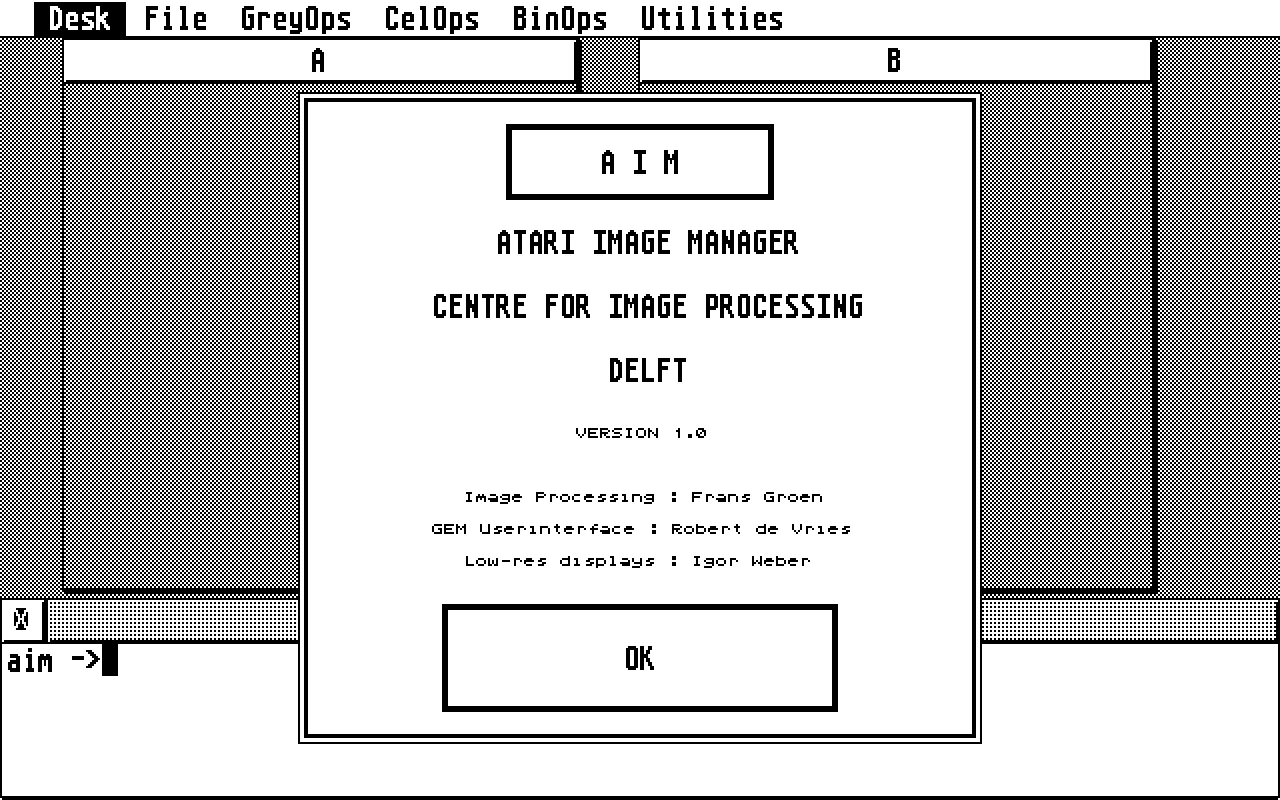
- Genre
- Graphics - Picture Editing
- Year
- —
- Language
- Compiled C
- Publisher
- [no publisher]
- Controls
- Keyboard / Mouse
- Distributor
- —
- Resolution
- Low / High
- Developer
- Delft University of Technology
- ST Type
- ST, STe, TT, Falcon030 / 1MB
- Licensed from
- —
- Programmer(s)
- Verbeek, Pieter / Weber, IgorDe Vries, Robert / Groen, FransBuurman, Hans
- Country

- MIDI
- —
- Software
- English
- Version
- 1.0
- Box/Instructions
- English
- Number of Disks
- 1 / Double Sided / HD Installable
- License
- PD / Freeware / Shareware
- Dump
- Download
- Serial
- —
- Dump format
- MSA
- Protection
- —
OTHER VERSIONS WITH THE SAME TITLE (3)
INSTRUCTIONS
                      IMG and AIM Utilities

     These  programs are designed to be used  with Ladbroke
Computing Internationals IMG Scan and AIM.  AIM is an image
enhancer/processor that  gives  you  great control over  your
scanned  images. The programs you should have are IMG_AIM.PRG
and IMG_PS.PRG.

     IMG_AIM.PRG converts IMG files to AIM and back  again.   Each
files  is about 64K so make sure you have plenty of room from  the
conversion.  At this time there is almost no error checking in the
program.   Therefore it would be very easy to overwrite  important
data.  Also if the files sizes are not exactly 64000 bytes for IMG
and 65536 bytes for AIM then an error has probably occured.
I will hopefully be adding error checking in the near future.

     IMG_PS.PRG  converts  IMG or AIM files to a  file  compatable
with PostScript printers.   You can then simply download the  file
to  a PostScript printer.   It is also possible to send  the  file
directly  to  a PostScript printer by choosing  the  RS232  output
option.   I have not tried this option yet,  so it might not work.
You must make sure that you are properly connected to a PostScript
printer  and the ST must be configured at 9600 baud.   If you  try
this option and it does or does not work please let me know(I will
then be able to uncross my fingers).  The scale factor referred to
in the program lets you scale the output to any size desired.  The
factor  is in points,  where 1 point = 1/72 of an  inch. Remember
that IMG file are 320*200 so you will need to practice a little to
get properly scaled pictures.  Also at this time pictures around 2
to 3 inches big look the best.