

Atari ST - ST Format - 1996
Palette Restore
- Genre
- Graphics - Miscellaneous
- Year
- 1996
- Language
- [unknown]
- Publisher
- ST Format
- Controls
- Keyboard
- Distributor
- Future Publishing
- Resolution
- Low / Medium
- Developer
- [n/a]
- ST Type
- ST, STe / 0.5MB
- Licensed from
- —
- Programmer(s)
- McTernan, Michael
- Country

- MIDI
- —
- Software
- English
- Version
- 1.00
- Box/Instructions
- English
- Number of Disks
- 1 / Double Sided
- License
- PD / Freeware / Shareware
- Dump
- Download
- Serial
- —
- Dump format
- MSA
- Protection
- —
INSTRUCTIONS
Palrestore V1.00  Written by Michael McTernan
=============================================

What is it?
===========

Palrestore is a small program that allows the screen colours (palette) to be
restored to something near the default GEM desktop colours when CONTROL+
ALTERNATE+HELP are pressed at the same time.

So why is this of use?
======================

This program is designed primarily for programmers, although it may used for
anything.  I designed it when I was having problems when debugging a program
that changed the palette to achieve fades etc..  My problem was that when I
left the debugger the palette was not always restored, and often I was left
with a black screen, and had to 'feel' around using the mouse to reset the
palette using the Atari control panel accessory.

How do I use it then?
=====================

To install Palrestore all you have to do is to copy PALREST.PRG into the
AUTO folder of any bootable disk.  When the computer is switched on with
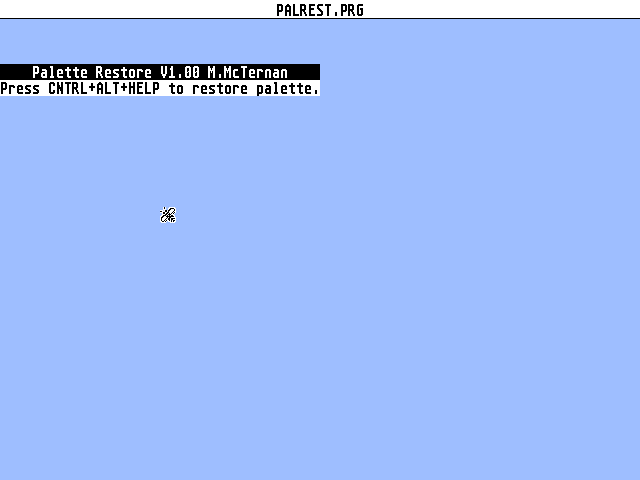
this disk in the drive, the program will automatically load and a small bar
giving details of the program will be displayed.  The program is then
installed, and the palette can be restored at any time by holding down the
CONTROL and ALTERNATE keys, and then tapping the HELP key.  By doing it this
way, you will not accidentally trigger a screen dump to the printer.
When these keys are pressed, the palette will be restored and the system
bell will sound.

What if I want to dump the screen to the printer?
=================================================

Pressing ALTERNATE and HELP at the same time will trigger a screen dump as
normal.


Any further questions can be mailed to me at:-

	Michael McTernan
	91 Moorhouse Lane,
	Whiston,
	Rotherham,
	South Yorkshire.
	S60 4NH.

17.2.96