

Atari ST - 1994
Mailer
- Genre
- Communications / Radio / Electronics
- Year
- 1994
- Language
- Compiled C
- Publisher
- [no publisher]
- Controls
- Keyboard
- Distributor
- —
- Resolution
- Medium / High
- Developer
- [n/a]
- ST Type
- ST, STe, TT, Falcon030 / 0.5MB
- Licensed from
- —
- Programmer(s)
- Judd, Graham
- Country

- MIDI
- —
- Software
- English
- Version
- 1.9
- Box/Instructions
- English
- Number of Disks
- 1 / Double Sided
- License
- PD / Freeware / Shareware
- Dump
- Download
- Serial
- —
- Dump format
- MSA
- Protection
- —
INSTRUCTIONS
MAILER.TOS	Version 1.9  16 February 1994
==========

This is a simple mailer for use with NOS and the Demon Internet Service.

This program is Copyright (c) 1994, G B Judd and is offered under the
conditions of the FSF Copyleft scheme.  See the file copying.fsf for
more details.

It is a lookalike for another mailer, BM, which had no source and had the
paths to the varius directories hard-coded.  I did not like this so I put
this simple program together.

This program uses a startup file, MAILER.RC, which contains various bits of
information.  See below for an example.  This file must be in the NOS_ROOT
directory.

The program relies upon the normal NOS directory structures, so, if your
SPOOL directory is in C:\NOS\, the the program expects to find the following:

C:\NOS\SPOOL\MAIL\                     The directory containing the mailboxes.
C:\NOS\SPOOL\MQUEUE\                   The directory for outbound mail.
C:\NOS\SPOOL\MQUEUE\SEQUENCE.SEQ       The mailer sequence file.
C:\NOS\MAILER.RC                       The mailer startup file.

Many thanks to Alec Jones	ajonesf@cix.compulink.co.uk,
				ajones@rhune.demon.co.uk
for supplying the module to save ougoing mail in your specified log file.


COMMANDS
========

m user		Send mail to a user, you specify the full mail address for
		the user.
			m gjudd@siward.demon.co.uk

t user file	Send mail to a user, with the body of the mail item taken
		from the specified file.
			t gjudd@siward.demon.co.uk c:\fred.txt

f user [999]	Forward a message to another user.  If the message number is
		not given, forward the current message.
			f gjudd@siward.demon.co.uk
			f gjudd@siward.demon.co.uk 4

r [999]		Reply to a message.  If the message number is not given,
		reply to the current message.
			r 32
			r

ENTER		Read the next unread message.

999		Read the specified message.  Set the current message pointer
		to the message number.
			21

p [999]		Read the specified message.  If the message number is not
		given, read the current message.  Sets the current message
		to the number given.
			p 17
			p

s [file]	Save the current message to a file.  If the file is not given,
		the message is appended to mbox.txt.  The message is saved
		with all of the header information.
			s f:\gbj.txt
			s

w [file]	Same as save except the header information is not saved, just
		the message body.
			w f:\gbj.txt
			w

d [999]		Mark the specified message for deletion.  The deletion is not
		performed until you exit with the 'q' command.  If the
		message number is not given, mark the current message.
		See the note about the 'n' command below.
			d 23
			d

u [999]		Unmark a previously marked for deletion message.  This is the
		converse of the 'd' command.
			u 23
			u

+		Set the current message pointer to the next message.  This
		does not show the message to you.

-		Set the current message pointer to the previous message.
		This does not show the message to you.

h [999]		Show the message index from the specified message number.
		If you do not specify a message number, the index is shown
		from the current message -8 to the current message +8.
			h 0
			h

l		List unsent message files held in the MQUEUE directory.
		All this does is show a list of file names at the moment.

n mbox		Change from the current mailbox to another one.  Note, the
		action of changing mailboxes is equivalent to using the
		'x' command and then loading the new mailbox.  In particular,
		this means that the current mailbox will not have its status
		updated.
			n gjudd

x		Exit, do not update any messages statuses.  The effect is to
		leave the message with the status they had when you ran the
		program.

q		Exit, udate statuses.  The will remove deleted messages from
		the mailbox and retain the read/unread status for other
		messages.

?		Display a command summary.


ENTER		The ENTER/RETURN key.
[]		Indicates optional arguments.
999		Indicates a numeric argument.
mbox		Indicates a mailbox name, i.e., gjudd, which is found in
		...\SPOOL\MAIL\gjudd.txt


INDEX DISPLAY
=============

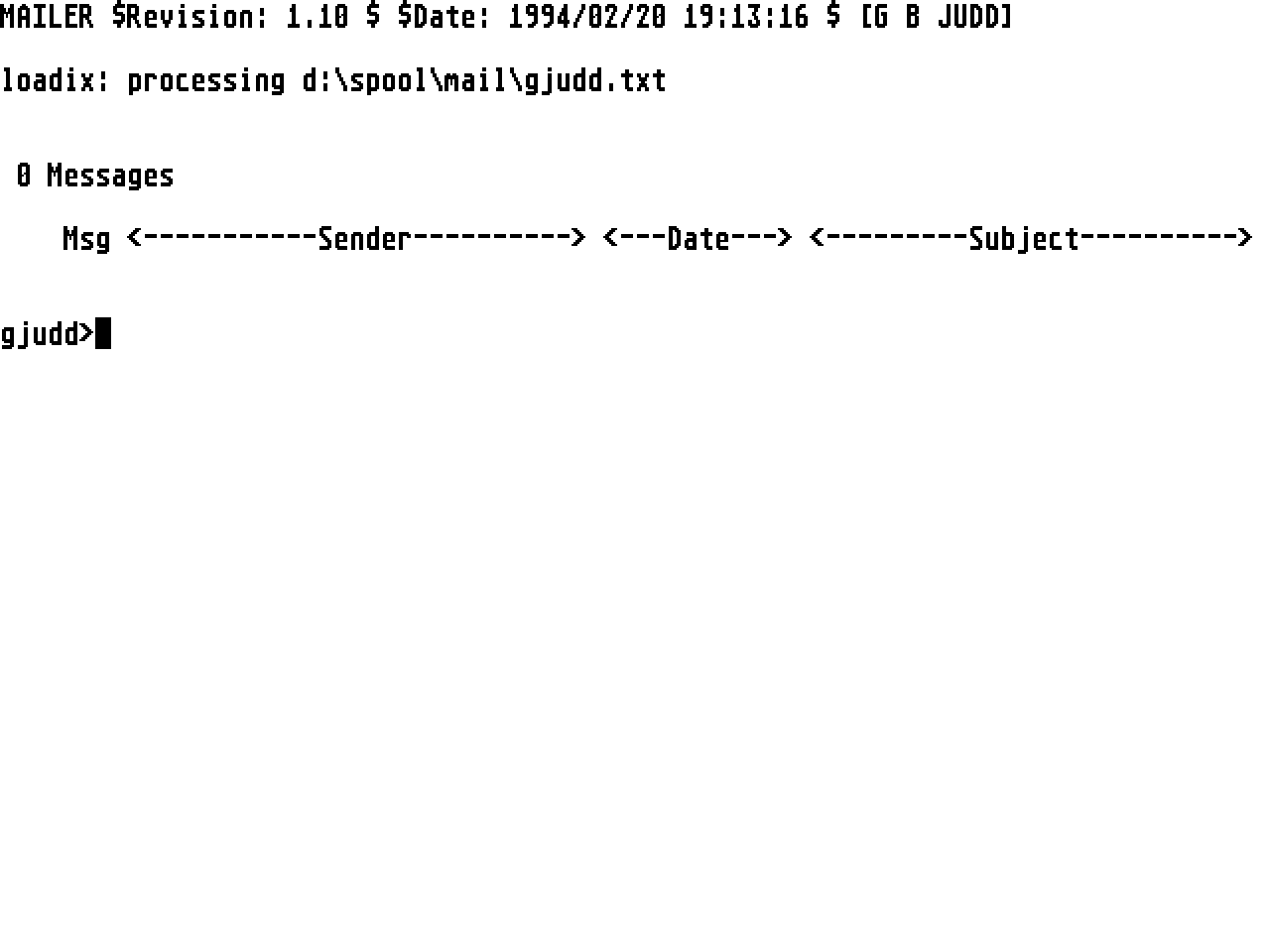
The mailbox index display appears as follows:

>ab 999 Sender  Date  Subject

The current message is indicated in reverse video.

ab indicate read and delete flags, Y=read, D=marked for deletion.


MAILER.RC
=========

Here is a sample mailer.rc file, it is my one...

# Start of mailer.rc
#
# configuration file for 'mailer', G B Judd's simple mailer for ka9q
#
#	host	=	this_host_name
#	user 	=	this_user_name
#	name 	=	your full name for mail headers
#	reply 	=	your reply address
#	mail	= 	path to directory containing 'mail' and 'mqueue'
#			directories
#	edit	=	path your editor
#	sig	=	path to your signature file [optional]
#	log	=	file name of your outgoing mail log file [optional],
#			resides in your 'mail' directory.
#
# The format must be =
#	There must be no space around the '=' sign
#	Comments can be included and are indicated by a '#' as the
#	very first character of a line.  You can also have completely
#	blank lines.

host=siward.demon.co.uk
user=gjudd
name=Graham Judd
reply=gjudd@siward.demon.co.uk
mail=d:\spool
edit=c:\editors\emacs\emacs.prg
sig=d:\gjudd.sig
log=outmail.txt

#End of mailer.rc


FINALLY
=======

And that is about it except for me to say that this program, and its sources
are in the Public Domain as Freeware.  You can do what you like with it as
long as you retain the comments in mailer.h.

Bug reports should be sent to 	gjudd@siward.demon.co.uk  (preferred)
				gjudd@cix.compulink.co.uk

If you make significant changes I will be pleased to received a copy.

NOTE:	this program is supplied "as is" with no warranty expressed or
	implied.  YOU USE IT AT YOUR OWN RISK AND I ACCEPT NO RESPONSIBILITY
	FOR ITS USE OR MISUSE.

That aside, I hope you find it useful.

Graham Judd
gjudd@siward.demon.co.uk
gjudd@cix.compulink.co.uk