

Atari ST - Atari Corporation - 1993
GEM Resource Construction Set
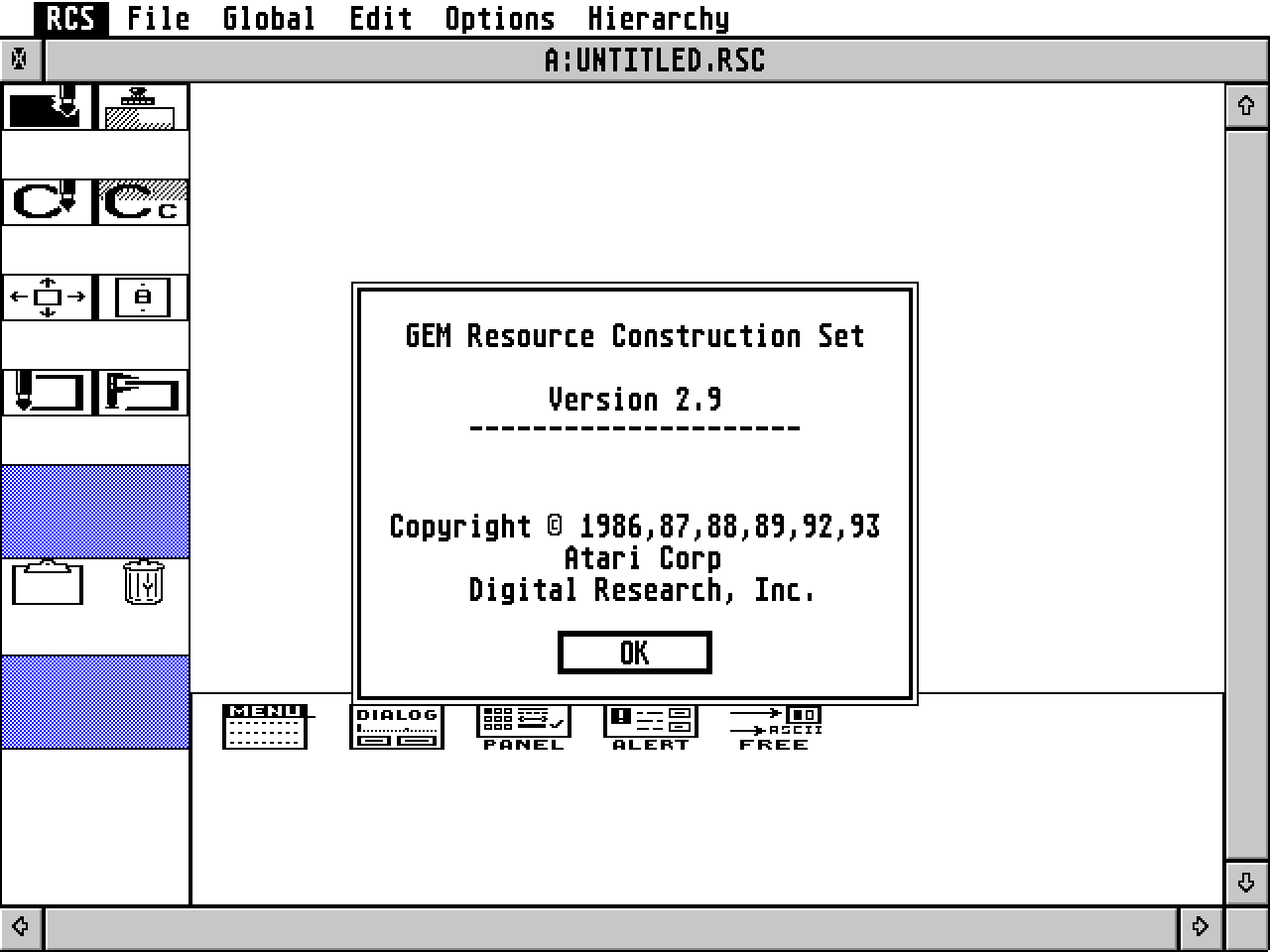
- Genre
- Programming - Aids / Routines / Tools
- Year
- 1993
- Language
- [unknown]
- Publisher
- Atari Corporation
- Controls
- Keyboard / Mouse
- Distributor
- —
- Resolution
- Medium / High / VGA
- Developer
- Digital Research
- ST Type
- ST, STe, TT, Falcon030 / 0.5MB
- Licensed from
- —
- Programmer(s)
- Shaw, Christina / Oren, Tim
- Country

- MIDI
- —
- Software
- English
- Version
- 2.9
- Box/Instructions
- English
- Number of Disks
- 1 / Double Sided / HD Installable
- License
- Commercial
- Dump
- Download
- Serial
- —
- Dump format
- MSA
- Protection
- —
INSTRUCTIONS
Notes about this version of RCS:

This version includes our new FAST(!) sorting routines (just wasteful
because I had to set up a HUGE stack (64K) because of the quicksort
routine that I currently use).  I am planning on rewriting the sort to
take it off of the stack.  If you have any problems with overflowing
the stack (not very likely), turn off sorting in the output dialog
box.

It handles the new 3D/Form color flag specification.

The RSH file will show X_3DIND, X_3DACT, or FORMCOLOR to indicate that
selection in the flags field (assuming no other flags are set...but I
guess that is unlikely except for maybe the FORMCOLOR option).

No CICON support included in this RCS yet.  Trying to finish the
editor first...

Include file information has been improved (object type and tree name
now displayed with object name and value).

Alphabetical sorting of include file is now possible.

File time stamps and file sizes on output files are now correct
(changed file output open and writes to creates).

Fixed the extended bit edit field problems.


>  The new flag bit values as I got them from Bruce was:

        $0200 = 3D Indicator
        $0600 = 3D Action
        $0400 = Form Color

-------------------------------------------------------------------

          Three Dimensional Objects               1/21/93

Three dimensional objects are implemented in AES version 3.4 and up.

Defines:

#define   FL3DMASK       0x0600
#define   FL3DNONE       0x0000
#define   FL3DIND        0x0200
#define   FL3DBAK        0x0400
#define   FL3DACT        0x0600

#define   LK3DIND
#define   LK3DACT
#define   INDBUTCOL
#define   ACTBUTCOL
#define   BACKGRCOL
#define   AD3DVALUE

Description:

The AES uses 2 new bits in the ob_flags field of objects to indicate
what kind of 3D shading effects (if any) should be used on the object.
These are bits 9 and 10 of ob_flags.

If both bits are clear (FL3DNONE) then no 3D shading effects are
applied to the object.

If (ob_flags & FL3DMASK) is FL3DIND, then the object is an
"indicator." Typically indicators are used in dialog boxes to indicate
some sort of state; for example, whether an option is "on" or "off."
Radio buttons should always be indicators.

If (ob_flags & FL3DMASK) is FL3DACT, then the object is an
"activator." Activators don't have a persistent state, but rather are
usually controls of some sort.  For example, the "OK" and "Cancel"
buttons in dialog boxes should be activators.

If (ob_flags & FL3DMASK) is FL3DBAK, then the object is a
"background" object.  Background objects are usually not selectable,
and do not typically display 3D effects other than inheriting the "3D
background object" color (see below); the only 3D effect applied to
background objects is that "outlined" background objects appear to be
raised above the objects behind them.

The colors (and effects, for indicators and activators) of 3D objects
may be controlled by the objc_sysvar function. Any 3D object which is
color 0 (white) and has a hollow fill pattern will be drawn in the 3D
default color set for its object type, instead of in white. 3D objects
which are not white or which have a non-hollow fill pattern will be
drawn in the color and pattern specified, as usual.