

Atari ST - Evesham Micros - 1989
Disector ST
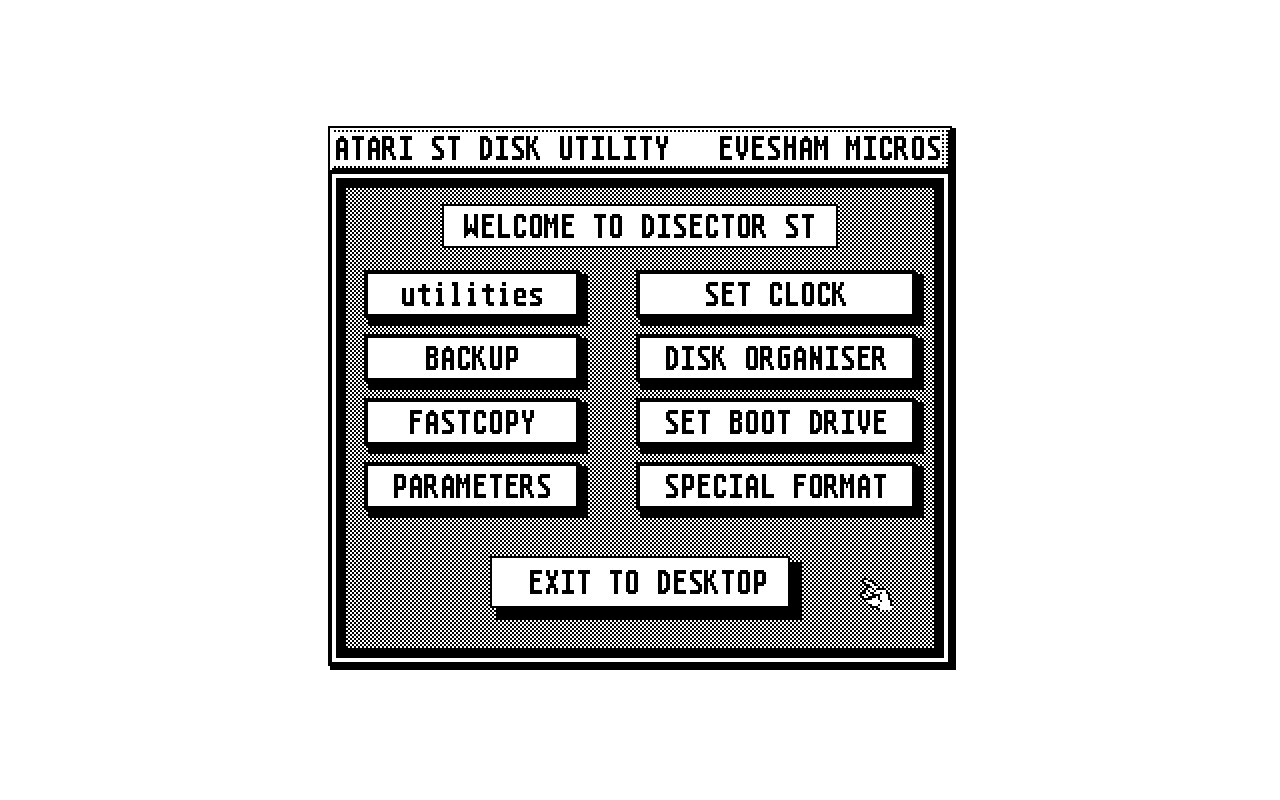
- Genre
- Copying / Protecting / Dumping
- Year
- 1989
- Language
- [unknown]
- Publisher
- Evesham Micros
- Controls
- Keyboard / Mouse
- Distributor
- —
- Resolution
- Medium / High
- Developer
- Softcell Software
- ST Type
- ST, STe, TT, Falcon030 / 0.5MB
- Licensed from
- —
- Programmer(s)
- [unknown]
- Country

- MIDI
- —
- Software
- English
- Version
- V5
- Box/Instructions
- English
- Number of Disks
- 1 / Double Sided / HD Installable
- License
- Commercial
- Dump
- Download
- Serial
- —
- Dump format
- MSA
- Protection
- —
OTHER VERSIONS WITH THE SAME TITLE (1)
INSTRUCTIONS
                    DISECTOR ST VERSION 5 UPDATE
                    ----------------------------

  SPECIAL FORMATTER
         Formats in almost half the time of the desk top utility.

      Two format types are available:
      SUPER FORMAT - loads 30% faster and gives 15% more space
      LARGE FORMAT - loads slightly slower, but gives 27% more space
      Both these specifications apply to single and double formats.

  FASTCOPY VERSION2 WITH AUTOFORMAT
         The faster non-format copy is carried out automatically
      if the destination has the same format as the source. If a
      write error occurs then the copier will format the destination
      disk. When copying 10 sectors/track the copier will always
      ensure the destination has a fast format, as used by the SUPER
      FORMAT on the special formatter. This provides a quick method
      for converting slow loading 10 sector/track disks.

  MULTIPLE OPTION IMPROVEMENT ON FASTCOPY V2 AND BACKUP
         A record is kept of the number of good copies made on the
     current data buffer and of the previous data buffer if more
     than one transfer is required. If a write error occurs then the
     record is not updated and the faulty disk should be discarded.
     The copy record is only shown if more than one copy is made.

  READ/WRITE ERRORS ON FASTCOPY V2 AND BACKUP
         On selecting CONTINUE after a READ error the data upto the
     error will be transferred to the destination disk and no further
     data will be read. This enables FASTCOPY to copy games which
     use the disector parameters and have an error on the last track.
         On selecting CONTINUE after a WRITE error the data buffer
     can be copied to further disks.

  ACCESSORIES
         All the disector accessories are now held in an ACCESSORY
     FOLDER and if required should be copied to the main directory.
     This leaves more memory for the backup and fastcopy data buffers
     and speeds up the disector start up.


  CONVERT A: TO B:
         This program is now a disector utility.