Atari ST - Antic Publishing - 1986
Degas Printer Installer
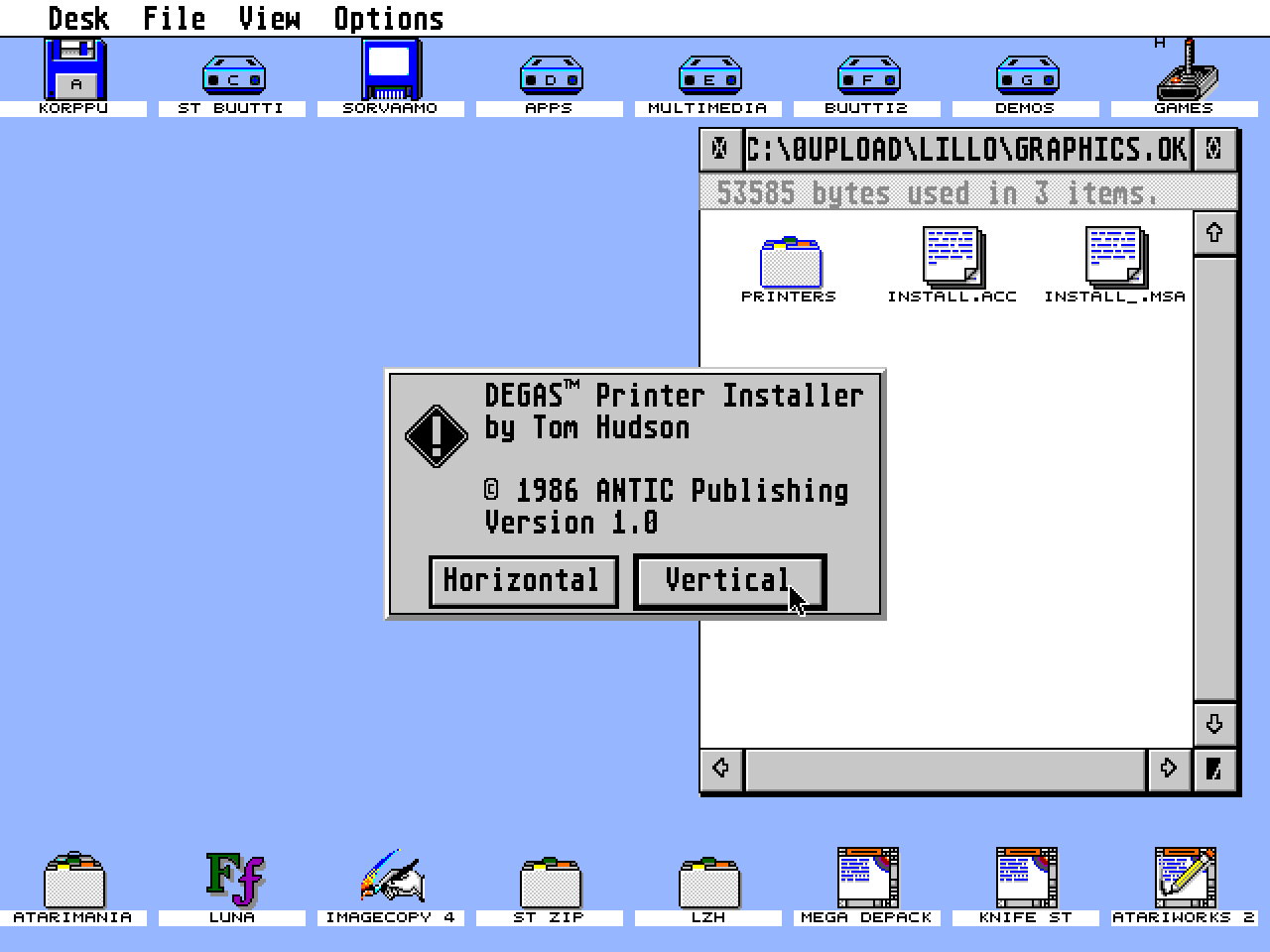
- Genre
- Printing - Screen Dump
- Year
- 1986
- Language
- [unknown]
- Publisher
- Antic Publishing
- Controls
- Mouse
- Distributor
- —
- Resolution
- Low / Medium / High / VGA
- Developer
- [n/a]
- ST Type
- ST, STe, TT, Falcon030 / 0.5MB
- Licensed from
- —
- Coder(s)
- Hudson, Tom
- Country

- MIDI
- —
- Software
- English
- Version
- —
- Box/
Instructions - —
- Number of Disks
- 1 / Double Sided / HD Installable
- License
- Magazine
- Dump
- Download
- Serial
- —
- Dump format
- MSA
- Protection
- —
INSTRUCTIONS
                             NOTES ON INSTALL.ACC


         Originally published in START #1, INSTALL.ACC is a bonus
         program on this disk that can be used to install DEGAS
         printer drivers in place of the standard Atari Desktop
         ALT-HELP printer dump routine.

         Once installed with a printer driver to match your printer,
         you may print anything displayed on your GENESIS screen by
         pressing [Alternate]-[Help].

         In order to use INSTALL.ACC, copy it out of this folder to
         the root directory of your boot disk.  After booting, you'll
         find it under the 'Desk' drop-down menu.  Select it from
         the desk menu to select your printer driver, before
         using the [Alternate]-[Help] command.

         If you want to read more about how INSTALL.ACC works, for
         more complete documentation, and the source code, refer to
         the 'Stealing the ST Printer Driver' article by Tom Hudson on
         page 20 of START #1.

                ***               ***                ***

           SHORT DESCRIPTIONS ABOUT THE PRINTER DRIVERS IN THIS FOLDER


 EPSON3.PRT
     EPSON3.PRT is a new revision of the DEGAS Epson printer driver which
     allows both horizontal and vertical output of your DEGAS pictures.  It
     incorporates the longer timeout and page eject of the EPSON2 driver as
     well.  For sideways printing of pictures, just click on PRINT PIC as
     usual.  If you want a printout that is vertically oriented (it will be
     slightly smaller than the sideways dump), hold the ALTERNATE key when you
     click on the PRINT PIC option.

 JX80C.PRT
     This is a working version of the Epson JX-80 DEGAS printer driver.  You
     can use it with DEGAS or the printer driver installer from START Magazine
     #1.  Outputs a color image to the printer.

 NECP3B.PRT
     NECP3B.PRT is a black & white printer driver for the NEC P2/P3 Pinwriter
     series. It works in all three resolution modes.  It also provides two
     sizes of printouts.  Pressing the Alternate key when clicking on PRINT PIC
     gives a vertical-format picture that measures 8 X 6.5 inches.  Clicking on
     PRINT PIC alone gives a full-page (7.5 X 10.5 inch) picture, oriented
     horizontally. If your P2/P3 printer has a color ribbon, it can print color
     pictures using the NECP3C.PRT driver.

NECP5_1.PRT
NECP5_2.PRT
NECP5_3.PRT
NECP5_4.PRT
      These are four different sizes of 24-pin printer drivers that work with
the NEC, STAR, and EPSON 24-pin printers.


 NECP3C.PRT
     NECP3C.PRT is a color printer driver for the NEC Color Pinwriter P2/P3
     series. It can only be used in medium or low resolution modes.  It
     provides color printouts of your DEGAS pictures.  For black & white
     printouts, use the NECP3B.PRT driver.

 OKI20B.PRT
     OKI20B.PRT is a black & white printer driver for the Okimate 20, for use
     with the DEGAS paint program.  The color driver is coming soon, but if you
     have an Okimate 20, this should hold you for a while.  Load the driver
     with the PRINT TYPE menu option.  I'm not sure, but this  work with
     the Okimate 10. If you try it, please let me know if it does.

 OKI20C2.PRT
     OKI20C2.PRT is the COLOR printer driver for the Okimate 20 printer.  It
     works ONLY in the color modes; use the black & white Okimate 20 driver
     for the monochrome screen or if you only have a black ribbon. The Okimate
     20 produces extremely bright colors, and very attractive color printouts
     of DEGAS pictures.  Enjoy!

 PROWTR.PRT
     This is version 2 of the DEGAS Prowriter driver.  It may not be completely
     debugged.

 SG10IB.PRT
     I grew tired of the white "striping" between print lines whenever I used a
     Degas printer driver to do graphic dumps on my SG-10. Finally I decided to
     zap the best driver I had (the final revision of the Epson driver, with
     page eject and long timeout) to space the lines 1/3 dot closer as does the
     mono driver in John Brochu's fantastic PicSwitch. Use this driver in IBM
     mode (dip's 1-2 and 2-2 DOWN). Happy printing!

 IBMPRO.PRT
     This is a printer driver intended to allow the use of DEGAS with the IBM
     Proprinter.

(If you don't find a your printer listed here, there are many more on the
 DEGAS Elite disk, and on CompuServe.  You might also try your local user group.)