

Serious / Word Processing · 1991
1ST Word Plus
Published by Atari Corporation · Developed by [n/a]
atarimania.com — atari-st-utilities-1st-word-plus-34203
Information
- Genre
- Word Processing
- Language
- [unknown]
- Controls
- Mouse, Keyboard
- Resolution
- Medium, High, VGA
- ST Type
- ST, STe, TT, Falcon030, 0.5MB
- Programmer(s)
- Champ, Phil, Scheybeler, Chris, Johnson, Paul, Dickens, Martin, Chalkley, Howard, Bees, Mike
- Version
- 3.20
- Number of Disks
- 1, Double Sided, HD Installable
- Year
- 1991
- Publisher
- Atari Corporation
- Developer
- [n/a]
- Software
- Swedish
- Box/Instructions
- Swedish
- License
- Commercial
Votes / Statistics
Rating: 7.7/10 · Votes: 51 · Downloads: 2,073 · Hits: 3,267
Screenshots (5)
.png?v=1615055055)
_2.png?v=1615055055)
_3.png?v=1615055055)
_4.png?v=1615055055)
_5.png?v=1615055055)
Article (3)
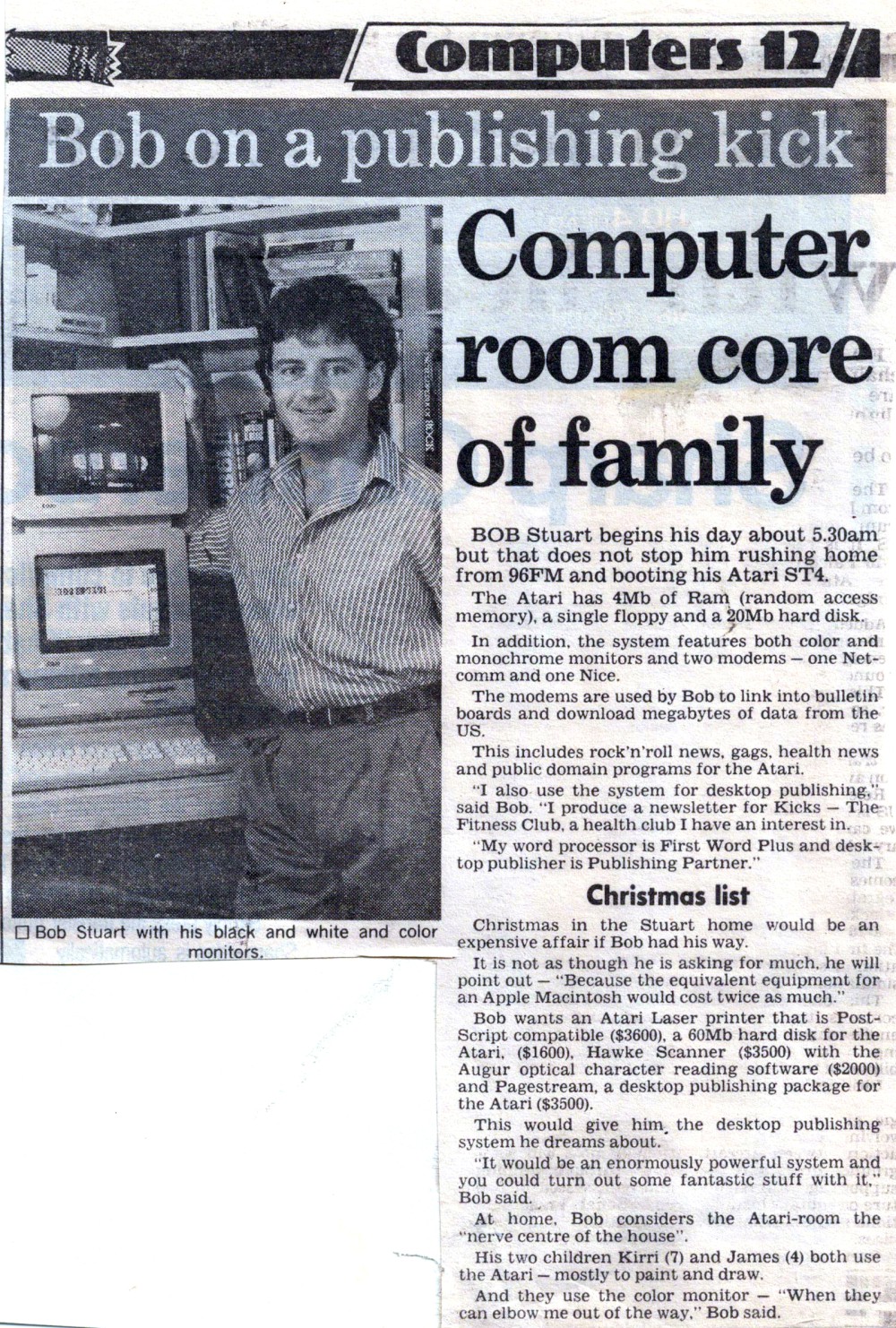
Computer Room Core of Family
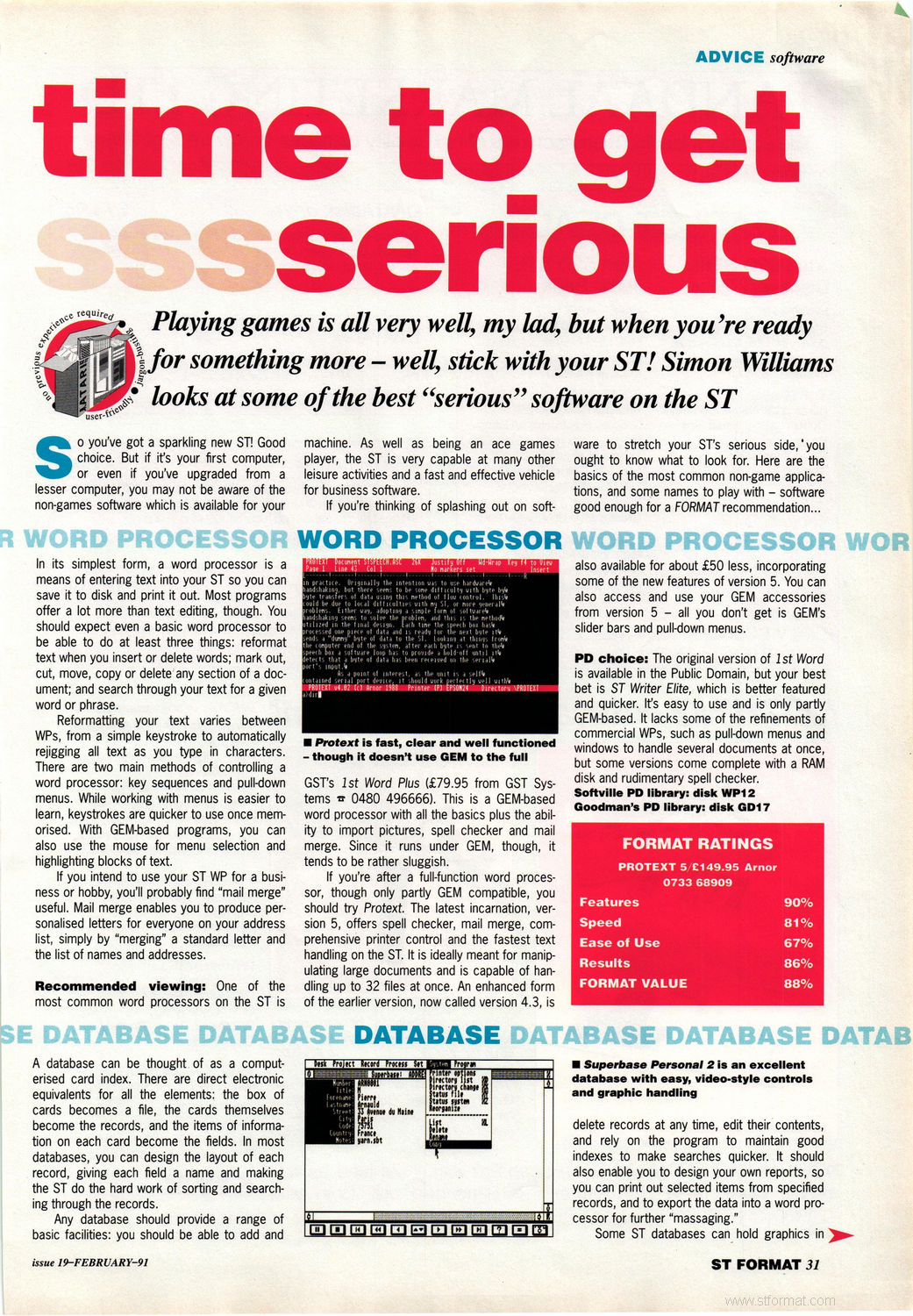
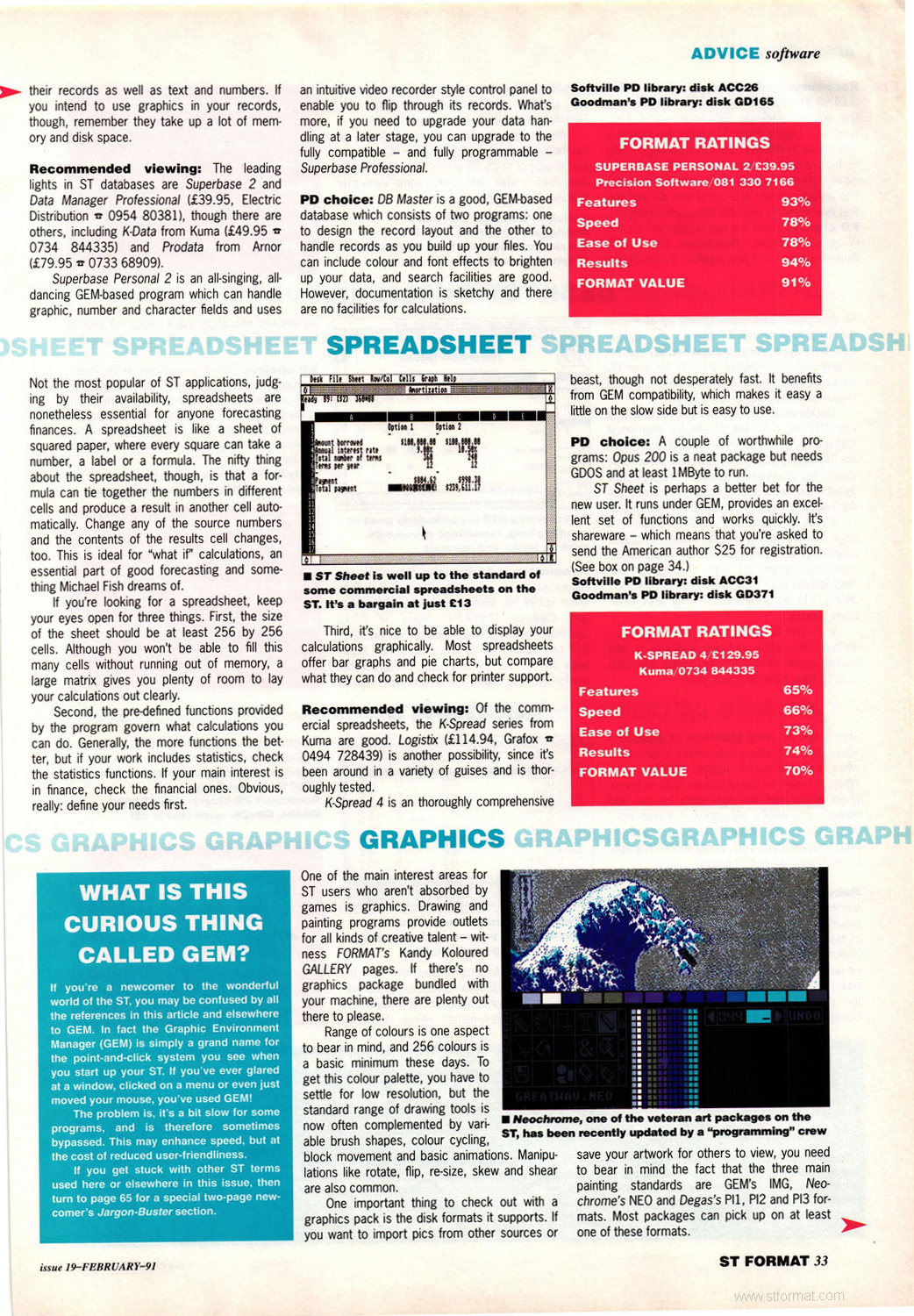
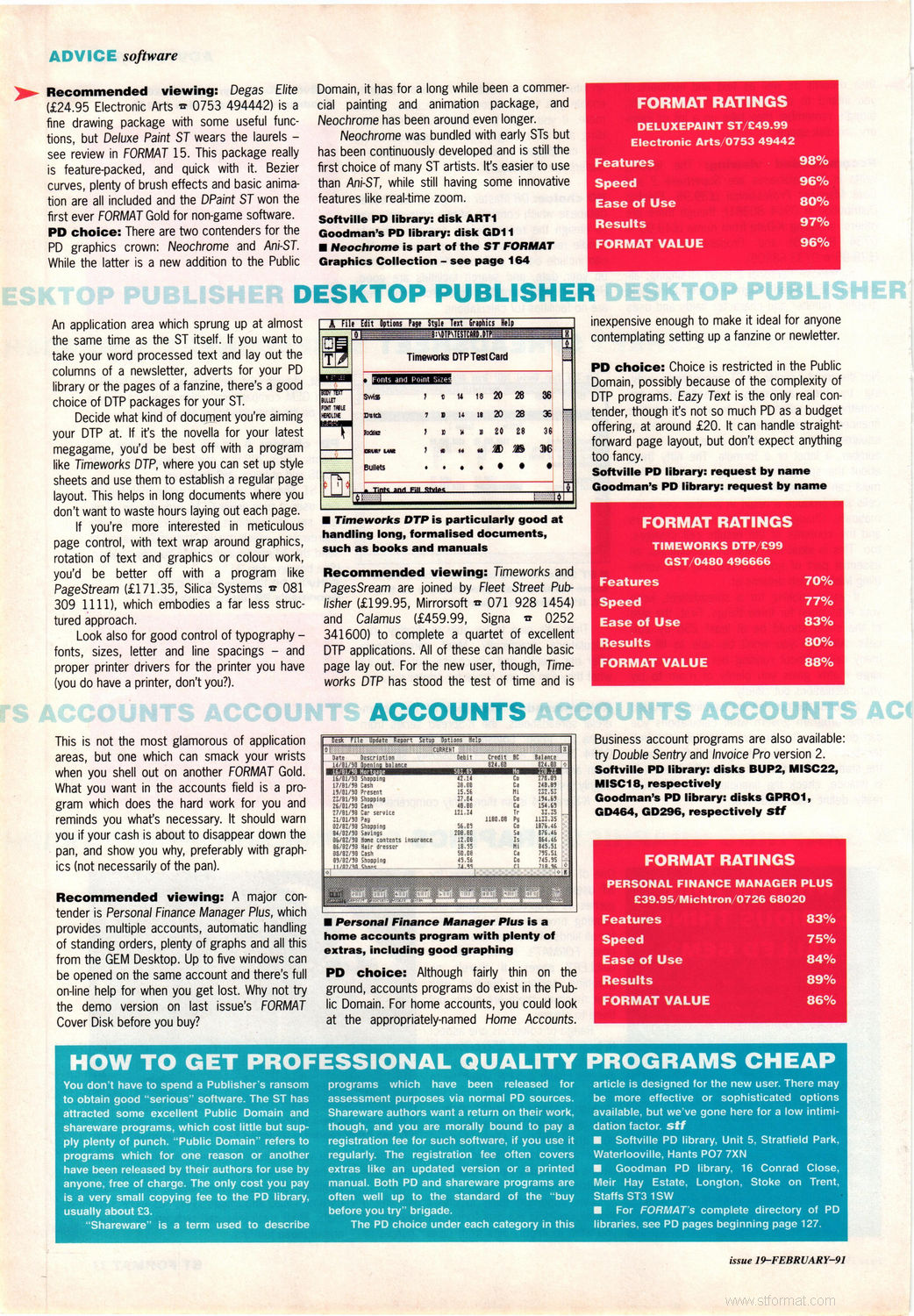
Tips (3)
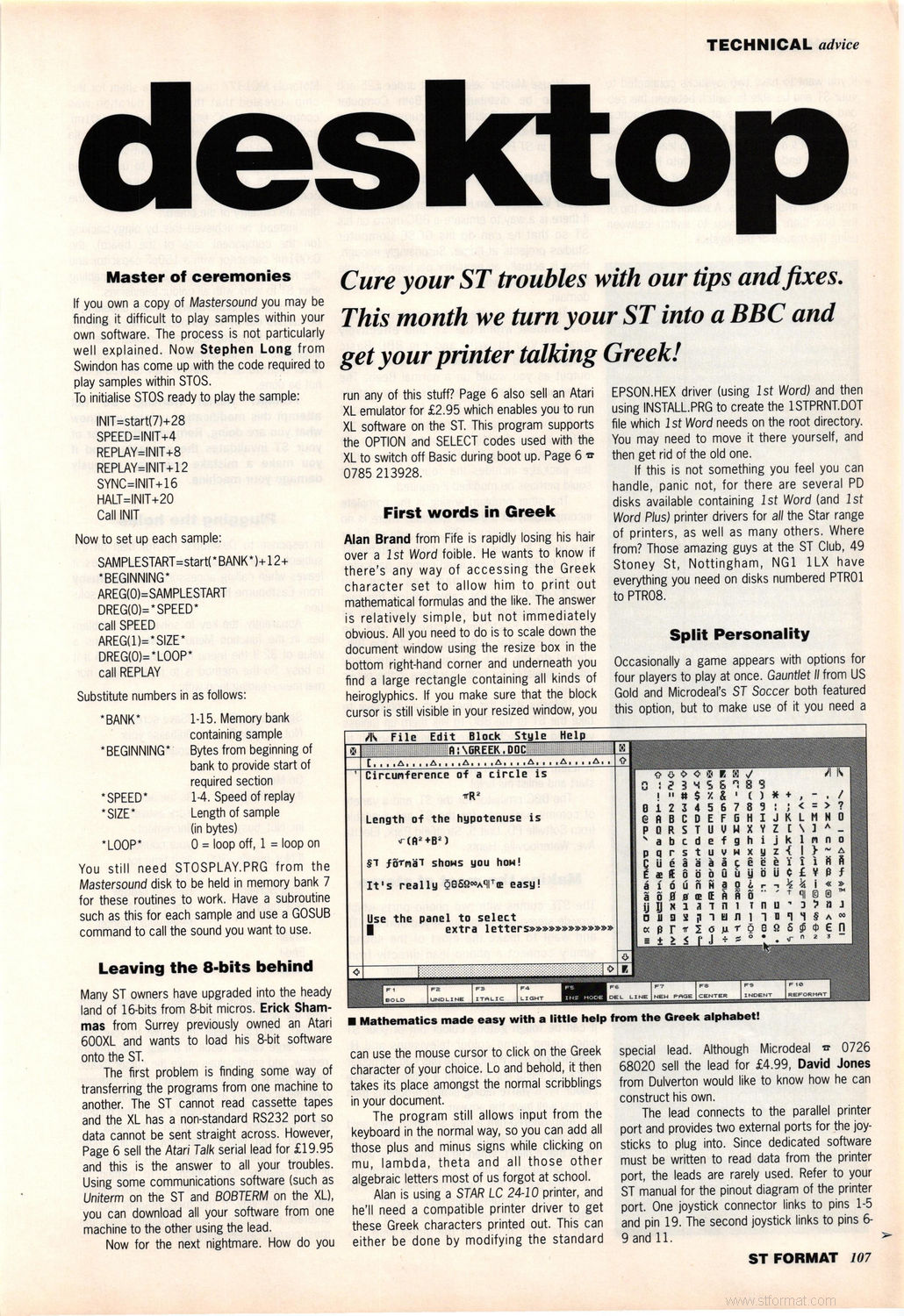
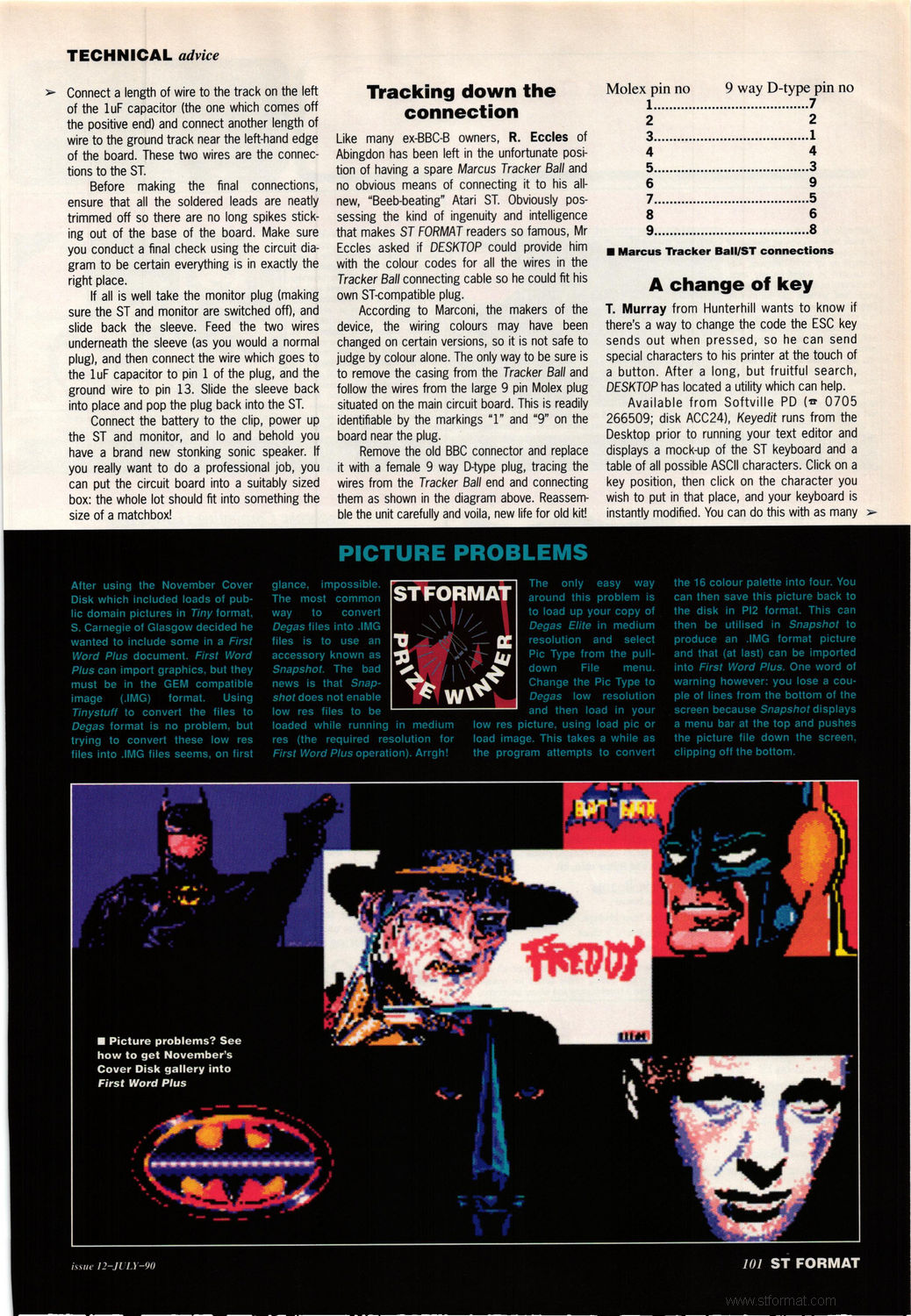
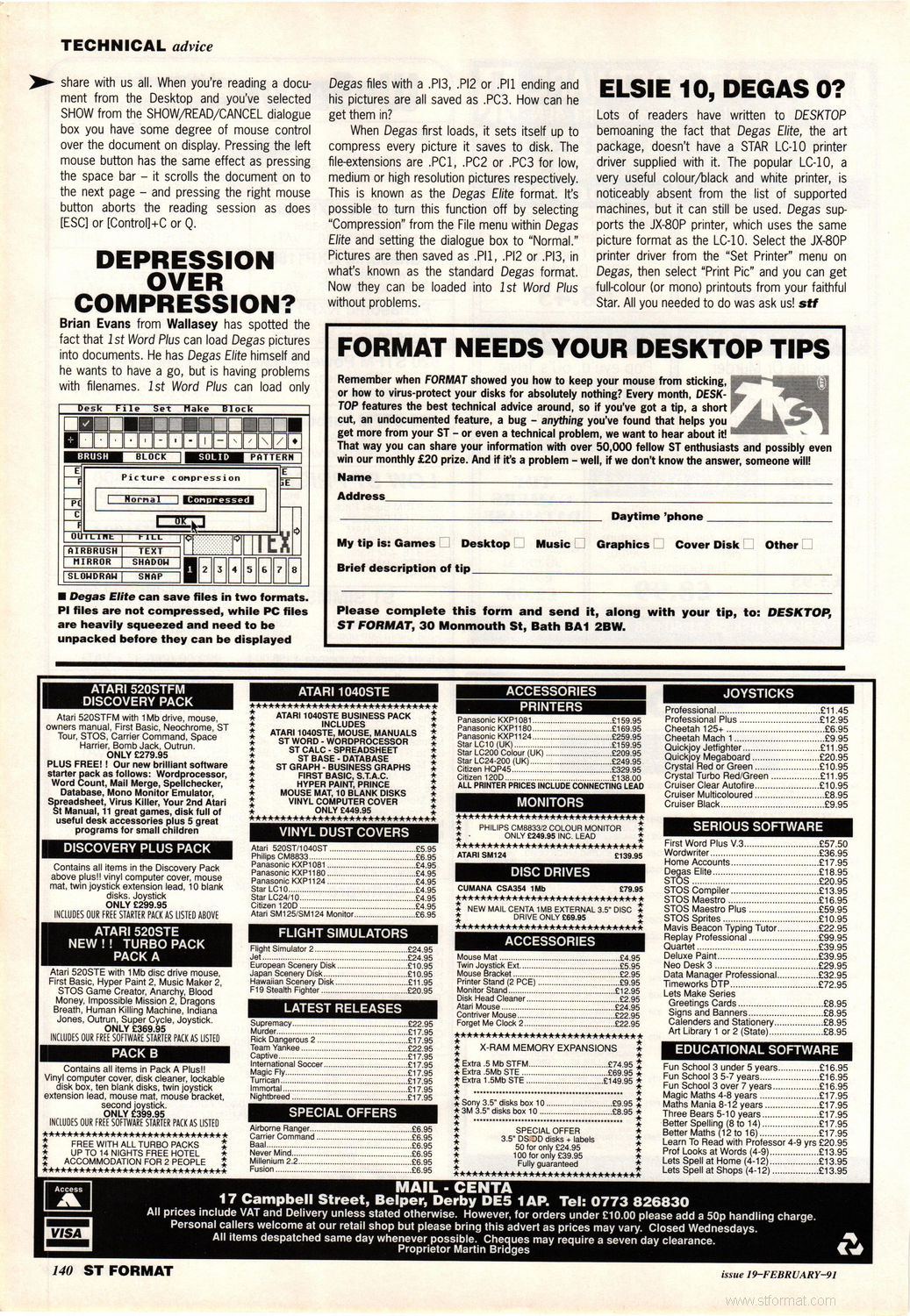
Book / Magazine Reviews (6)
ST / Amiga Format · July, 1988 · Rating: 4/5
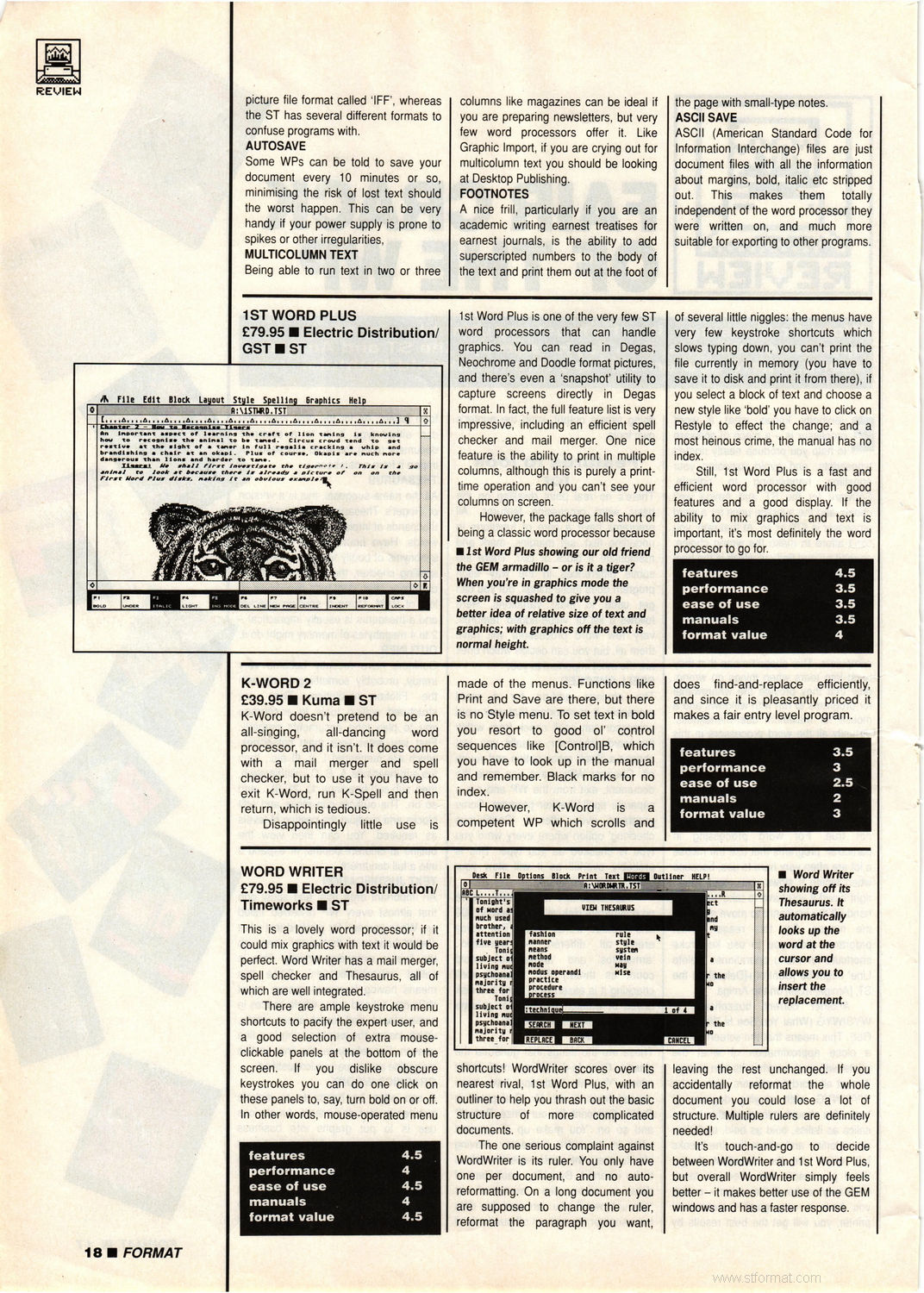
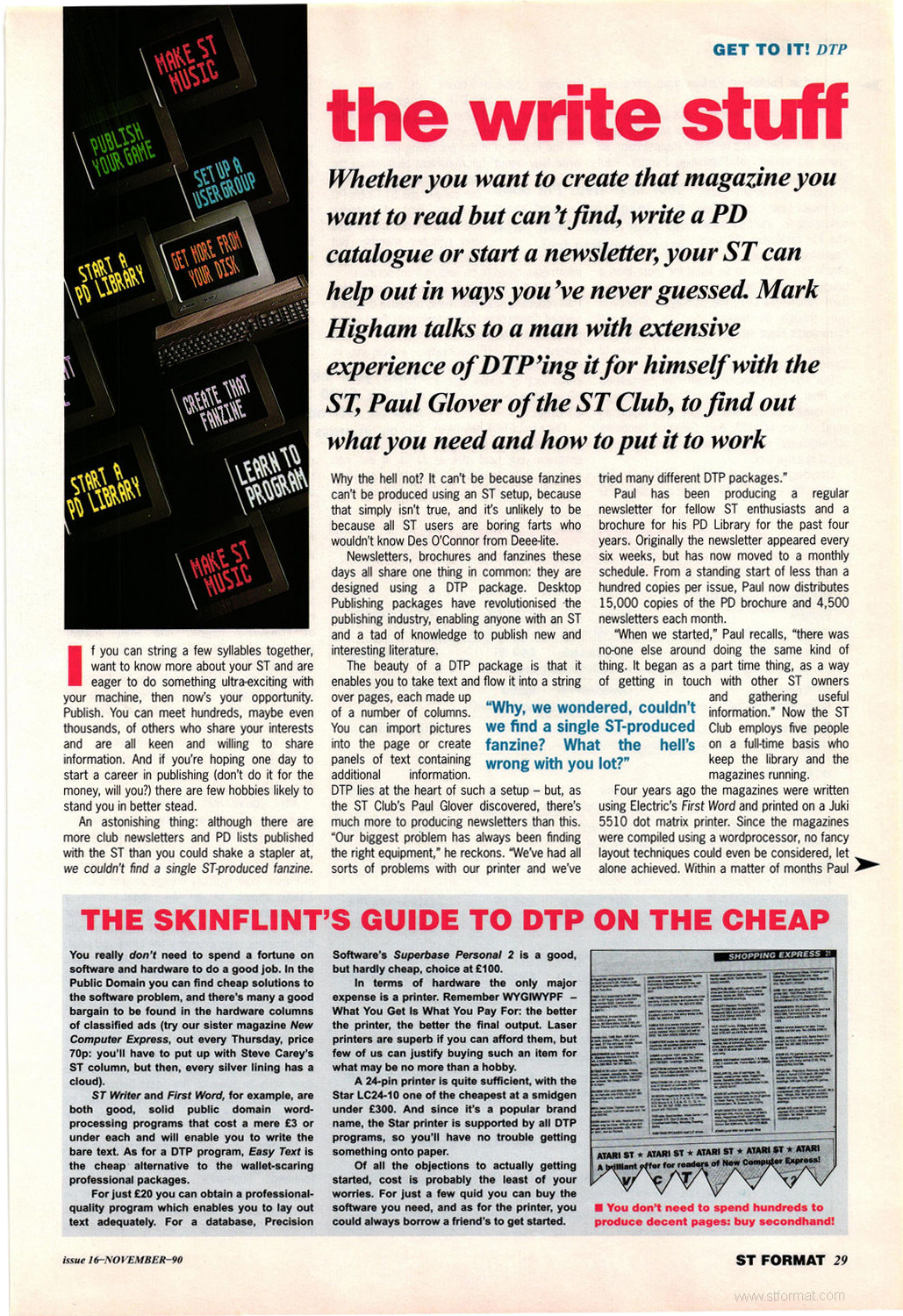
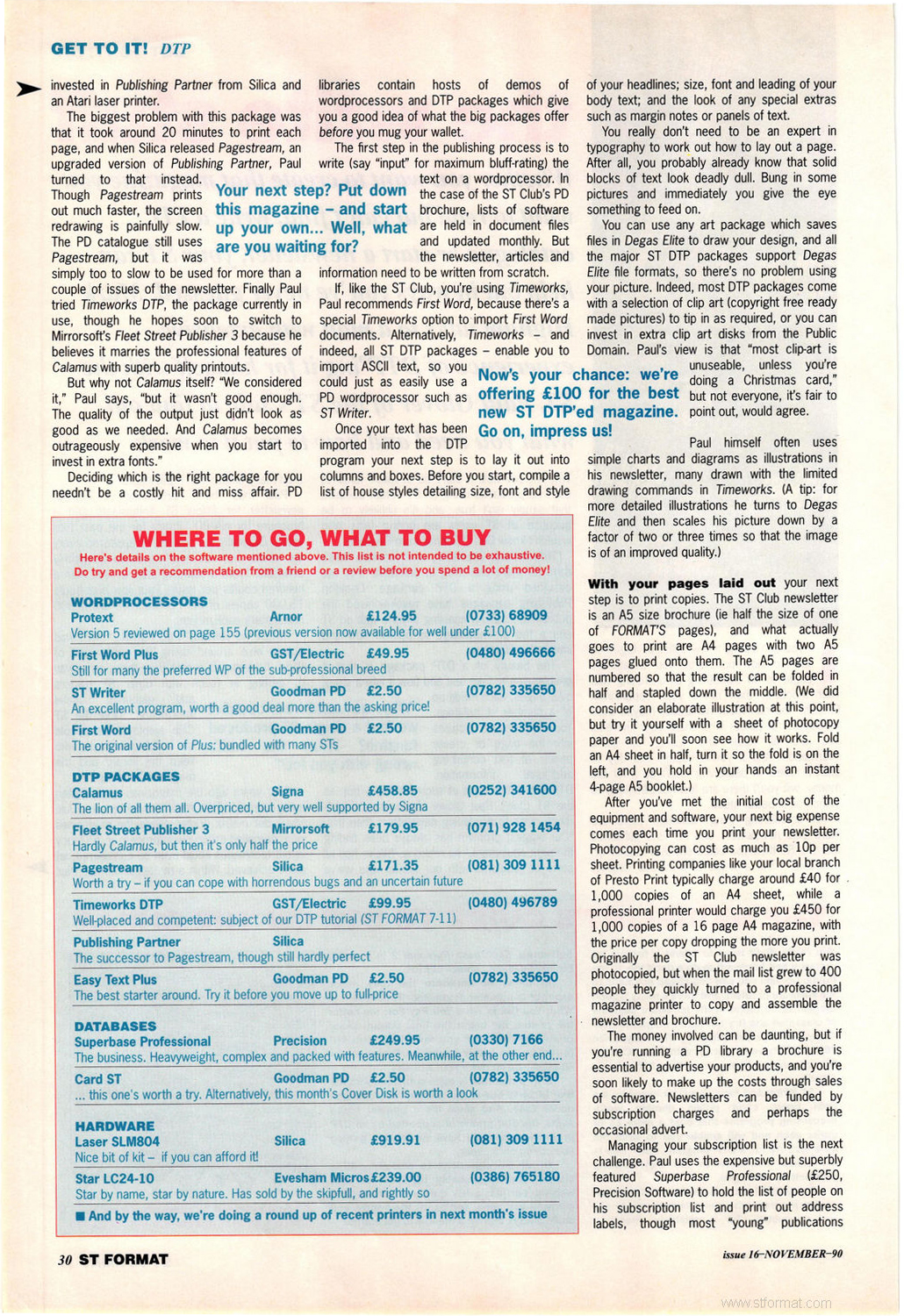
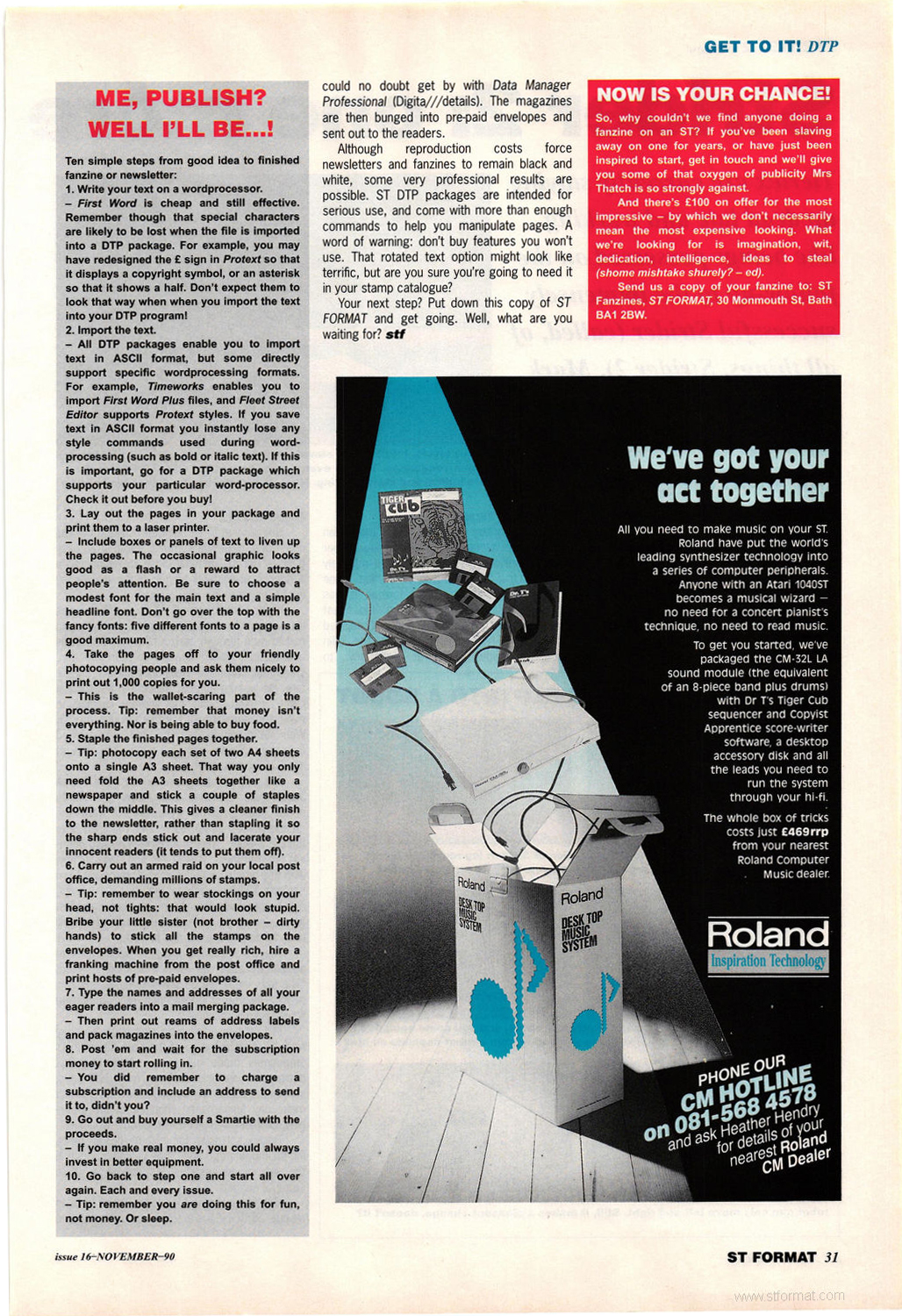
ST Format · November, 1990 · Rating: 88%
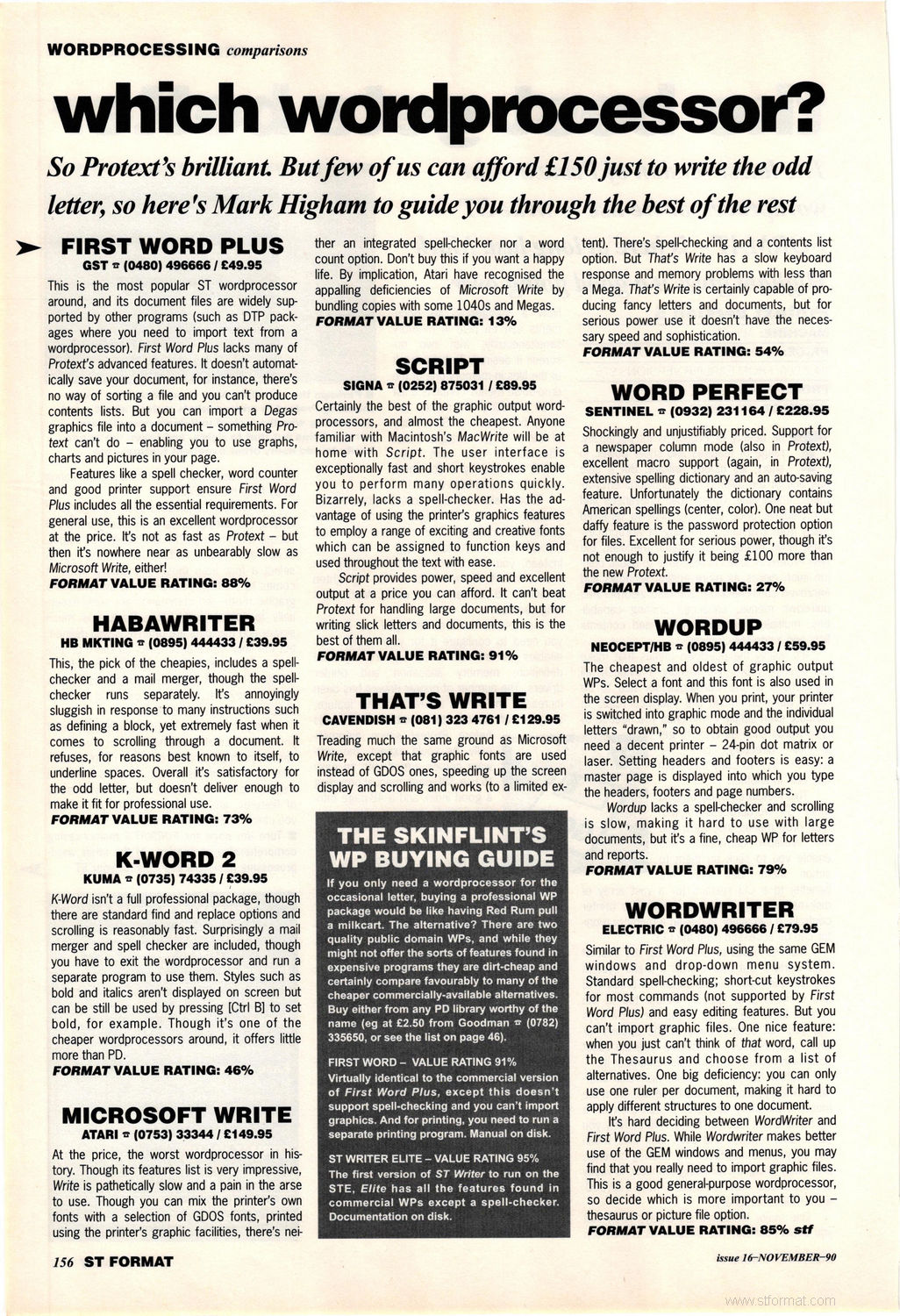
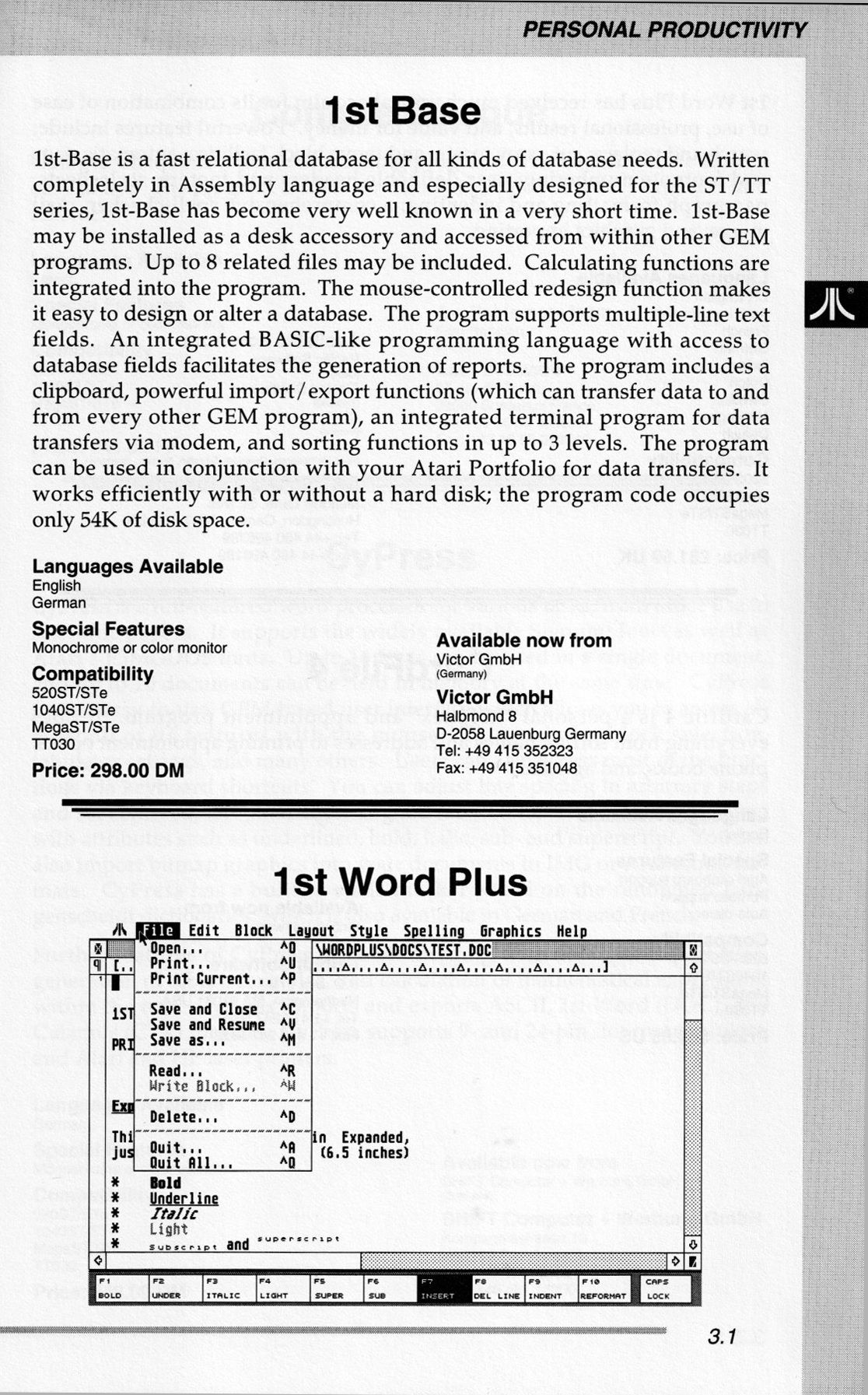
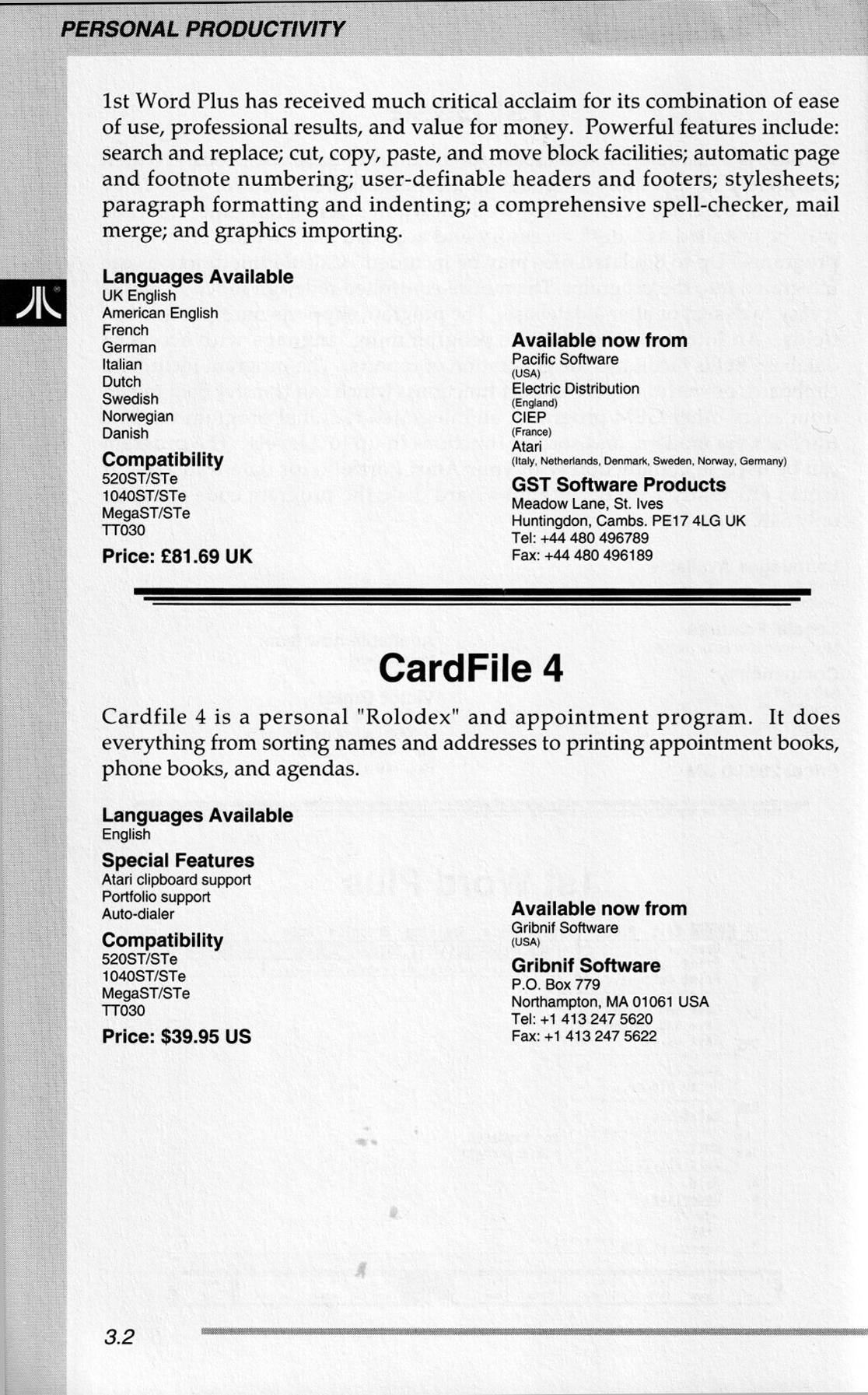
International TOS Software Catalog · Winter, 1992
ST Format · February, 1992 · Rating: 83%
ST Format · July, 1994 · Rating: 85%
ST Format · July, 1996 · Rating: 85%
Comments (4)
Greg — 23 Apr 2021
I bought this way back in 1987 or 1988? Now that I have a 1040 and Mega ST4 I will be trying it out again with my old trusty dot matrix. Thanks!
David Schmudde — 12 May 2020
Happy to find this! I used it to read documentation for Keys 2.2 - a great little step sequencer. Great software package.
Steve — 10 Jan 2016
Ahh - thank you, I now see a download link :D Atari Mania is the BEST.
Steve — 5 Apr 2015
I remember this well.. best with something like NVDI too iirc. Cool little app.. I wouldn't mind trying it again after all this time actually. Darn no download link :(