AtarimaniaAtarimania

Simulation / Simulation - Air · 1986

Super Huey

Published by Cosmi · Developed by Electronic Design Group (The)

atarimania.com — atari-st-games-super-huey-23021

Atarimania

Information

Genre
Simulation - Air
Language
[unknown]
Controls
Joystick
Players
1
Resolution
Low
Programmer(s)
Penners, Steve, Lundberg, Dave
Graphic Artist(s)
[unknown]
Game design
Norman, Paul
Musician(s)
Bedord, Russ
Sound FX
[unknown]
Year
1986
Publisher
Cosmi
Developer
Electronic Design Group (The)
Software
English
License
Commercial
ST Type
ST, STe, 0.5MB
Number of Disks
1, Single Sided

Votes / Statistics

Rating: 5.1/10 · Votes: 7 · Downloads: 2,005 · Hits: 4,582

Screenshots (8)

Super Huey — screenshot 1
Super Huey — screenshot 2
Super Huey — screenshot 3
Super Huey — screenshot 4
Super Huey — screenshot 5
Super Huey — screenshot 6
Super Huey — screenshot 7
Super Huey — screenshot 8

Cover Art (3)

Disk 1
Disk 1
Disk 2
Disk 2
Disk 3
Disk 3

Trivia (1)

Conversion - Atari 8-bit
Book / Magazine Reviews (1)

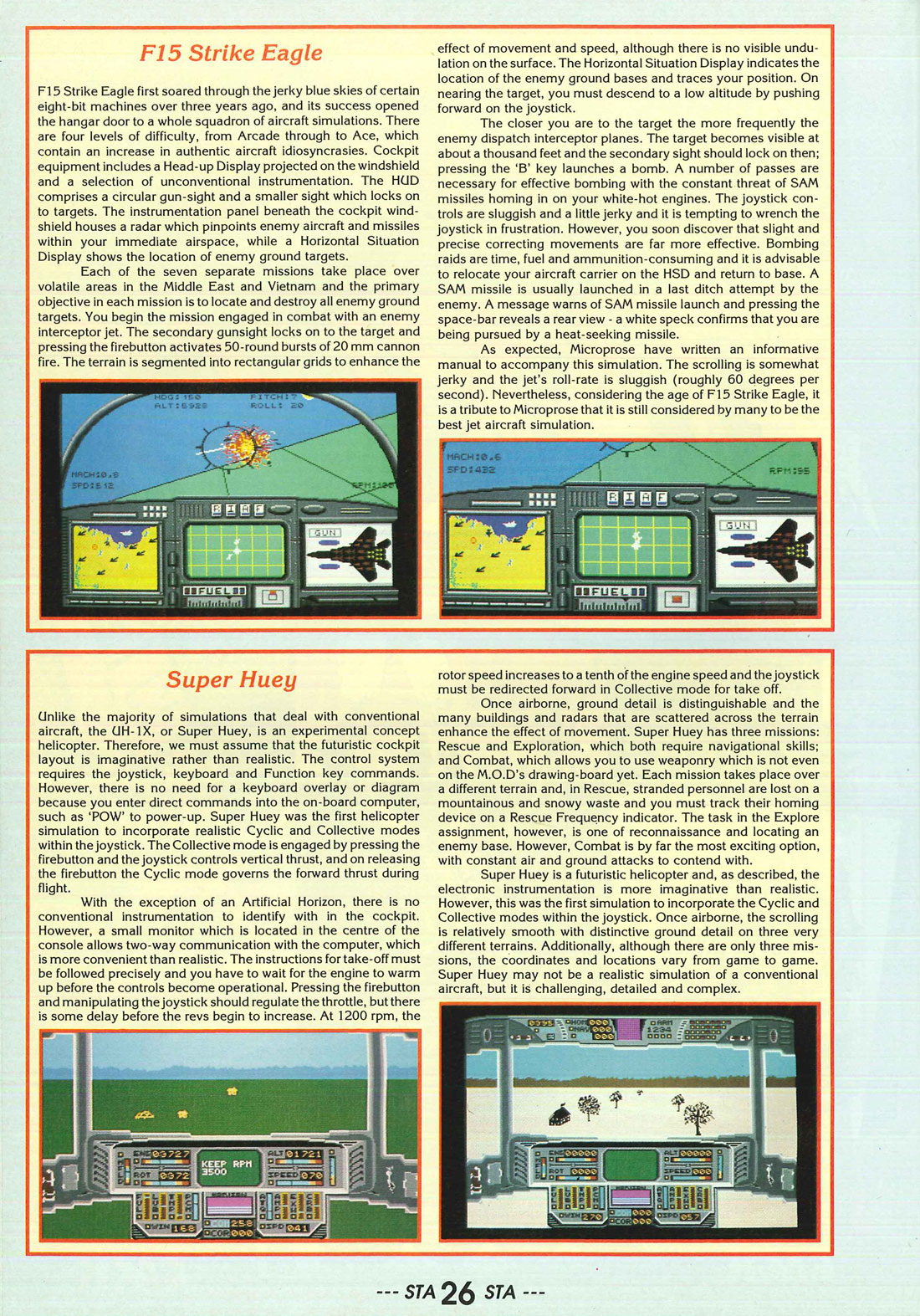
ST Action · July, 1988 · Rating: 69 %
Comments (2)

  • Dogmeatman9 Sept 2026

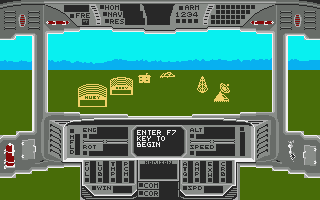
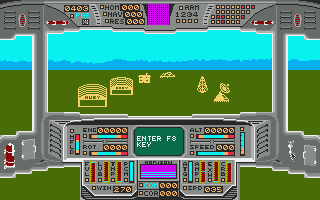
    This is from Zero issue 17 that had the game on its cover disk: The game starts inside the helicopter so you don't need to worry about that tricky 'open the door and take a big step up' routine. Instead you must press F7 to start everything humming. Then type in POW. This doesn't mean you will be overwhelmed by a group of escaping prisoners of war. Instead, it switches on the power. Now you're ready to start motoring. With the exception of a few typed commands and the odd F key, Super Huey is mouse-controlled. To take off, press F8 to start the engine and then hold down the right mouse button and move the mouse to the right. This increases your rpm. When rpm reaches 1200 press F9 to engage rotor clutch. Now increase rpm to 3500. Pull back on the mouse to increase lift. Yahoo! You're airborne. Below is a list of controls necessary to keep you airborne. A handy tip. You can't stop a movement by simply releasing the button - you need to make a compensatory movement in the other direction. (Yer wot? Ed.) For example, if you bank left, you'll need to bank right a bit in order to return to forward flight. It's all in the wrist action. MOUSE CONTROLS Left Mouse Button depressed and... Forward: Decrease lift/thrust. Backward: Increase lift/thrust. Left: Increase throttle. Right: Decrease throttle

  • calfranklin059818 May 2026

    Where do you obtain the codes to begin this game?

Generated from atarimania.com — use « Save as PDF » in the print dialog.