

Atari ST - 2026
Desert Strike: Return to the Gulf
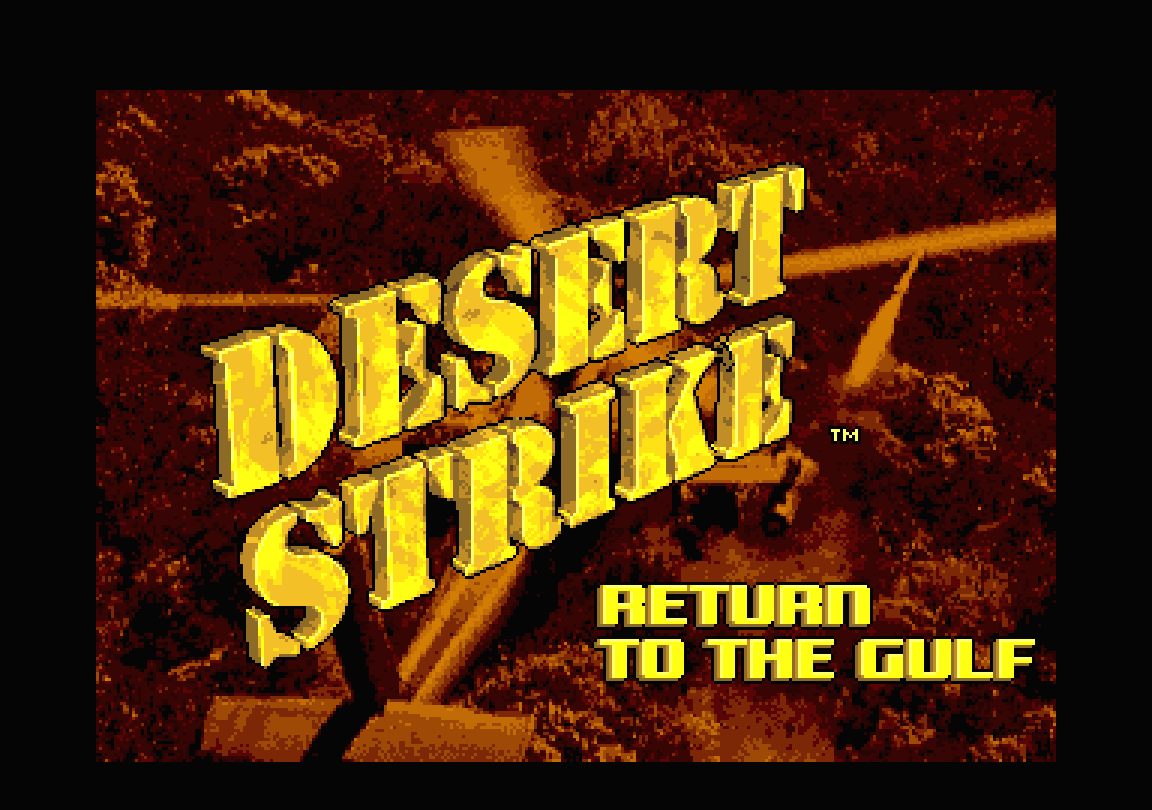
- Genre
- Shoot'em Up! - Multi-Directional
- Year
- 2026
- Language
- Machine Language
- Publisher
- [no publisher]
- Controls
- Jagpad / Joystick / Keyboard / Mouse
- Distributor
- —
- Players
- 1
- Developer
- [n/a]
- Resolution
- Low
- Licensed from
- —
- Programmer(s)
- EvilFranky / Roberts, GaryColclough, Dave
- Country
![[unknown]](https://www.atarimania.com/country/xxx.webp "[unknown]")
- Graphic Artist(s)
- Cropley, Carl / Law, JonRedmond, Damon
- Software
- English
- Game design
- Manley, Jonh / Posehn, Mike
- Box/Instructions
- English
- Musician(s)
- Whitely, Jason A. S.
- License
- PD / Freeware / Shareware
- Sound FX
- Whitely, Jason A. S.
- Serial
- —
- Cover Artist(s)
- —
- ST Type
- STe Only / 2MB
- MIDI
- —
- Version
- [WIP]
- Dump
- Download
- Number of Disks
- 1 / W / HD Installable
- Dump format
- Zip-packed folder
- Protection
- —
ADDITIONAL COMMENTS
Based on Electronic Arts 1993 Amiga game.
Please have a look at Atari-Forum post for more info.
Please have a look at Atari-Forum post for more info.
INSTRUCTIONS
Desert Strike STE – Alpha 2

Thanks for all the testing, lots of work still to do. But this release should fix the top border removal issue
and allow you to play through the full first campaign.

Changelog

Presentation:-

The Electronic Arts logo now appears before the title, as on the Amiga.
The Amiga's loading picture is shown while the game loads, with its loading song playing at 25kHz.
The song uses Uko's STE MOD replay (STE_FullScreen_MOD_Play, credit to Uko / T.AL).
Title sequence:
The music starts on time.
The credit pages change on the beat.
The picture and music fade out together at the end.
The sunset dims while it irises in.
The game fades in after the loading screen, instead of appearing abruptly.
There's no longer a white flash between the title, menu, briefing and game.
The top border is opened every frame. This fixes an occasional glitch at the top of the screen.
The map screen no longer briefly shows a half-drawn map when it opens.
Menus

The full main menu has been ported from the Amiga, including its sound effects.
Co-pilot screen:
The photos are in sepia.
The dissolve and the text box match the Amiga.
Tug Gurney stays M.I.A. until campaign 2.
The password is shown on the debrief and carried into the menu and the game.
The cheat passwords PSYCHOTI and HARDCASE work.
There's a mouse pointer in the menus.
The game uses the menu's choices: co-pilot skills, sound on or off, and control method.
Only the chosen control method (plus the keyboard) works in the menus, title and briefing.

Controls

New control methods:
Mouse control, as on the Amiga.
Jaguar / Power Pad in the STE's enhanced joystick ports, chosen as JAGPAD in the menu.

Keyboard play:
The Amiga's keys work as well as the cursor keys and WASD.
Fire is on Alternate and weapon change on Control, so diagonal + fire always registers on the ST keyboard.
Selecting Keyboard in the options now gives you control of the Apache. Previously it stayed on autopilot.

Other changes:
Only the chosen control method flies the Apache.
Space changes weapon, as on the Amiga.
The map is now on F10 or 0, as on the Amiga. M no longer opens it.

Quitting:
Shift+Esc abandons the game and goes to the game-over screen.
Plain Esc closes the map instead of quitting.
Shift+Esc on the main menu quits to the desktop.
The key click is turned off while the game runs and restored on exit.

Gameplay

Shooting reworked to the Amiga's rules:
Enemy lock-on ranges and turret turn rates match the Amiga.
Turrets only fire when facing the target exactly.
Soldiers only fire aimed shots when facing the Apache.
Rounds arc where the Amiga's do.
Solid structures block shots.
The Apache's hit box matches the Amiga's.
Your rounds pass through the MIAs and the beach troops.
Winching: winched items now follow the Apache until they're aboard.
Air Superiority can now be completed:
Enemy officers can be captured.
The agent can be dropped off at the airbase once its building is destroyed.
The co-pilot-aboard rules match the Amiga.
Burnt-out cars and trucks show a wreck with animated smoke and fire.
Weapons are armed and disarmed by the frigate's zone, with the Amiga's sound.

Game over:
The game-over panel is now shown inside the game.
RESTART puts you straight back on the frigate, with no reload or loading screen.
RETURN TO MAIN MENU goes to the main menu.

Fixes

Fixed a crash after the briefing.
The crashed friendly plane (the MIA site) no longer has a section missing.
Wide objects (e.g. the oasis palm) no longer vanish before they scroll off the left edge.
The Hellfires Armed banner's top outline is now drawn.
Every file name on the disk is 8.3.
Known issues / todo
Not yet confirmed on real hardware:
The top-border opening.
The Jaguar / Power Pad.
The loading song when loading from floppy.

Missing from the Amiga:
Only campaign 1 (Air Superiority) is playable.
The in-game movie sequences between sections (interludes) aren't in yet.
Some mission messages triggered by targets aren't shown yet.
The menu doesn't show the co-pilot as missing after you lose them.
Small differences from the Amiga:
On the Amiga, newly appeared enemies can't be hit for about 0.2s; here they can.
Collisions with the tall parts of objects (e.g. radar dishes) aren't in yet.
Soldiers and vehicles always draw in front of buildings, instead of passing behind their upper parts.
The PSYCHOTI password sets one more option that isn't understood yet, so that part is missing.
Memory: this build needs a 2MB STE. Getting it down to 1MB is planned once the game is feature-complete.

Controls
Flying (joystick)

Action Control
Fly forward Up
Fly backward Down
Turn Left / Right
Strafe sideways, heading locked Hold fire + Left / Right
Take off from the frigate Pull back (down)
Fire Fire button
Winch Fly low over a person or item
Weapons (only when armed, i.e. away from the frigate)

Action Control
Next weapon Space, Tab or Control
Cannon / Hydras / Hellfires 1 / 2 / 3

Keyboard (when Keyboard is chosen in the options)

Action Keys
Up Cursor Up, W or '
Down Cursor Down, S or /
Left Cursor Left, A or Z
Right Cursor Right, D or X
Fire Alternate or Return (use Alternate when flying diagonally)
Change weapon Control, Space or Tab

Mouse (when Mouse is chosen)

Action Control
Steer Move the mouse away from the centre
Re-centre C
Fire Left button
Change weapon Right button

Jaguar / Power Pad (when JAGPAD is chosen)

Action Button
Fly D-pad
Fire B
Next / previous weapon A / C
Cannon / Hydras / Hellfires 1 / 2 / 3
Map Pause
Abandon game Hold Option for 1 second

Any time in play

Action Key
Map / status screen F10 or 0
Abandon game (goes to the game-over screen) Shift+Esc
Map / status screen

Action Control
Change page Left / Right
Step through target info (status page) Up / Down
Close Fire, Esc or F10 / 0
Title, menus, briefing and game-over panel

Action Control
Skip the title or briefing Fire, Space or Return
Move between options Up / Down (cursor keys work with any control method)
Choose Fire or Return
Pointer (when Mouse is chosen) Mouse
Quit to the desktop (main menu only) Shift+Esc
TRIVIA (3)
Sound
Features digitized title soundtrack at 50KHz (stereo)
Features digitized static screen soundtrack at 50KHz (stereo)
Features digitized sound fx at 12,5KHz
Features digitized static screen soundtrack at 50KHz (stereo)
Features digitized sound fx at 12,5KHz
Hardware
Supports Blitter
Supports STe DMA sound
Supports STe palette
Supports STe hardware scrolling
Supports STe DMA sound
Supports STe palette
Supports STe hardware scrolling
Graphics
Features overscan (introduction screen)
Features overscan (options or static screen)
Features overscan (in-game)
Features overscan (options or static screen)
Features overscan (in-game)