Shoot'em Up! / Shoot'em Up! - 3-D · 1993
Cybermorph
Published by Atari · Developed by Attention to Detail
atarimania.com — atari-jaguar-games-cybermorph-7143
Information
- Genre
- Shoot'em Up! - 3-D
- Publisher
- Atari
- Players
- 1
- Programmer(s)
- Gill, Fred, Pollock, Brian
- Graphic Artist(s)
- Gibbs, Christopher M., Harling, Ian G., West, B.J.
- Game design
- Tahquechi, Ted, Jacobsen, Hans, Keim, Andrew, Sousa, Joe, Thomason, Faran, Patten, Sean, Brandes, Shimmy, Gillen, Tom
- Musician(s)
- [unknown]
- Sound FX
- Tahquechi, Ted, Lowe, Dave, Holtom, Andrew
- Version
- [2MB cart]
- Year
- 1993
- Controls
- Jagpad
- Developer
- Attention to Detail
- Country
- USA
- Software
- English
- Box/Instructions
- English
- License
- Commercial
- Serial
- J9000
Votes / Statistics
Rating: 7.0/10 · Votes: 64 · Downloads: 3,500 · Hits: 10,635
Screenshots (6)
.png?v=1482959879)
_2.png?v=1482959879)
_3.png?v=1482959879)
_4.png?v=1482959879)
_5.png?v=1482959879)
_6.png?v=1482959879)
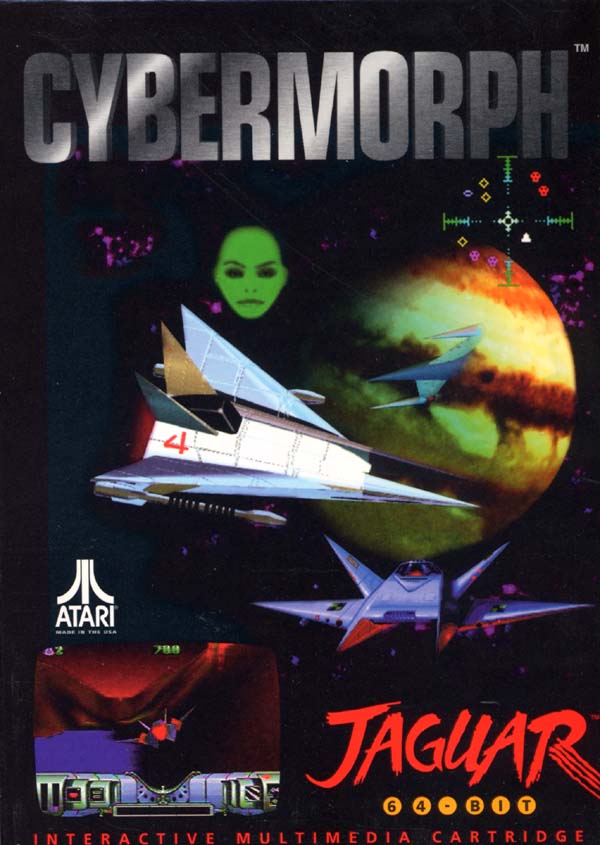
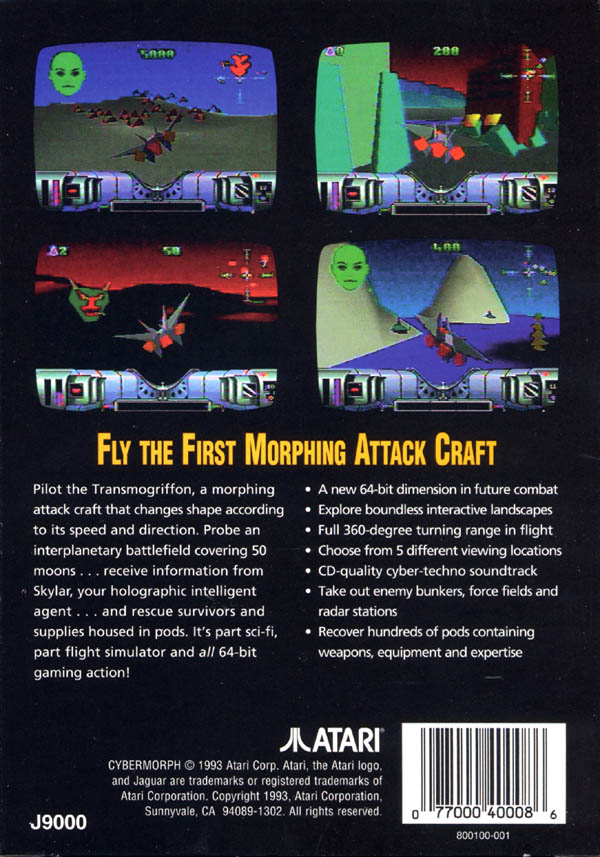
Cover Art (2)
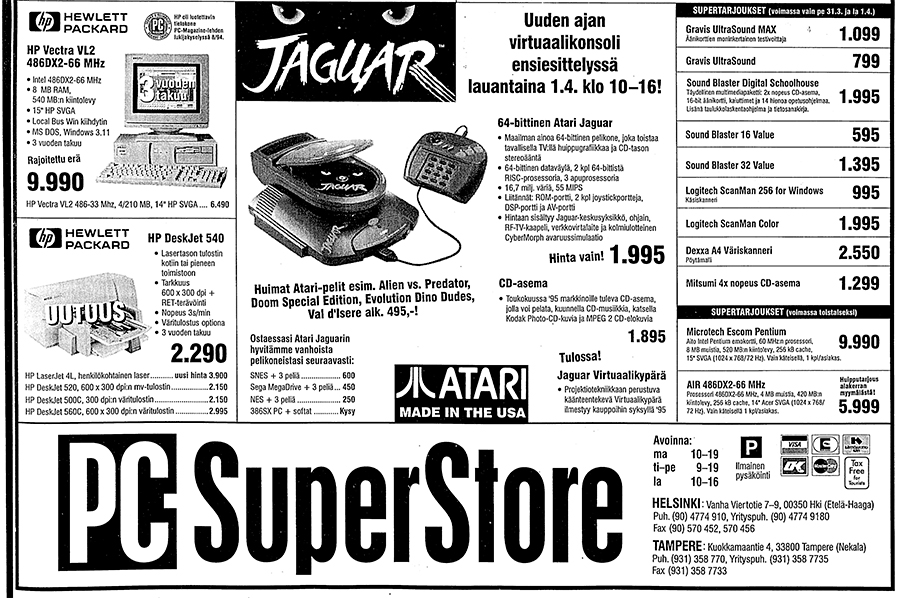
Ads (1)
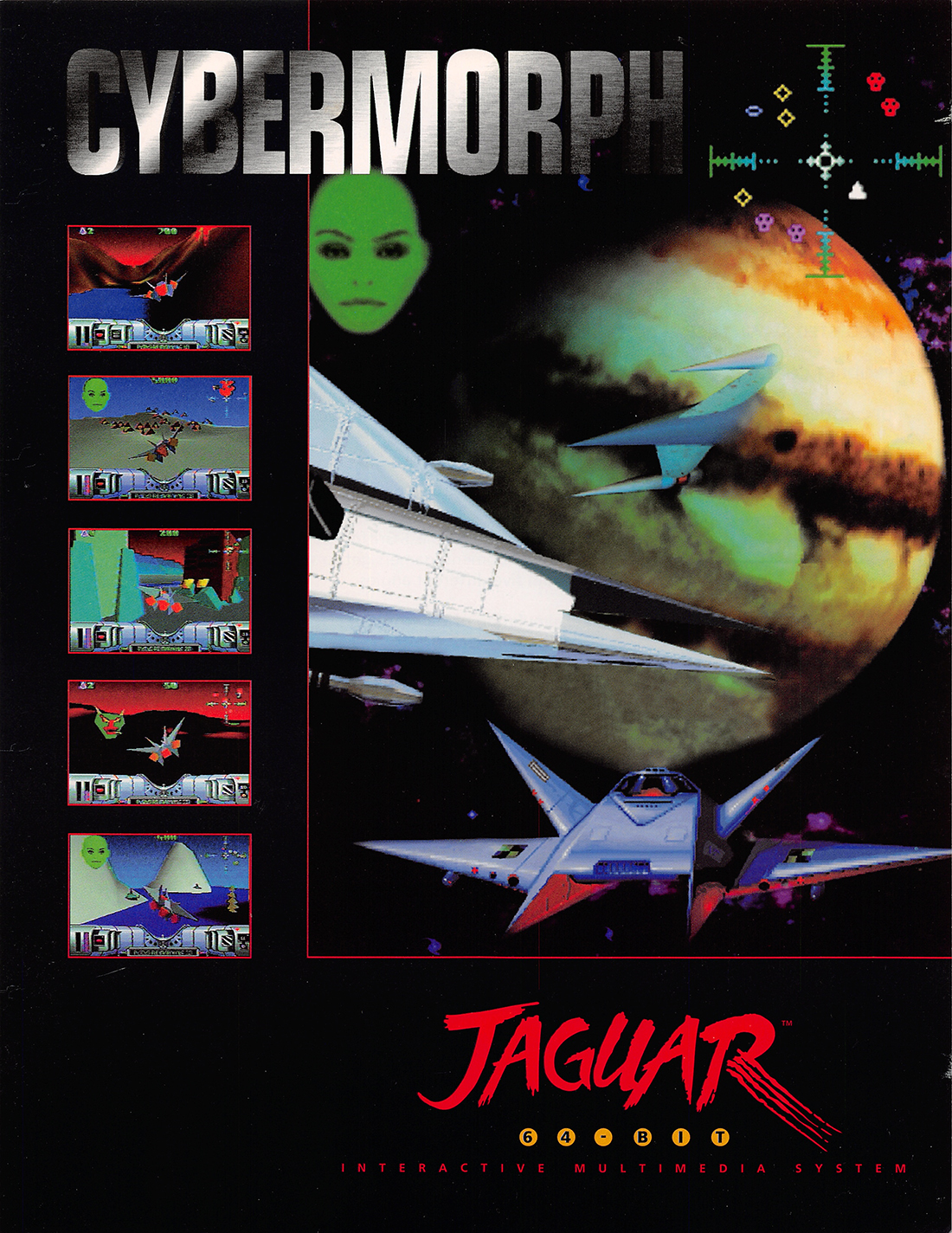
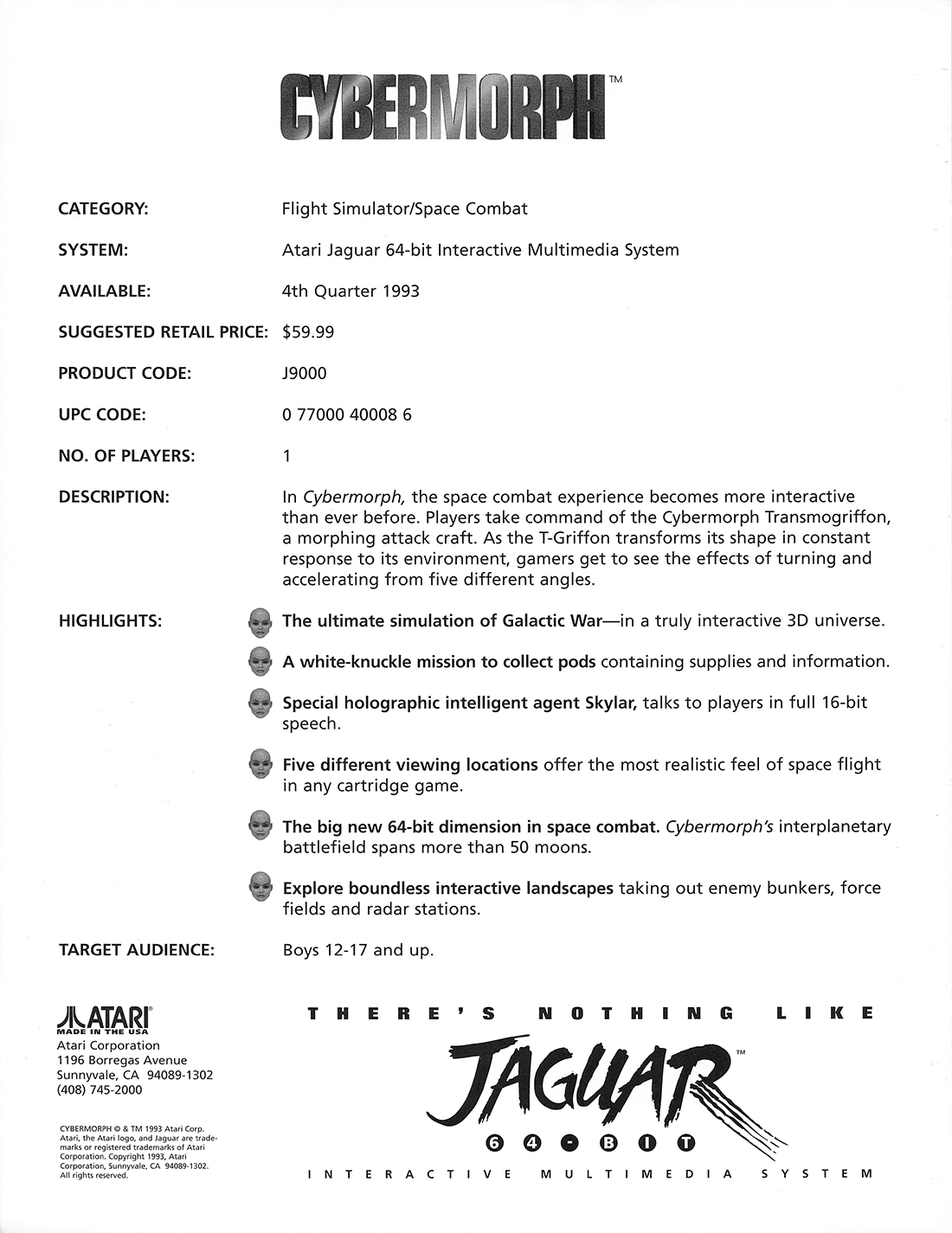
Posters (2)
Article (2)
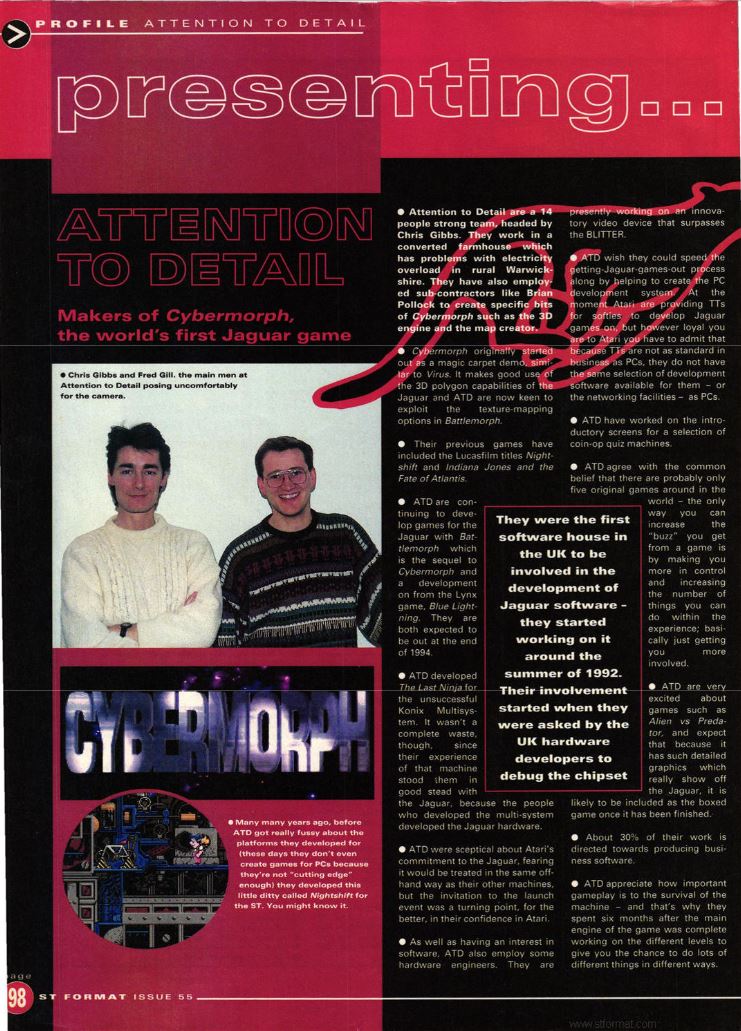
Presenting Attention to Detail
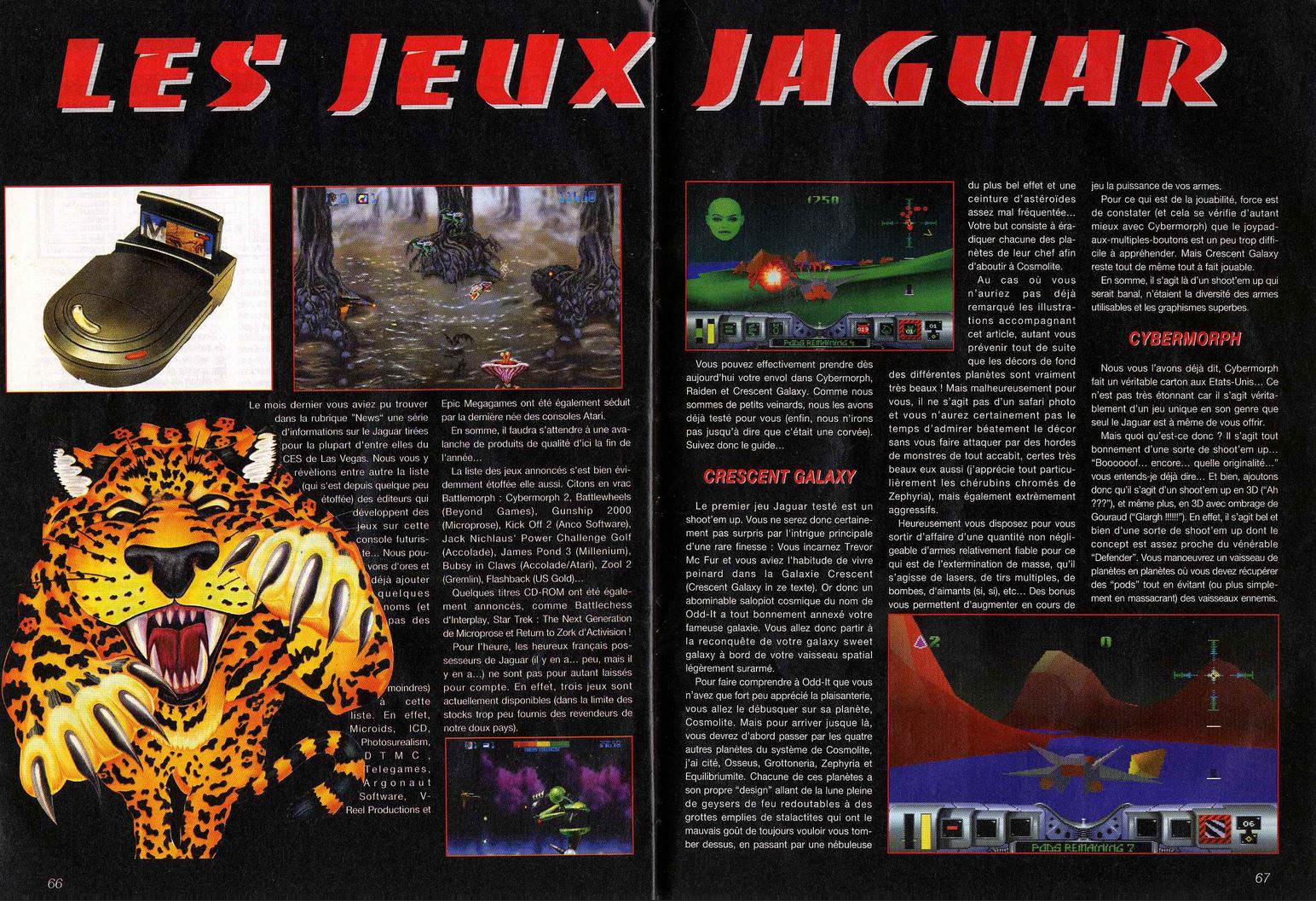
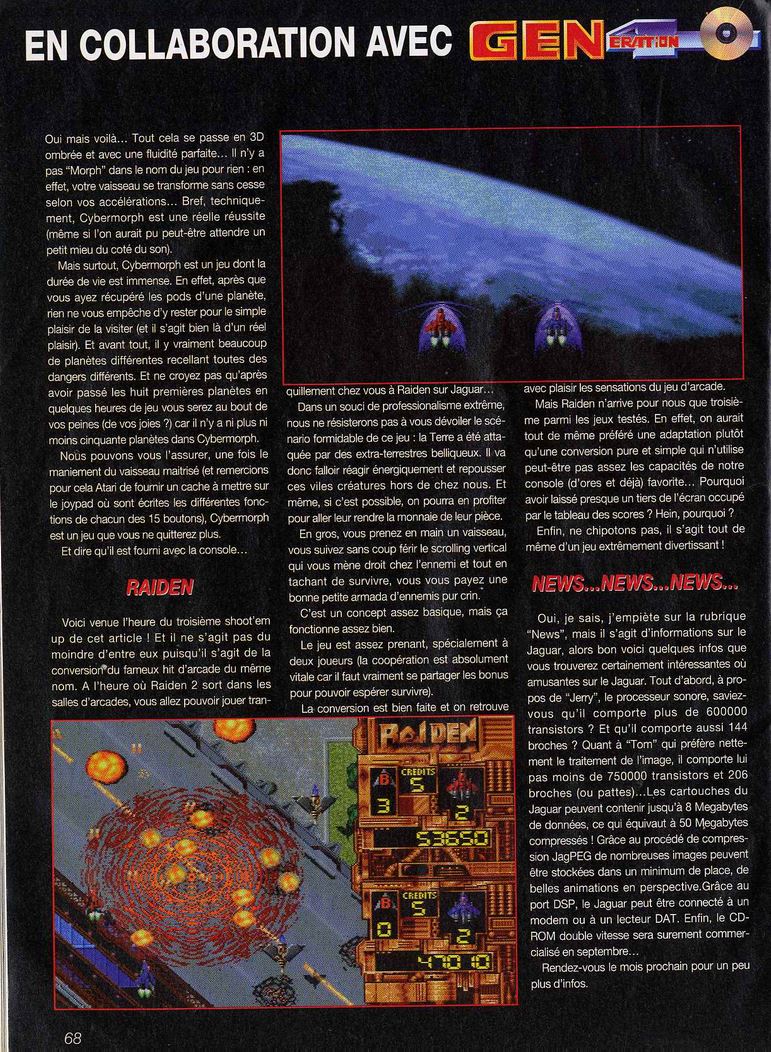
Les Jeux Jaguar
Games round-up for Jaguar.
Easter Eggs (1)
Bonus Levels
To access the bonus levels, enter the password 6009. Choose the lower right-hand planet to receive several powerups.
To access the bonus levels, enter the password 6009. Choose the lower right-hand planet to receive several powerups.
Level Password
1 1008
2 1328
3 9325
4 9226
5 3444
? 6009
1 1008
2 1328
3 9325
4 9226
5 3444
? 6009
Unlimited Ammo
For unlimited ammunition, go to the Control Options screen and press 1 + 3 + 5 + 7 + 8 + 9 followed by the fire button.
For unlimited ammunition, go to the Control Options screen and press 1 + 3 + 5 + 7 + 8 + 9 followed by the fire button.
Trivia (2)
Additional Credits:
Producer:
Skruch, John
Patten, Sean
Skruch, John
Patten, Sean
Bundle
Originally bundled with Atari Jaguar.
Book / Magazine Reviews (2)
ST Review · December, 1994 · Rating: 88%
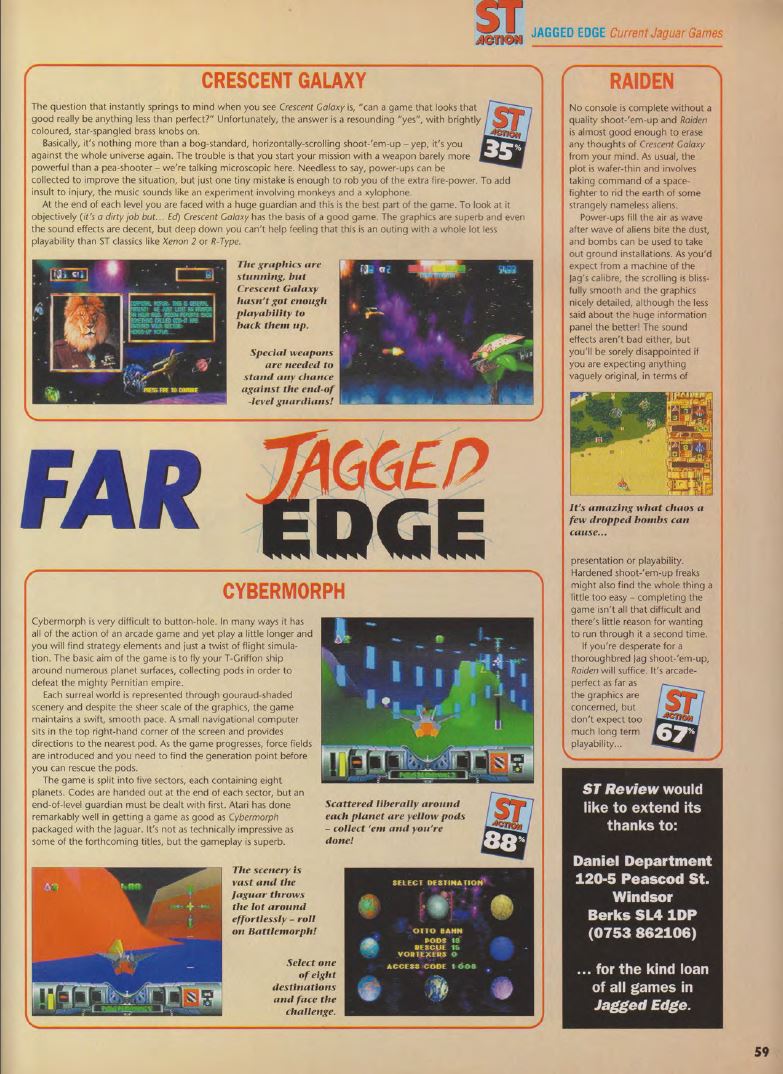
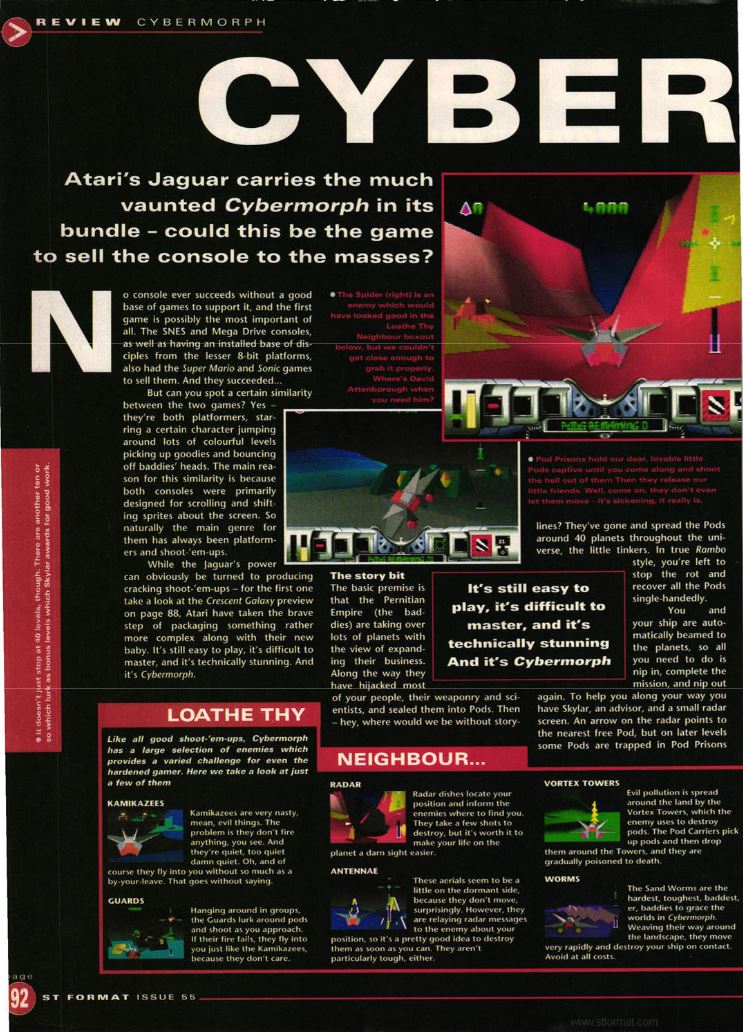
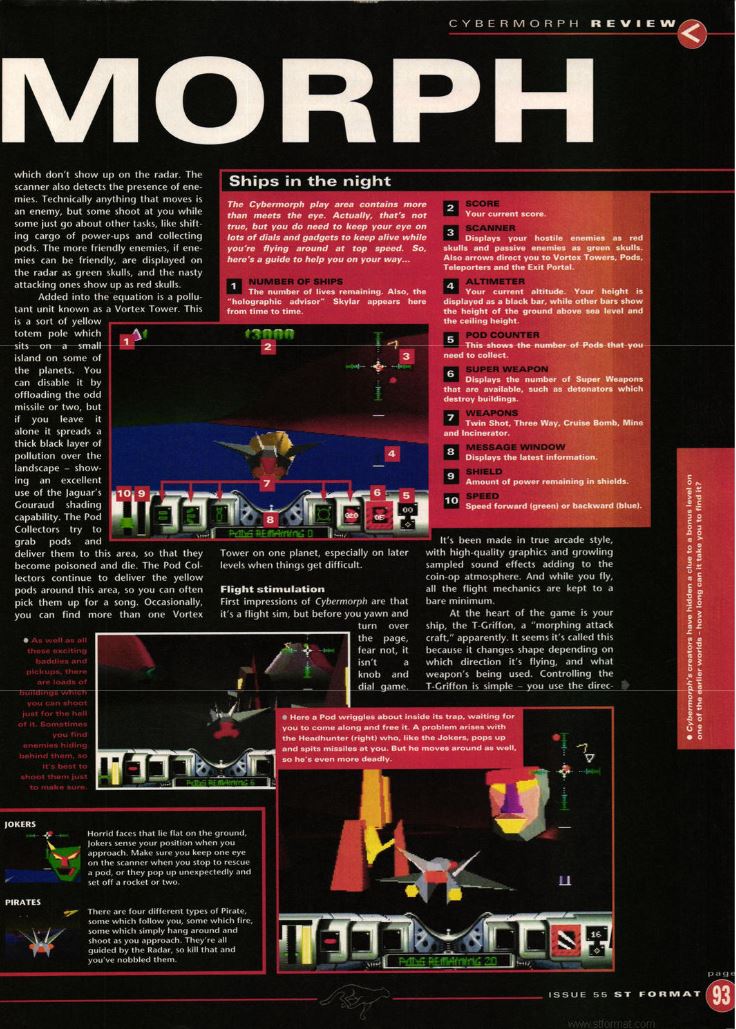
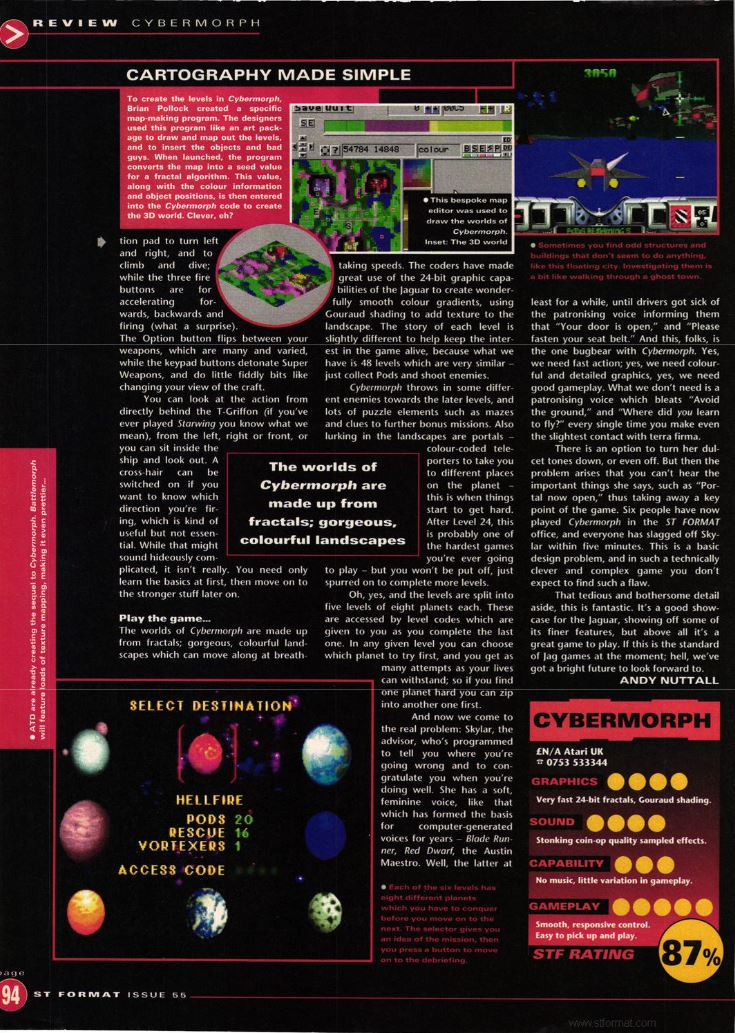
ST Format · February, 1994 · Rating: 87%