

Adventure / Adventure - RPG (2-D) · 1988
Rogue
Published by Mastertronic (UK) · Developed by Icon Design
atarimania.com — atari-400-800-xl-xe-games-rogue-4431
Information
- Genre
- Adventure - RPG (2-D)
- Language
- Machine Language
- Controls
- Joystick, Keyboard
- Players
- 1
- Programmer(s)
- Marshall, Paul D.
- Graphic Artist(s)
- [n/a]
- Sound
- [n/a]
- Cover Artist(s)
- [unknown]
- Year
- 1988
- Publisher
- Mastertronic (UK)
- Developer
- Icon Design
- Country
- United Kingdom
- License
- Commercial
- Medium
- Tape
- Rarity
- 5
- Serial
- IT0224
Votes / Statistics
Rating: 7.4/10 · Votes: 23 · Downloads: 3,273 · Hits: 16,985
Screenshots (3)
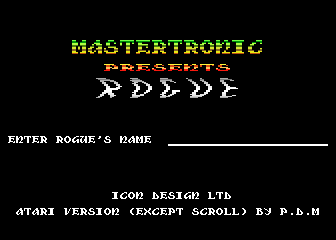
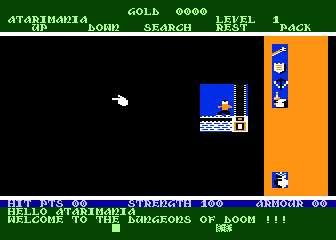
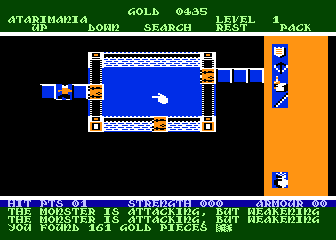
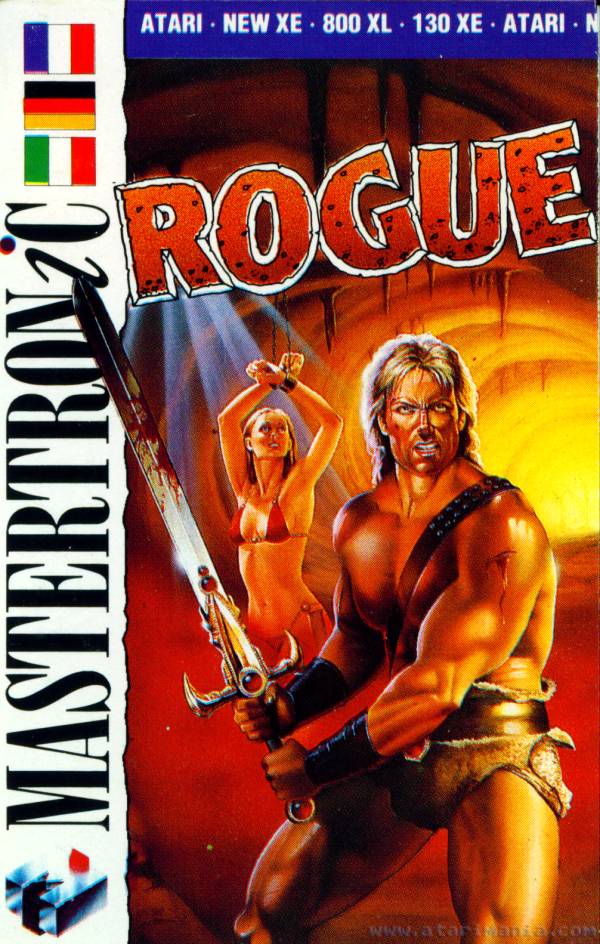
Cover Art (2)
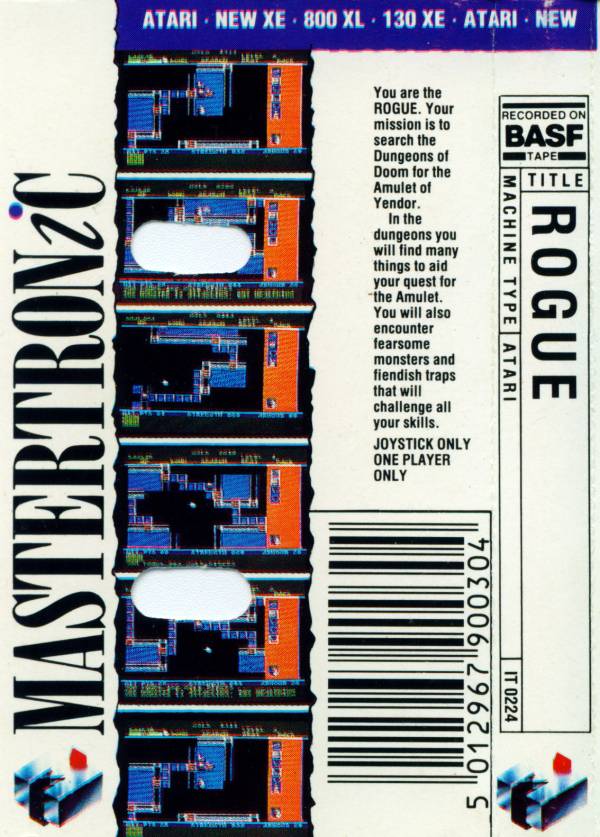
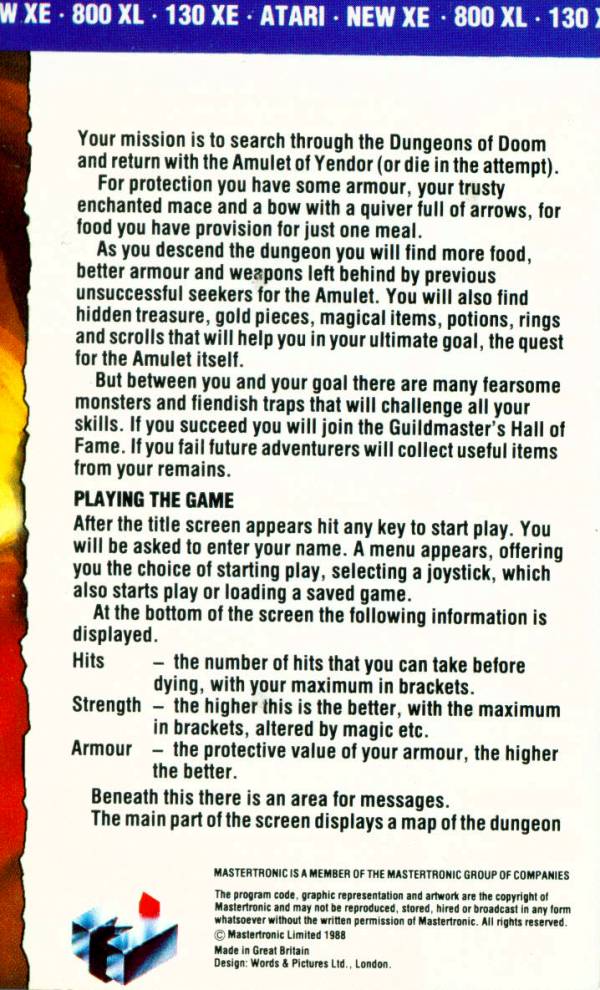
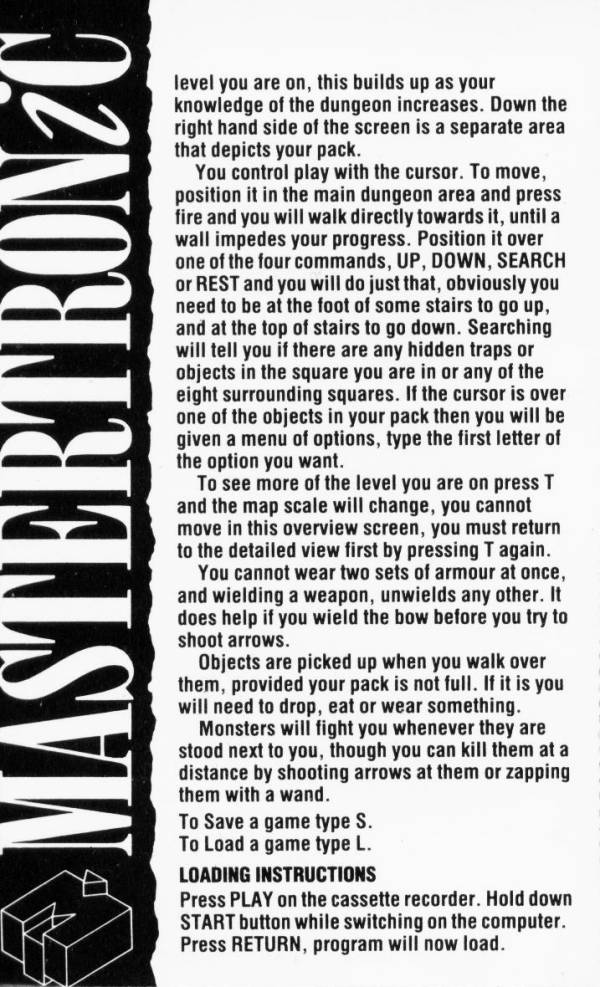
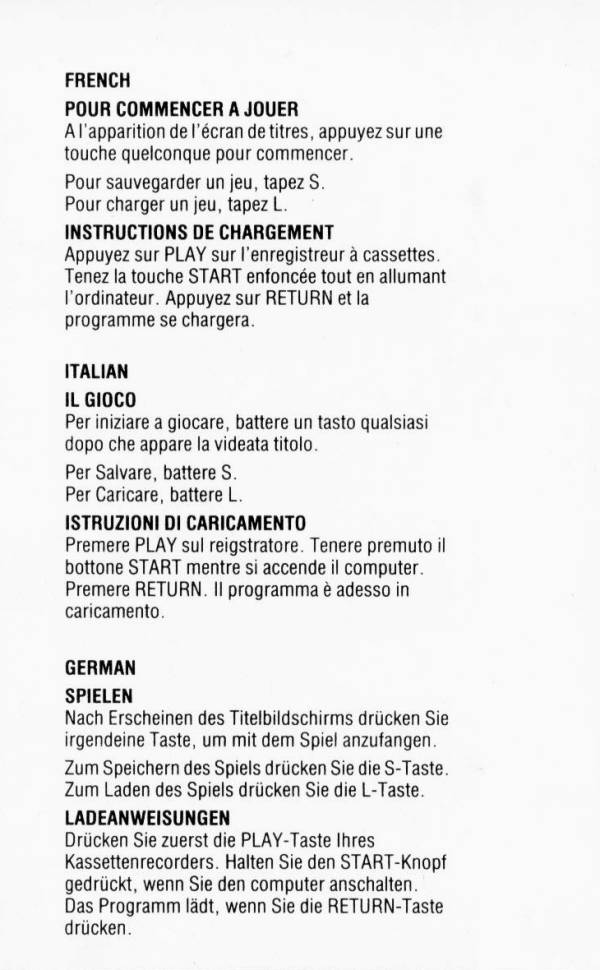
Instructions (3)
Comments (3)
chr1sbean — 2 Oct 2023
Great game that had lots of atmosphere back then. Probably more from our imaginations than anything else really, but it did feel as if I was there exploring the dungeon. Although I really hated that the crossbow could not kill from distance!!
mrnukem — 11 May 2008
Never knew they had made this for the Atari 8 bit. I currently play many of the variations on my Windows Systems and I must say this is as good as or even better that some of the 'current' versions. The graphics are nice as many of the more modern versions still just use ASCII characters rather than graphics. Thanks for the great addition to the Atari 8 Bit !
Andrew Bernstein — 30 Sept 2007
A decent rendering of Rogue for the Atari 8Bit. I played it quite a bit in the old days but always felt that the game, in its presentation, could have been slightly more polished (at least we got a redefined character set but it could have been better). The game mechanics take a while to digest but, once they're in place, the game becomes quite rewarding. Worth a look.