

Educational / Education - Introductory · 1981
My First Alphabet
Published by Swifty Software · Developed by Swifty Software
atarimania.com — atari-400-800-xl-xe-games-my-first-alphabet-22419
Information
- Genre
- Education - Introductory
- Language
- BASIC
- Controls
- Keyboard
- Players
- 1, Demo
- Programmer(s)
- Herrera, Fernando
- Graphic Artist(s)
- Herrera, Fernando
- Sound
- White, Jerry
- Cover Artist(s)
- [n/a]
- Year
- 1981
- Publisher
- Swifty Software
- Developer
- Swifty Software
- Country
- USA
- License
- Commercial
- Medium
- Disk
- Rarity
- 10
Votes / Statistics
Rating: 5.7/10 · Votes: 7 · Downloads: 261 · Hits: 3,762
Additional Comments
Screenshots (7)
Ads (1)
Comments (1)
devwebcl — 21 Jun 2014
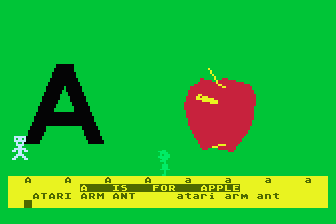
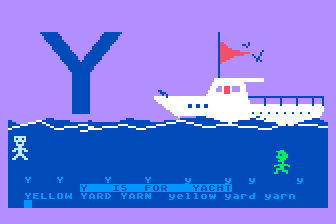
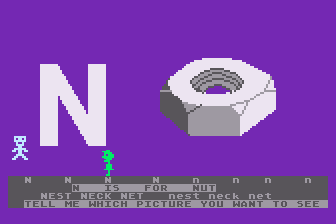
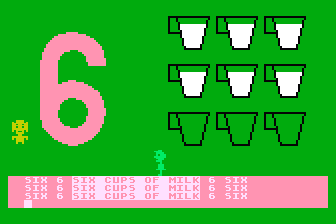
"My First Alphabet" Claims Atari $25,000 Award Fernando Herrera, winner of the $25,000 Atari Star Award for the creation of a computer program, was inspired to write My First Alphabet to assist his visually-impaired son, Steve, in learning to read. The colorful, animated alphabet is a beneficial learning aid to children between two and eight years of age. More than $100,000 worth of prizes are awarded annually to creators of computer software in the contest sponsored by Atari, Inc. Herrera, an architect by training, recently switched careers as the result of his interest in home computers. He now manages a computer store on Long Island, New York.