

Shoot'em Up! / Shoot'em Up! - Crosshair · 1987
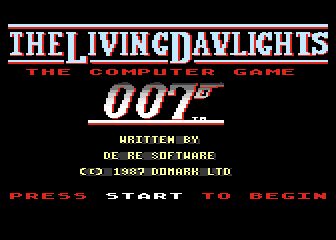
Living Daylights (The)
Published by Domark · Developed by De Re Software
atarimania.com — atari-400-800-xl-xe-games-living-daylights-the-3013
Information
- Genre
- Shoot'em Up! - Crosshair
- Language
- Machine Language
- Controls
- Joystick
- Players
- 1
- Programmer(s)
- Kavanagh, John, McCormack, Pat
- Graphic Artist(s)
- Kavanagh, John, McCormack, Pat
- Sound
- Whittaker, David
- Cover Artist(s)
- [unknown]
- Year
- 1987
- Publisher
- Domark
- Developer
- De Re Software
- Country
- United Kingdom
- License
- Commercial
- Medium
- Tape, Disk
- Rarity
- 7 (Tape), 7 (Disk)
Votes / Statistics
Rating: 6.0/10 · Votes: 29 · Downloads: 2,923 · Hits: 12,070
Additional Comments
Emulator users: disable SIO patch when loading the game from cassette.
Many thanks to Mr. Bacardi for dumping this tape!
Missing original disk image!
Screenshots (8)


Cover Art (2)


Instructions (3)


Article (1)
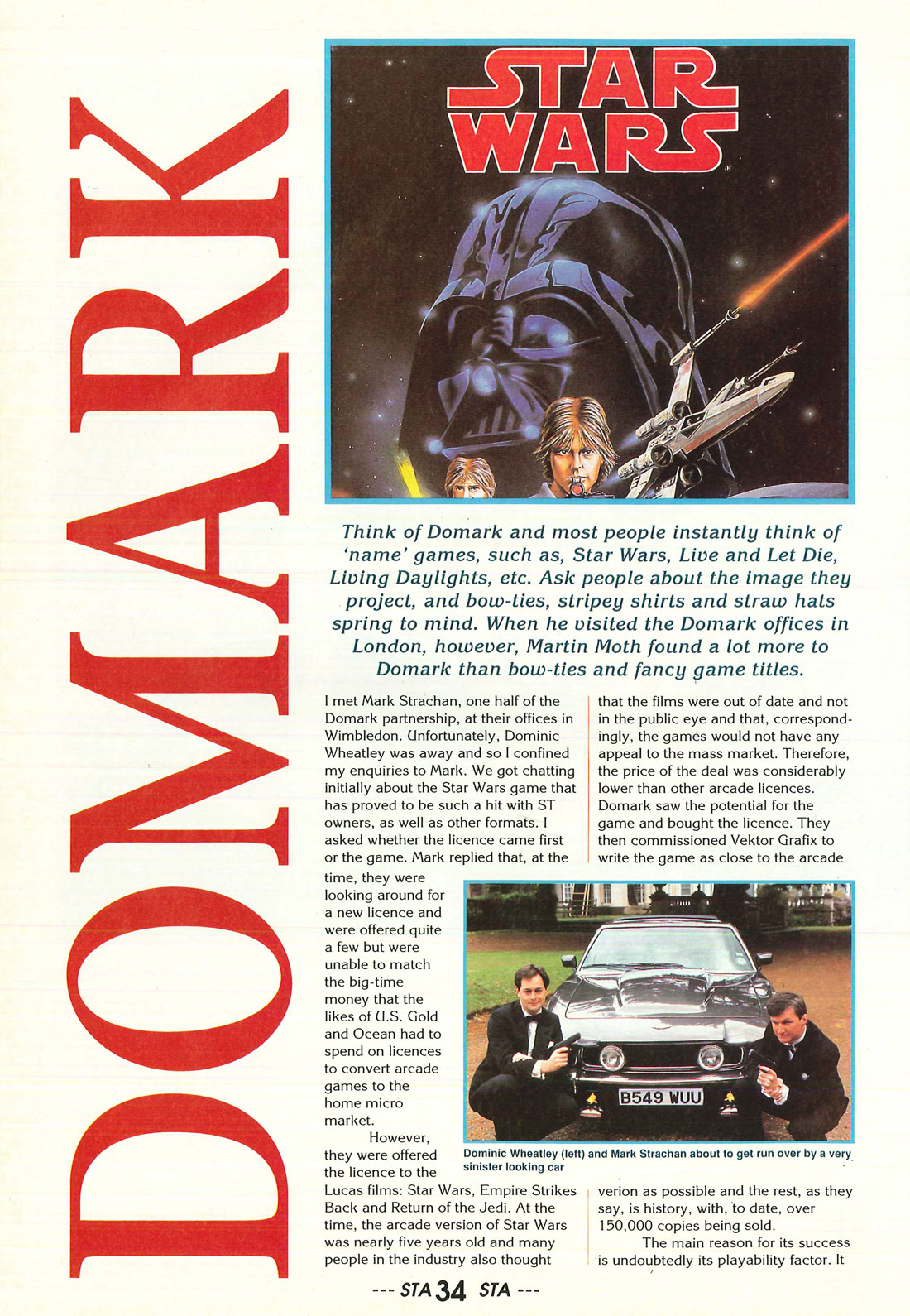
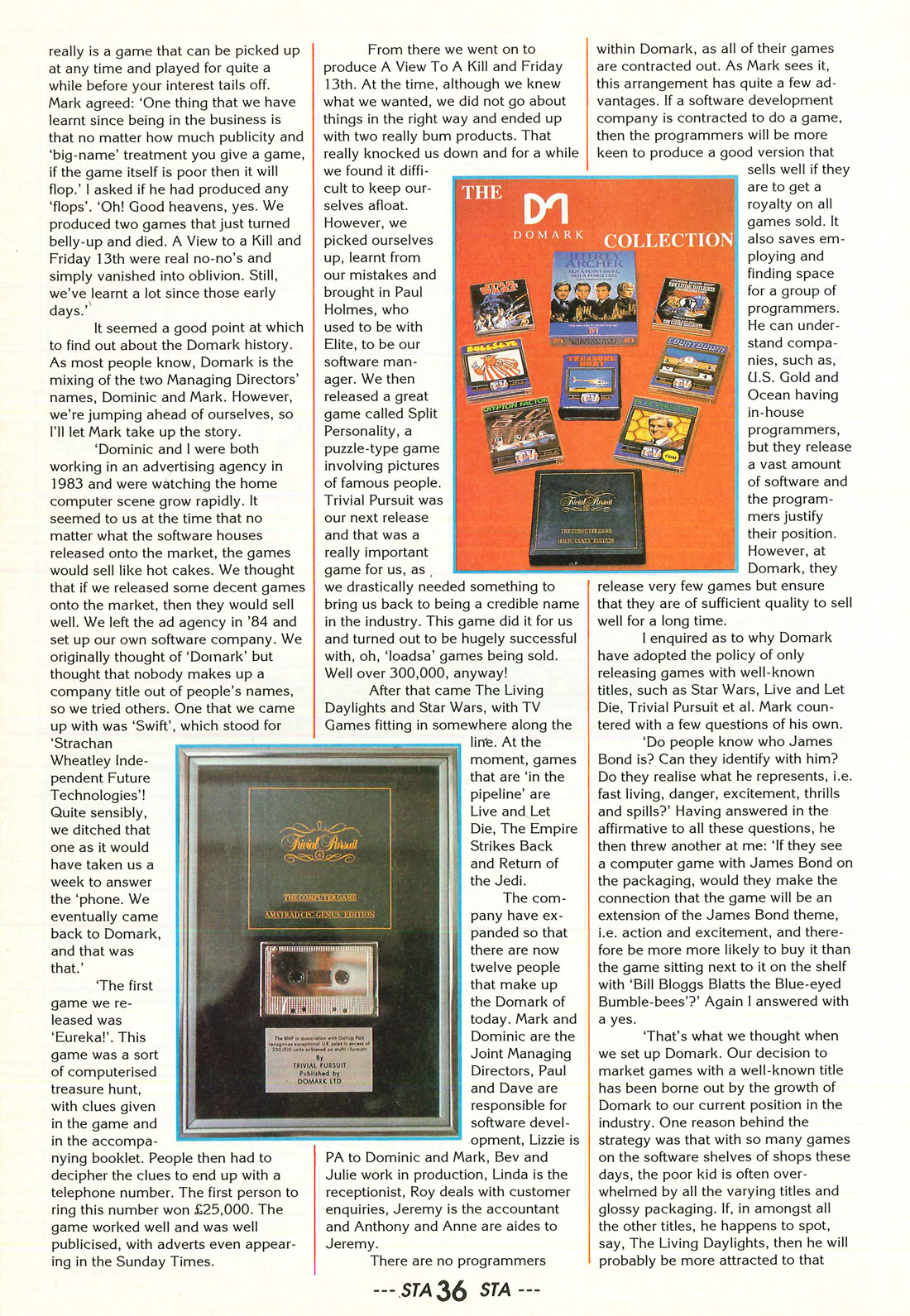
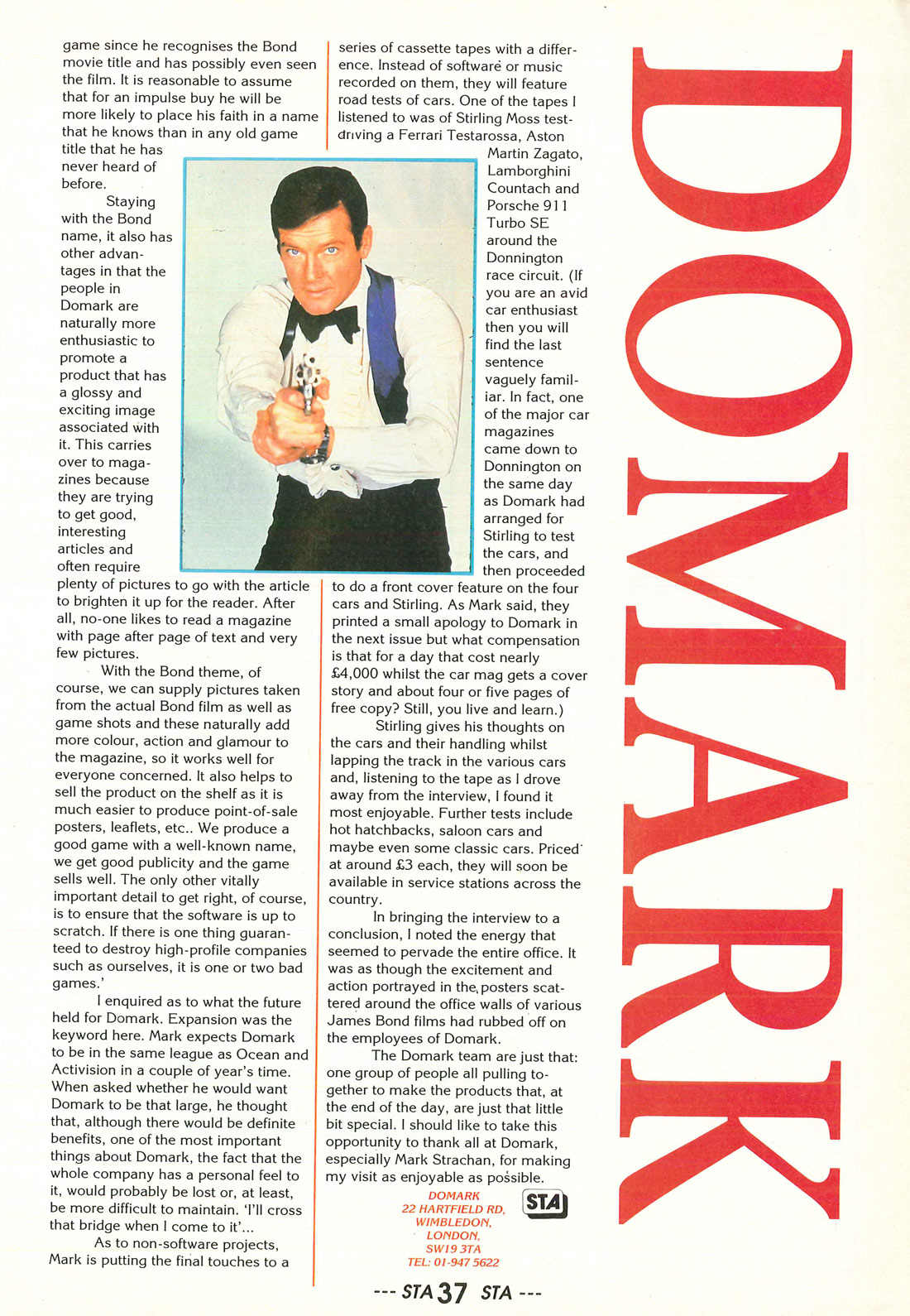
Domark · ST Action · August, 1988
Comments (2)
Nic — 18 Apr 2017
Come on this Zepplin game is good , shooting badies is fun. You can change wepon programmers worked hard on this one??
Andreas Koch — 23 Jul 2007
In the Atari version you do not need to pick up the special weapons - you can just run through all the screens (which makes the game even more boring)...