

Adventure / Adventure - RPG (2-D) · 1987
Eternal Dagger (The)
Published by Strategic Simulations, Inc.
atarimania.com — atari-400-800-xl-xe-games-eternal-dagger-the-1882
Information
- Genre
- Adventure - RPG (2-D)
- Language
- Machine Language
- Controls
- Keyboard
- Players
- 1
- Programmer(s)
- Murray, Paul, Brors, Keith
- Cover Artist(s)
- Chiodo, Joseph, Saekow, Louis Hsu
- Year
- 1987
- Publisher
- Strategic Simulations, Inc.
- Country
- USA
- License
- Commercial
- Medium
- Disk
- Rarity
- 6
Votes / Statistics
Rating: 7.8/10 · Votes: 91 · Downloads: 3,291 · Hits: 27,068
Screenshots (4)
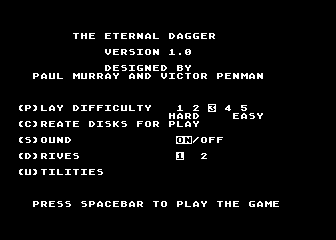
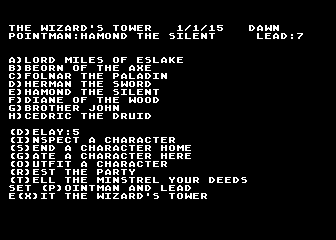
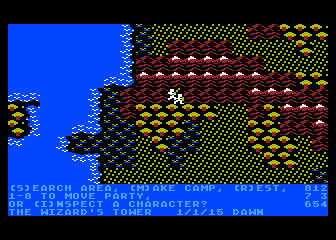
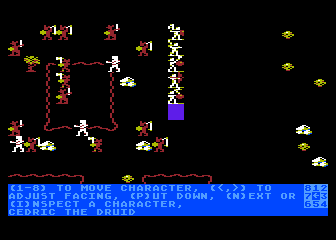
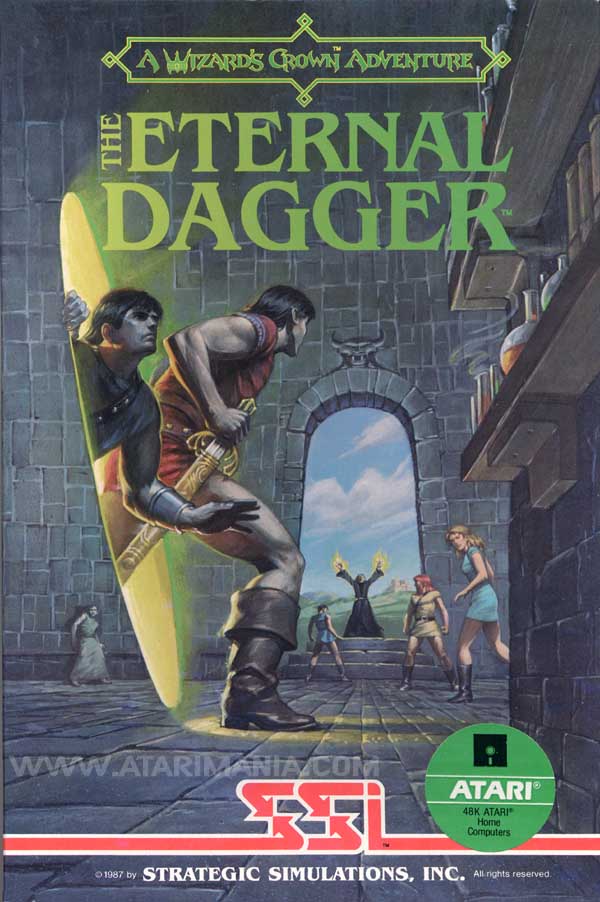
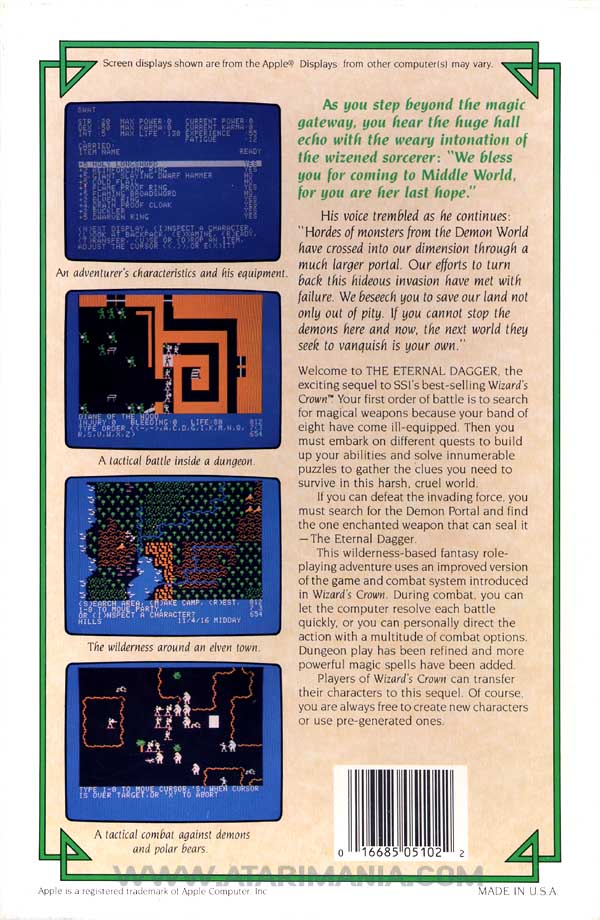
Cover Art (2)
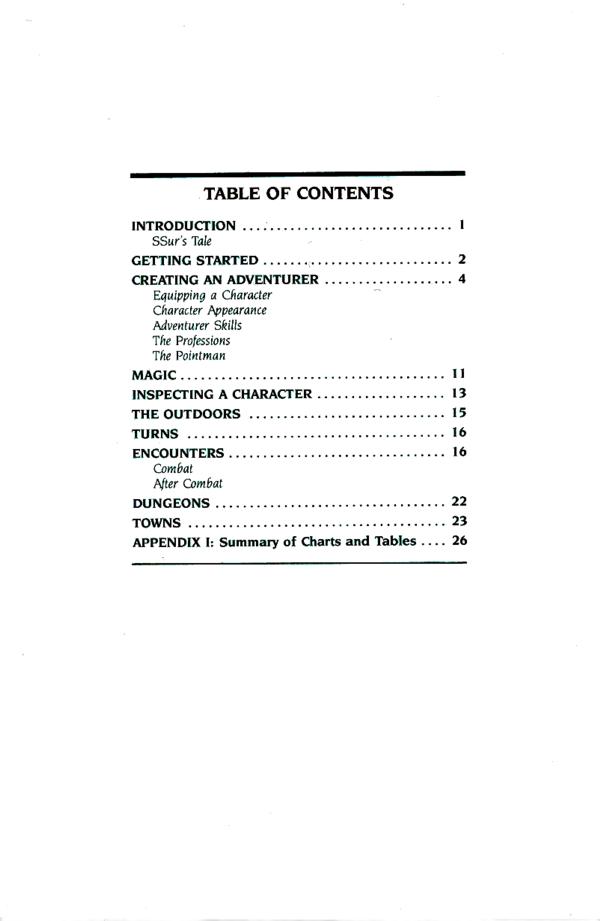
Instructions (31)
Tips (1)
Comments (4)
Helpful — 10 Sept 2009
I got it to work! If anybody still cares out there, they can email me and I can try and help them where they are stuck. 1. The game DOESN'T KNOW that you don't have to copy those disks, or that indeed a 1541 drive with the disk in it doesn't even exist. You just have to get through the process to fool it into thinking it was initialized. I did this by loading the file for the appropriate disk each time it was asked, and the emulator I used had the convienient function of setting up multiple emulated drives so swapping involved less repeated guesswork with selecting which files represented which disk and more use of the "Use previous drive" function to swap back and forth. That said, even if your emulator doesn't, it's still feasable to do it, and if you email me I can tell you where *I* got my file (it was a C64 version and emulator.)
jim — 22 Jul 2009
i remember this game coming out when i was a kid, and i never got a chance to play it. i just now got it working, but not on an atari emulator. you have to download an apple II emulator and apple II disk images of the game. they're out there, should be fairly simple to find, just do a google search. i've just finished creating the game disks successfully and it's running smoothly. now i'm going to start playing this game i've waited 22 years for!
Cryonax — 6 Nov 2008
I'm wondering the same thing. If anyone has an answer, it would be greatly appreciated.
Totalnoob — 4 Jun 2006
I cant get Eternal Dagger to work on any Emulators. I have to create a game disk which it seems unable to accomplish. WHat do I need to do for this function to proceed?