Educational / Education - Miscellaneous · 1983
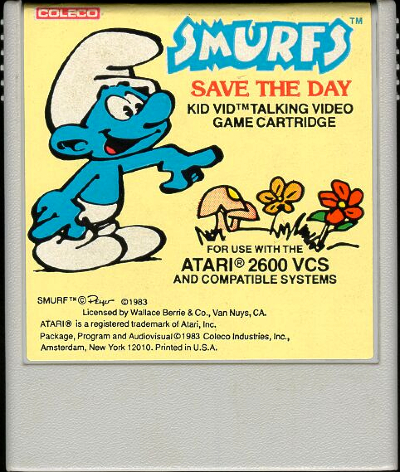
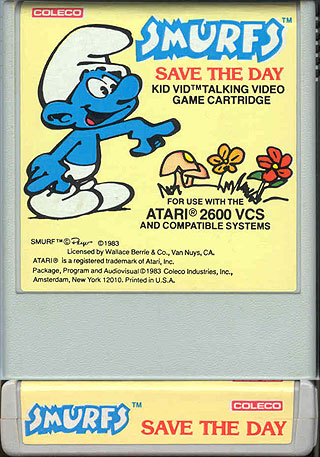
Smurfs Save the Day
Published by Coleco
atarimania.com — atari-2600-games-smurfs-save-the-day-11889
Information
- Genre
- Education - Miscellaneous
- Controls
- Joystick
- Players
- 1
- Programmer(s)
- Harris, Rob
- Format
- NTSC
- Year
- 1983
- Publisher
- Coleco
- Country
- USA
- Medium
- Cartridge
- Serial
- 2511
Votes / Statistics
Rating: N/A · Votes: 0 · Downloads: 2,534 · Hits: 14,176
Additional Comments
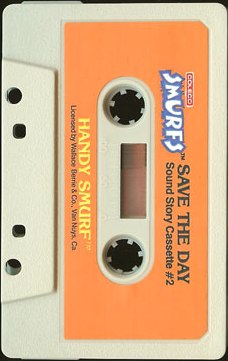
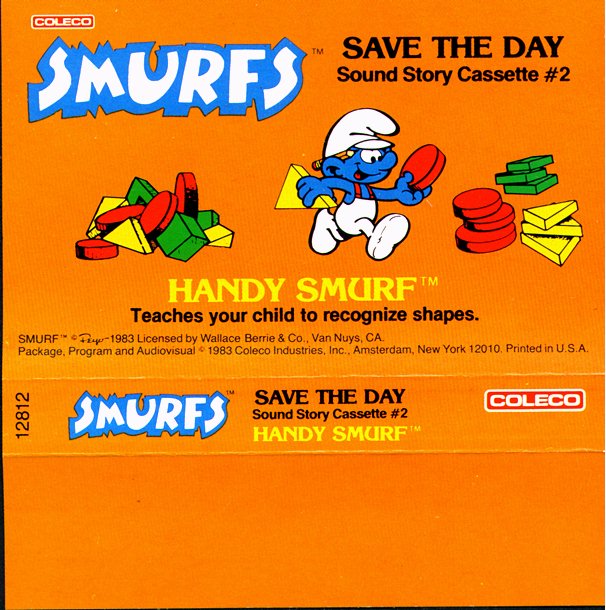
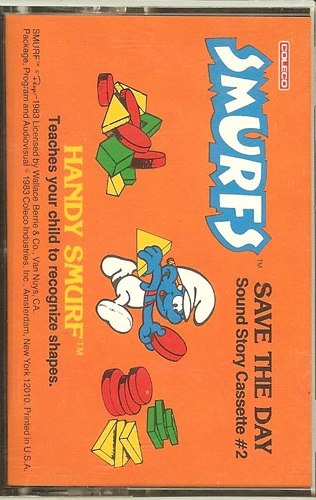
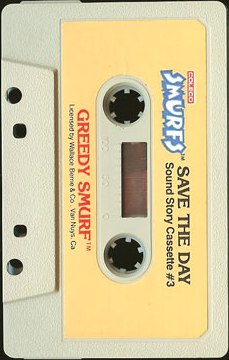
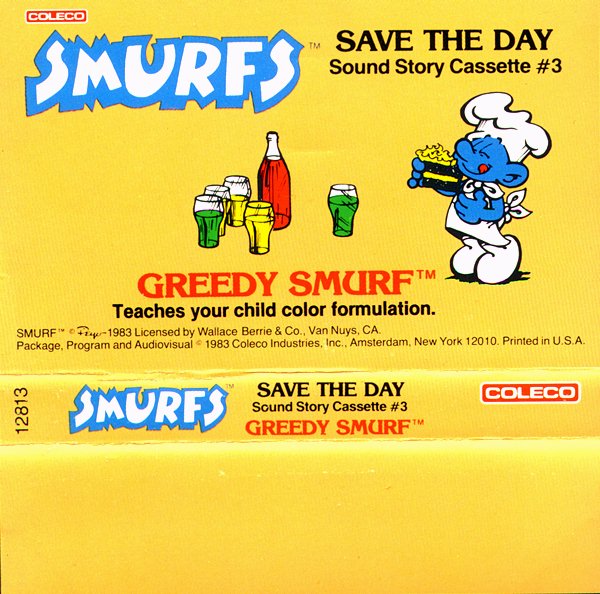
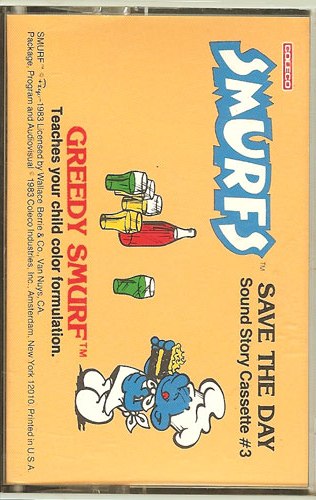
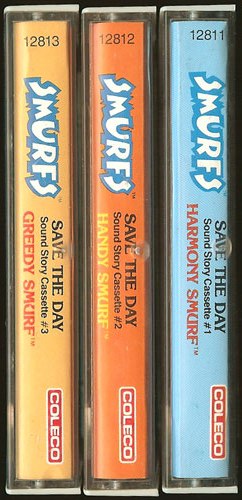
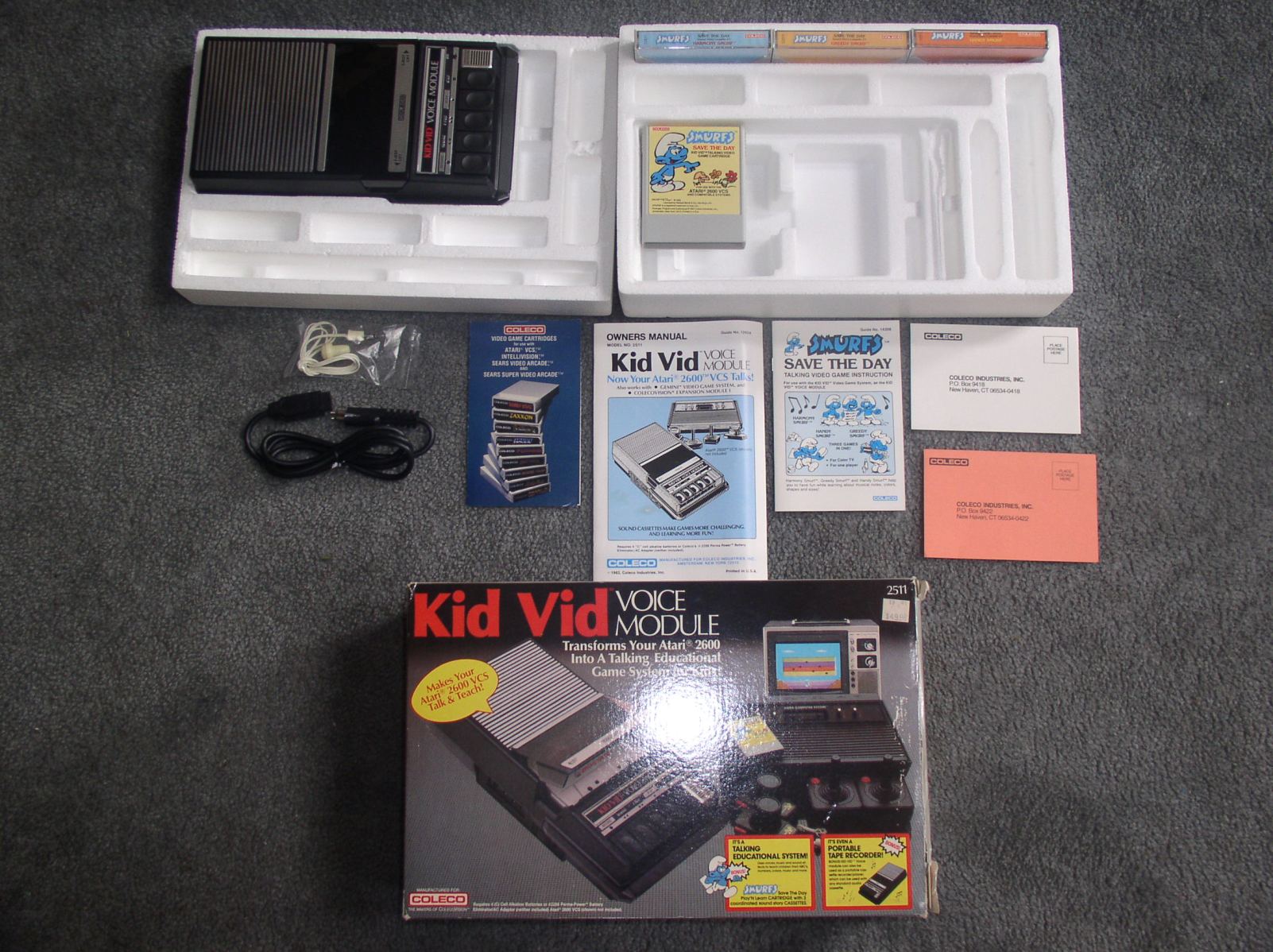
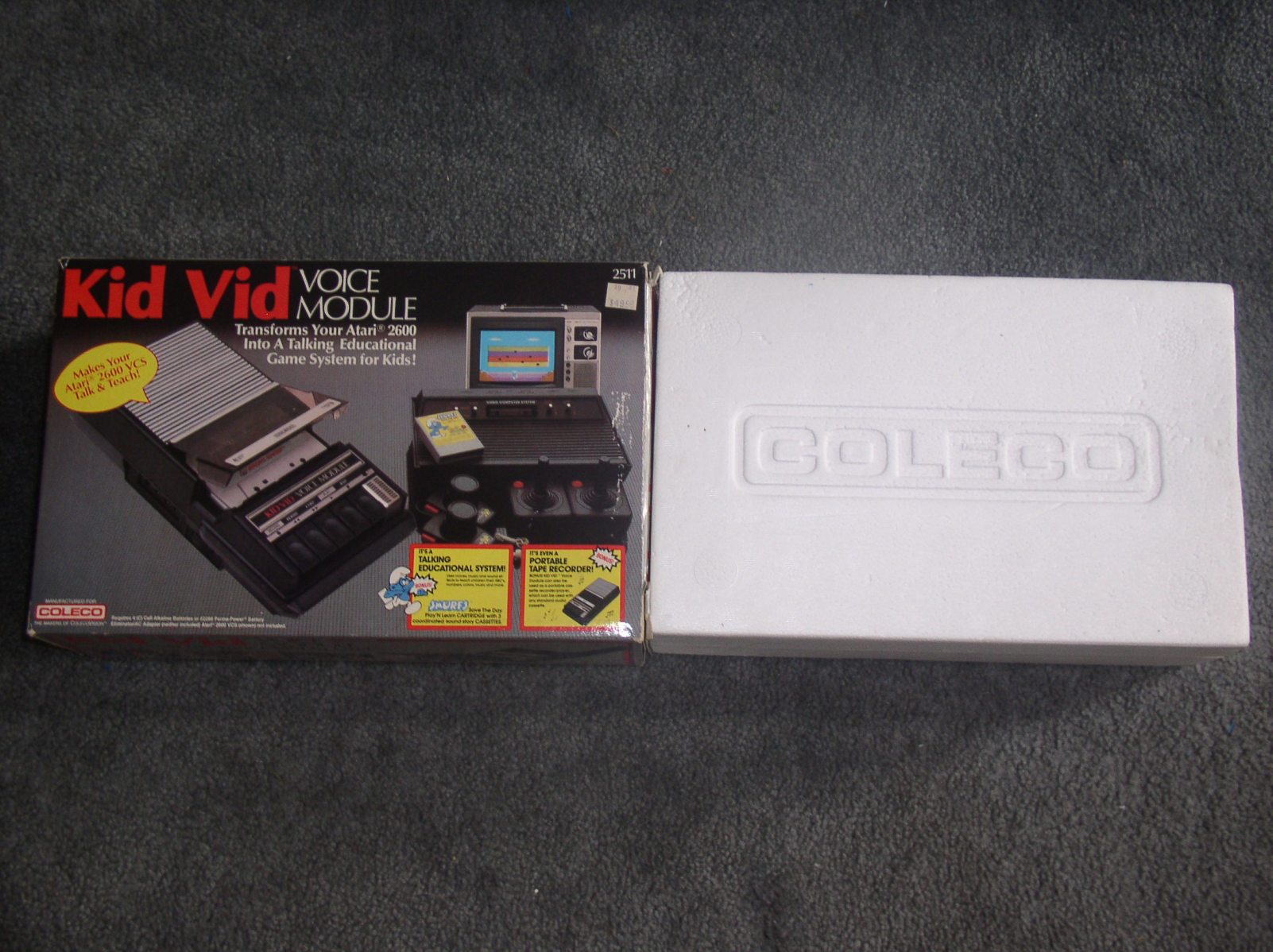
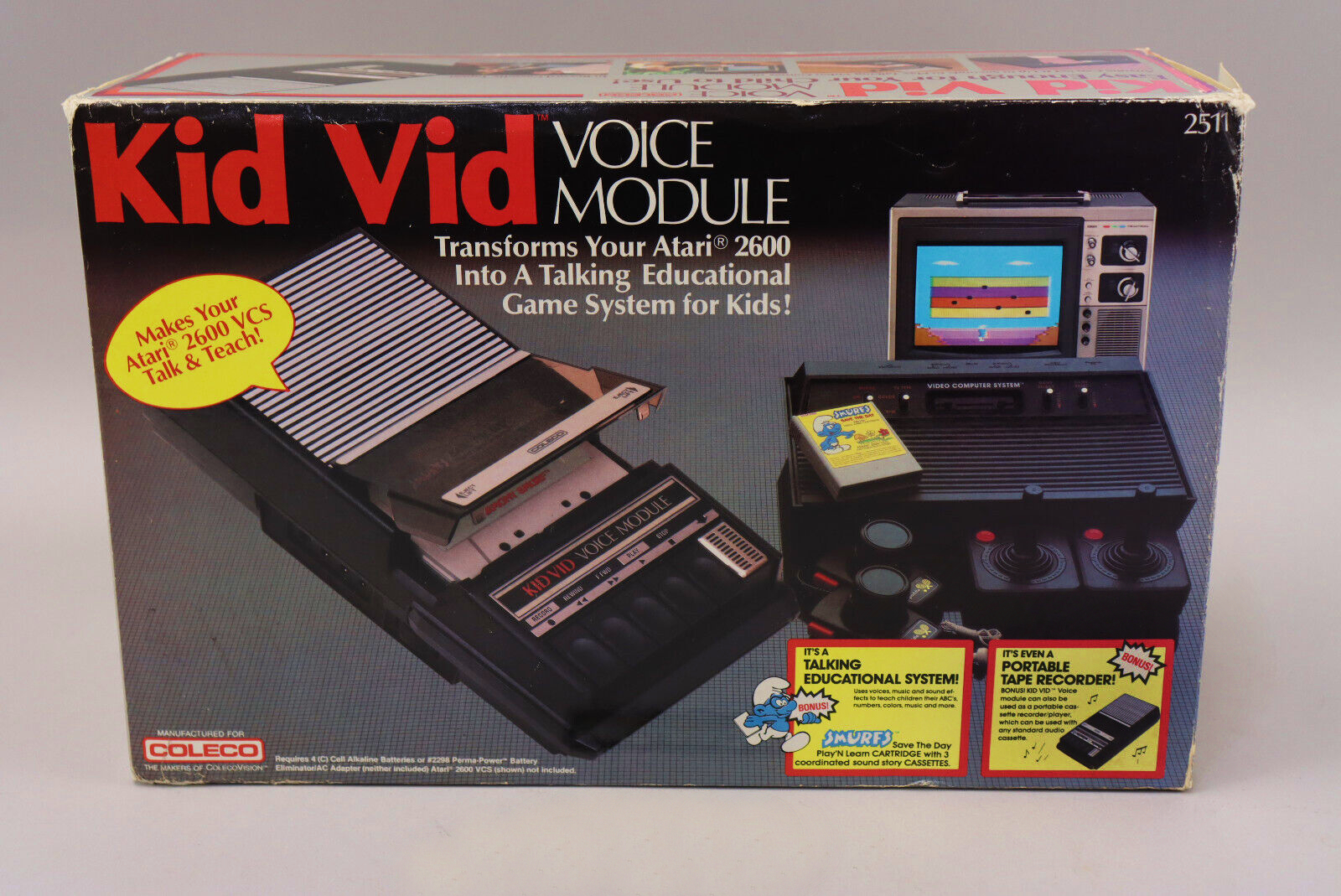
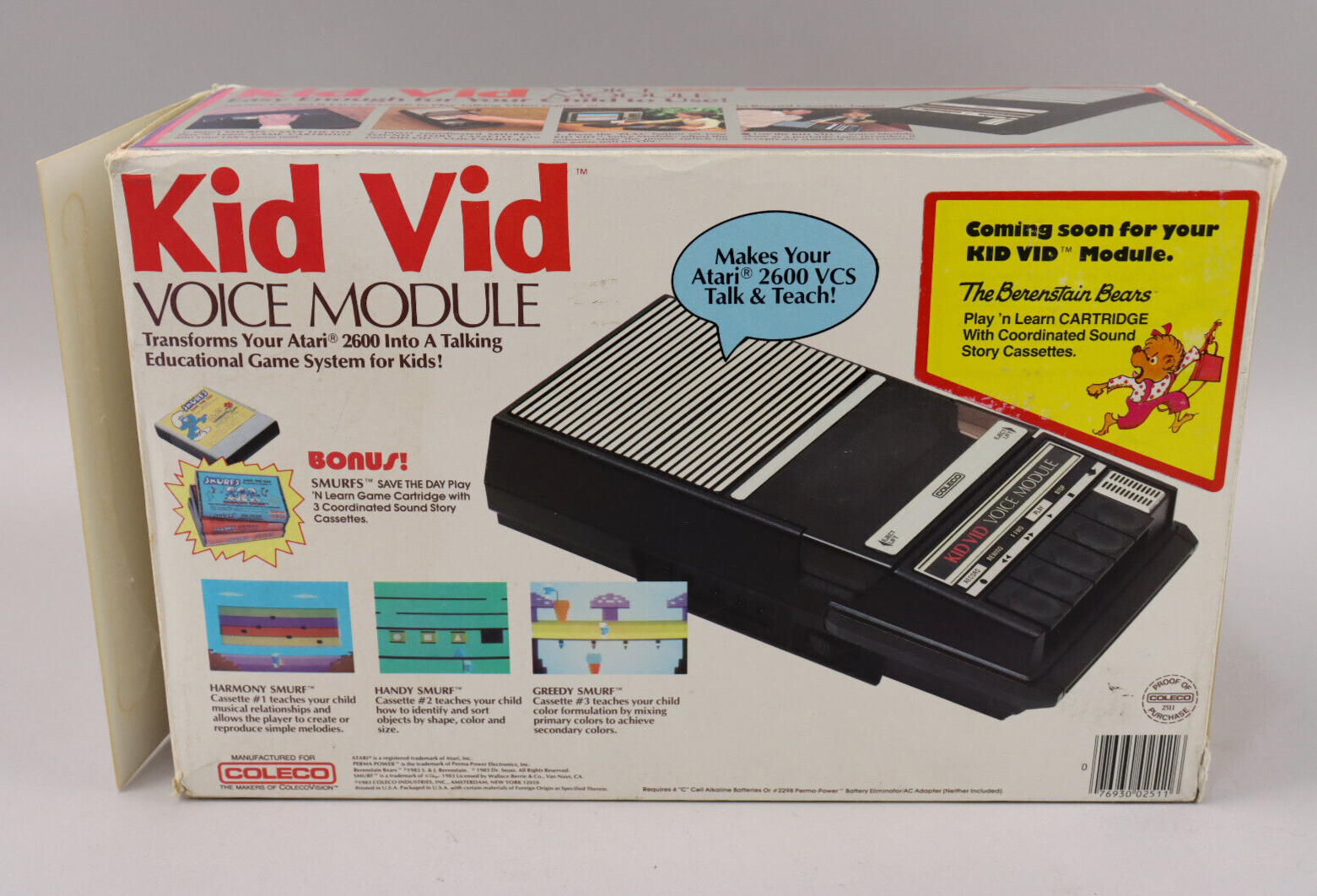
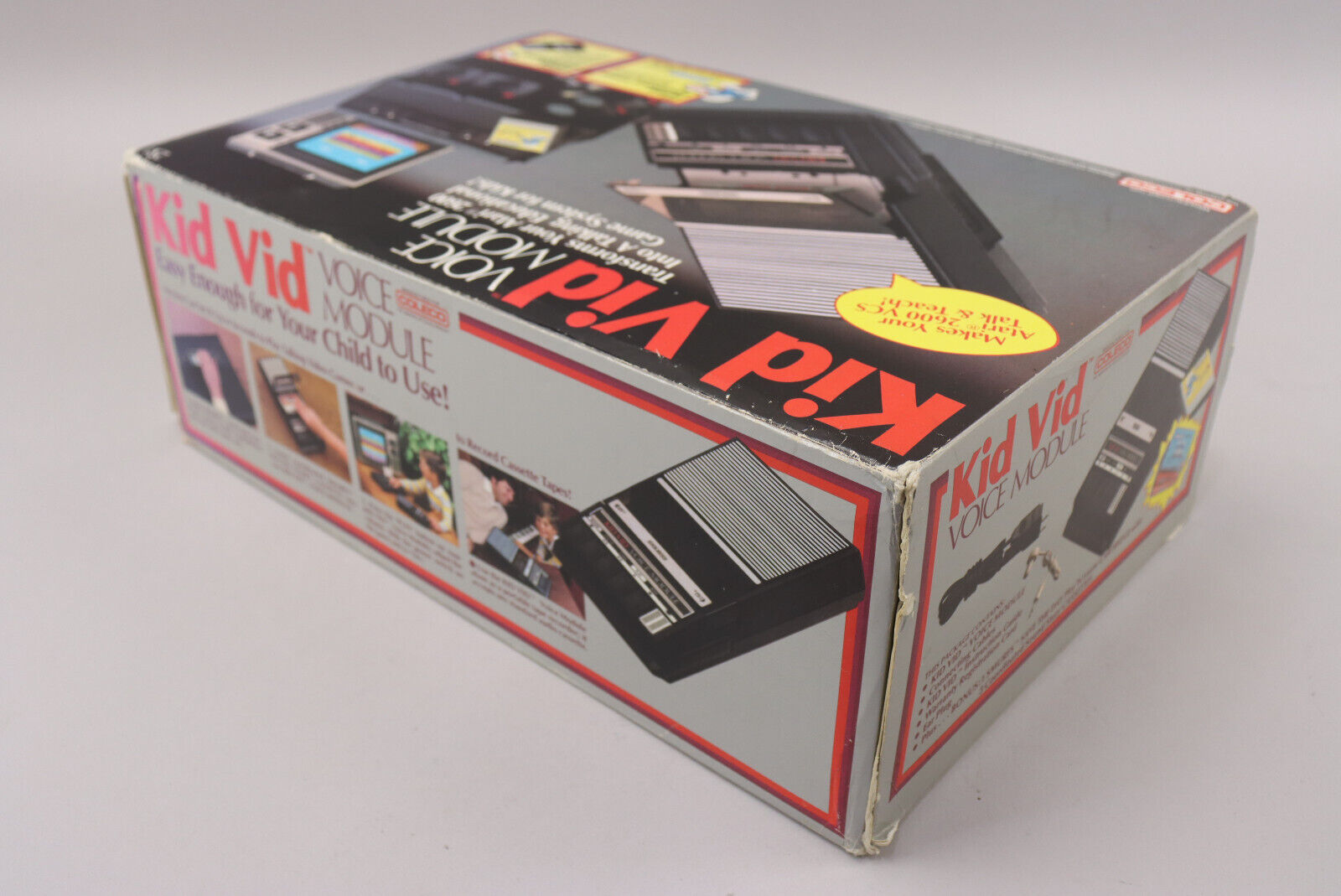
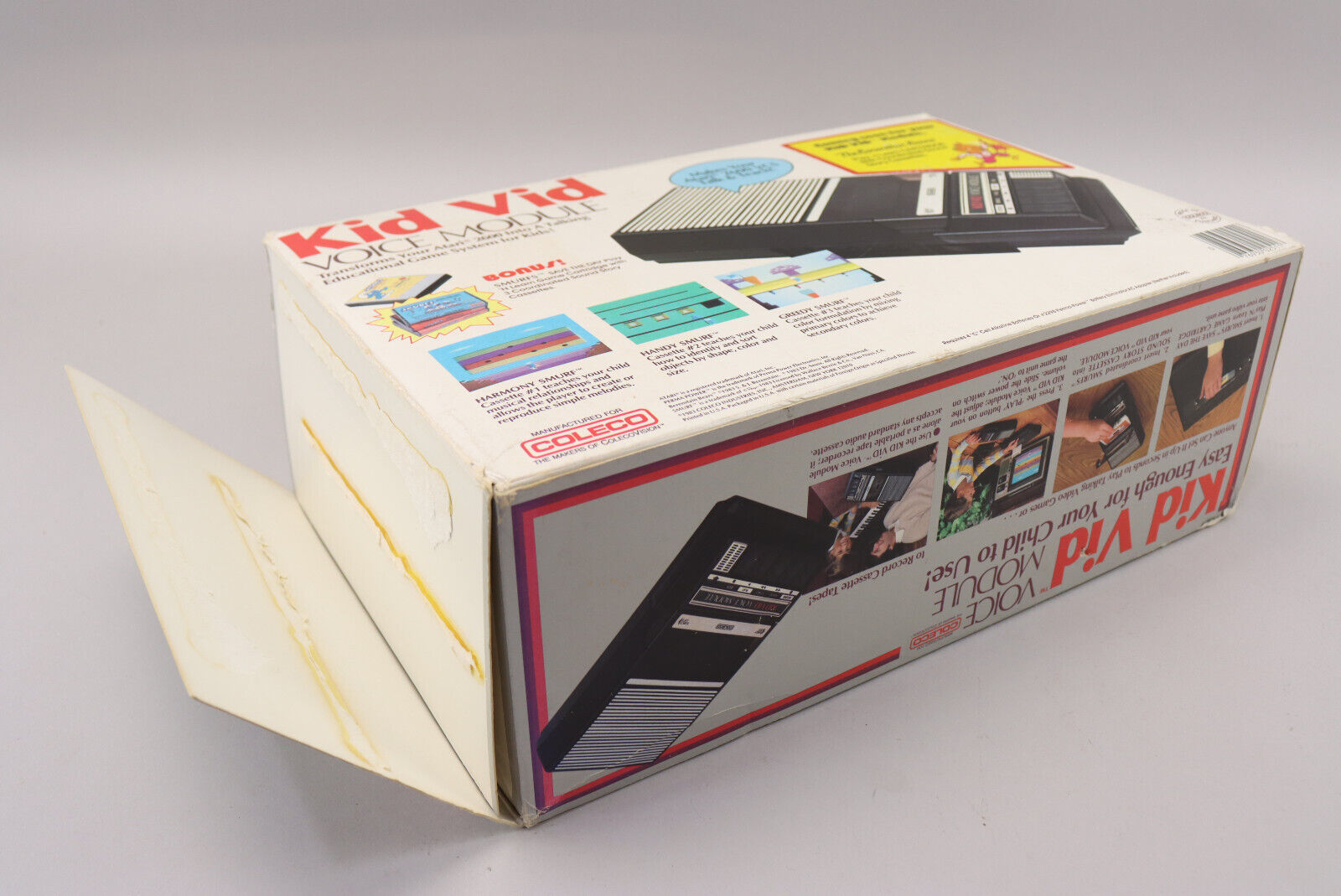
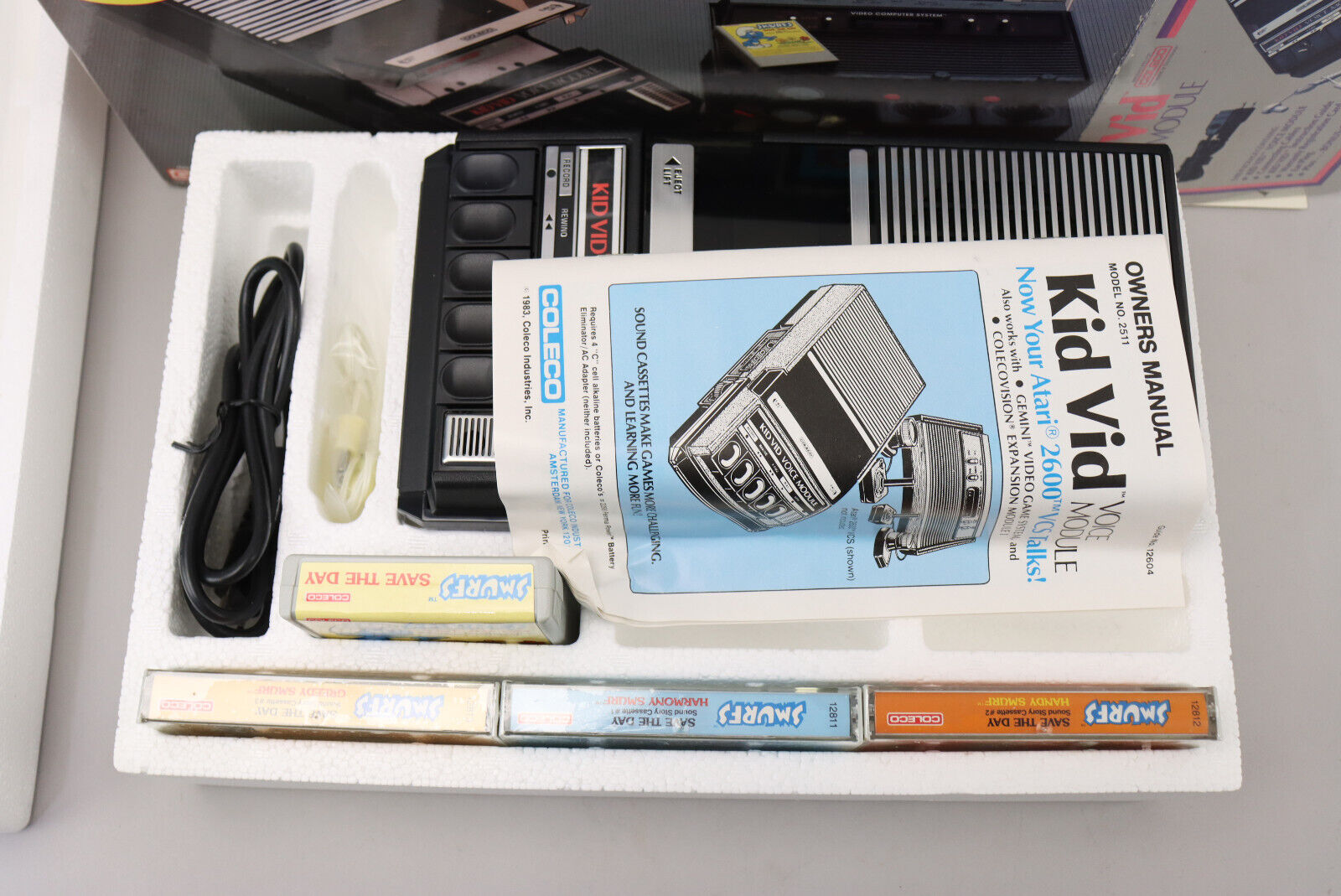
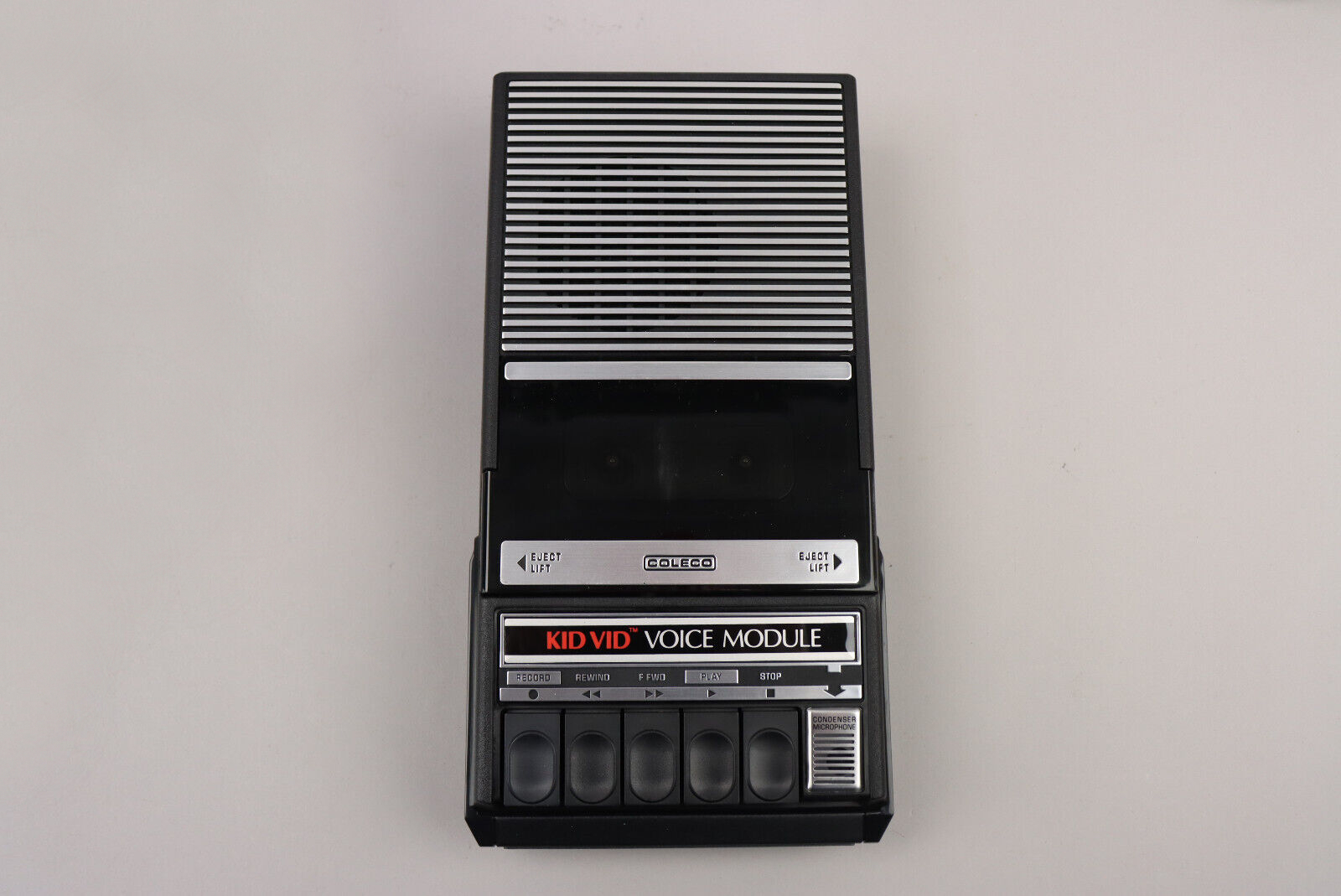
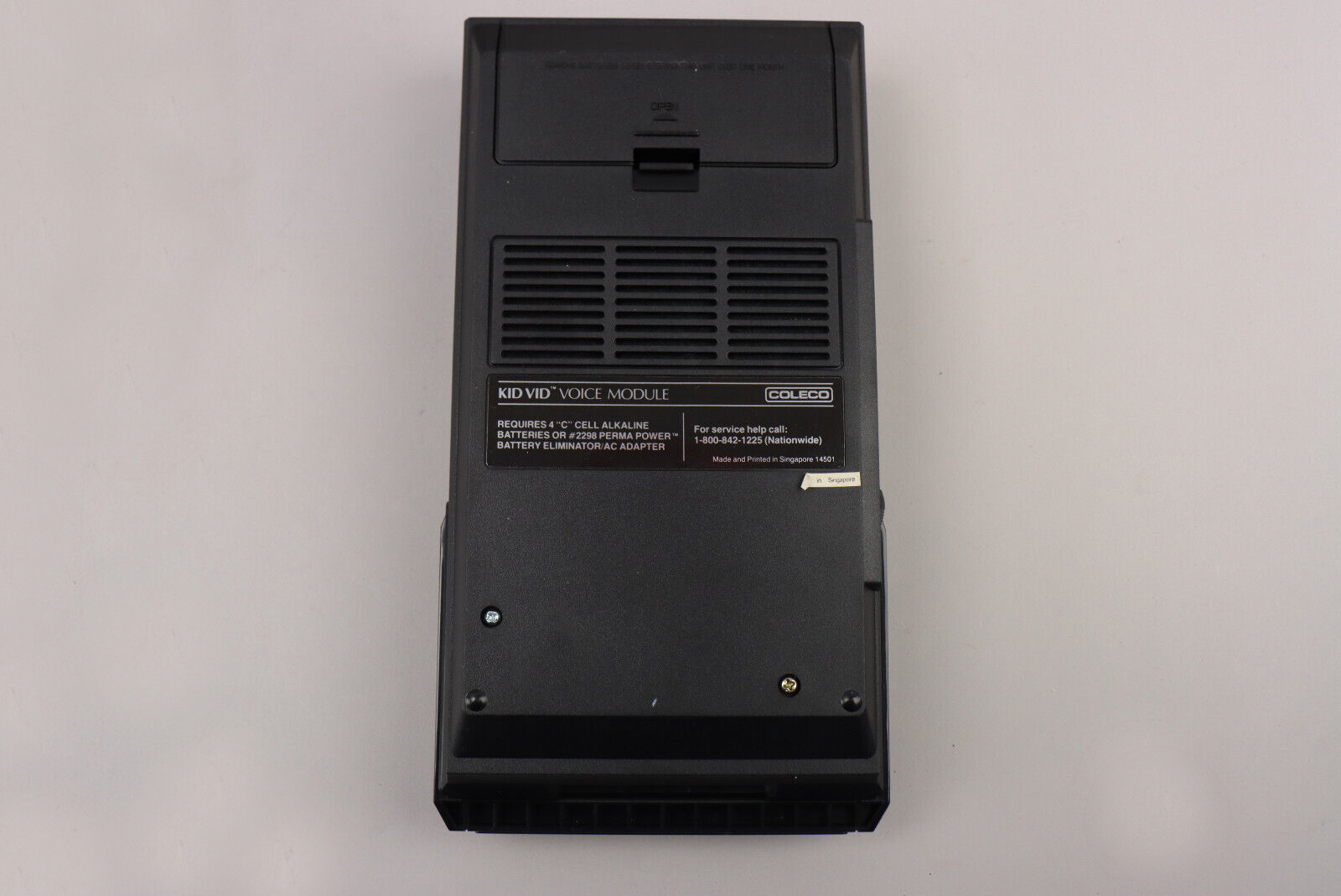
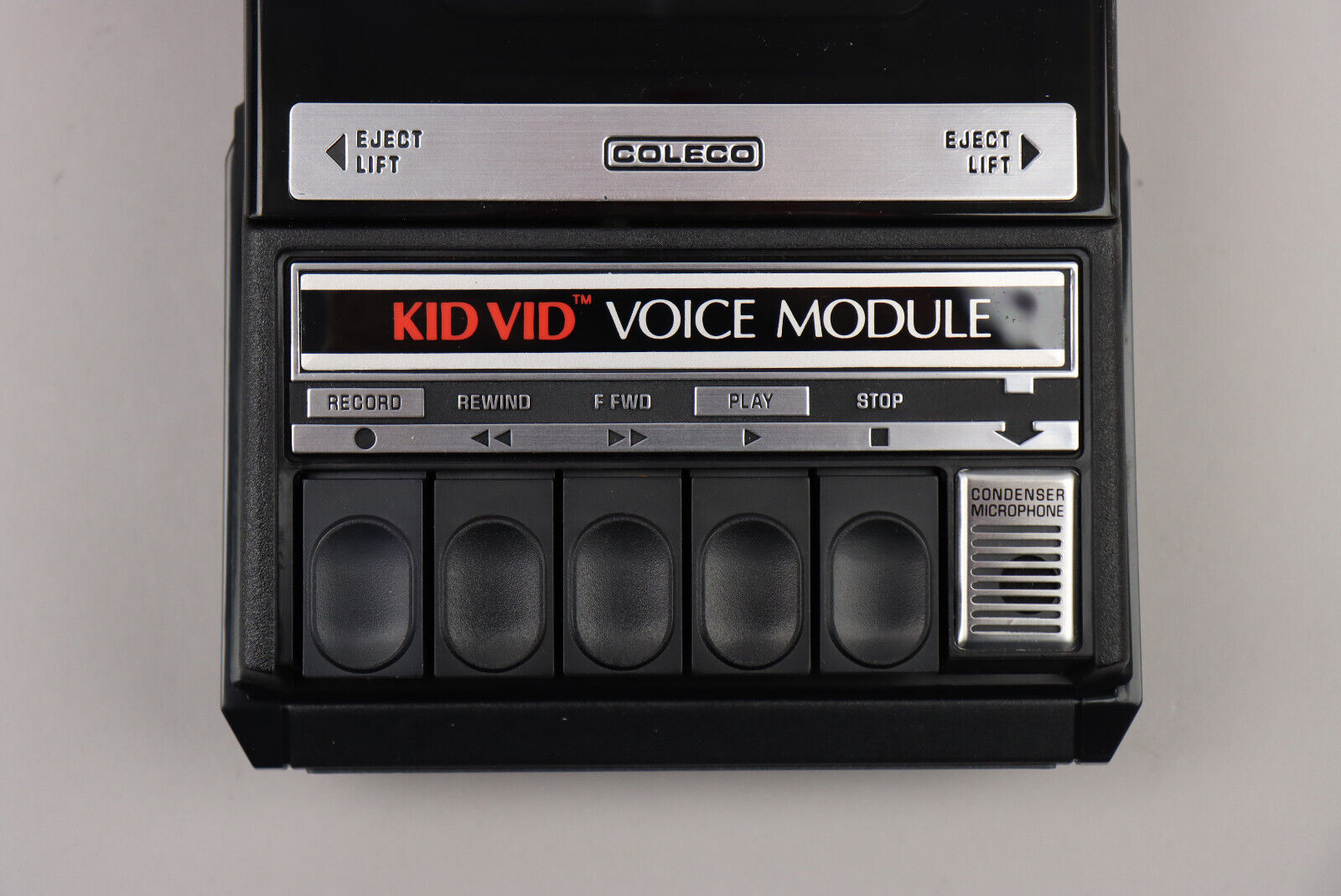
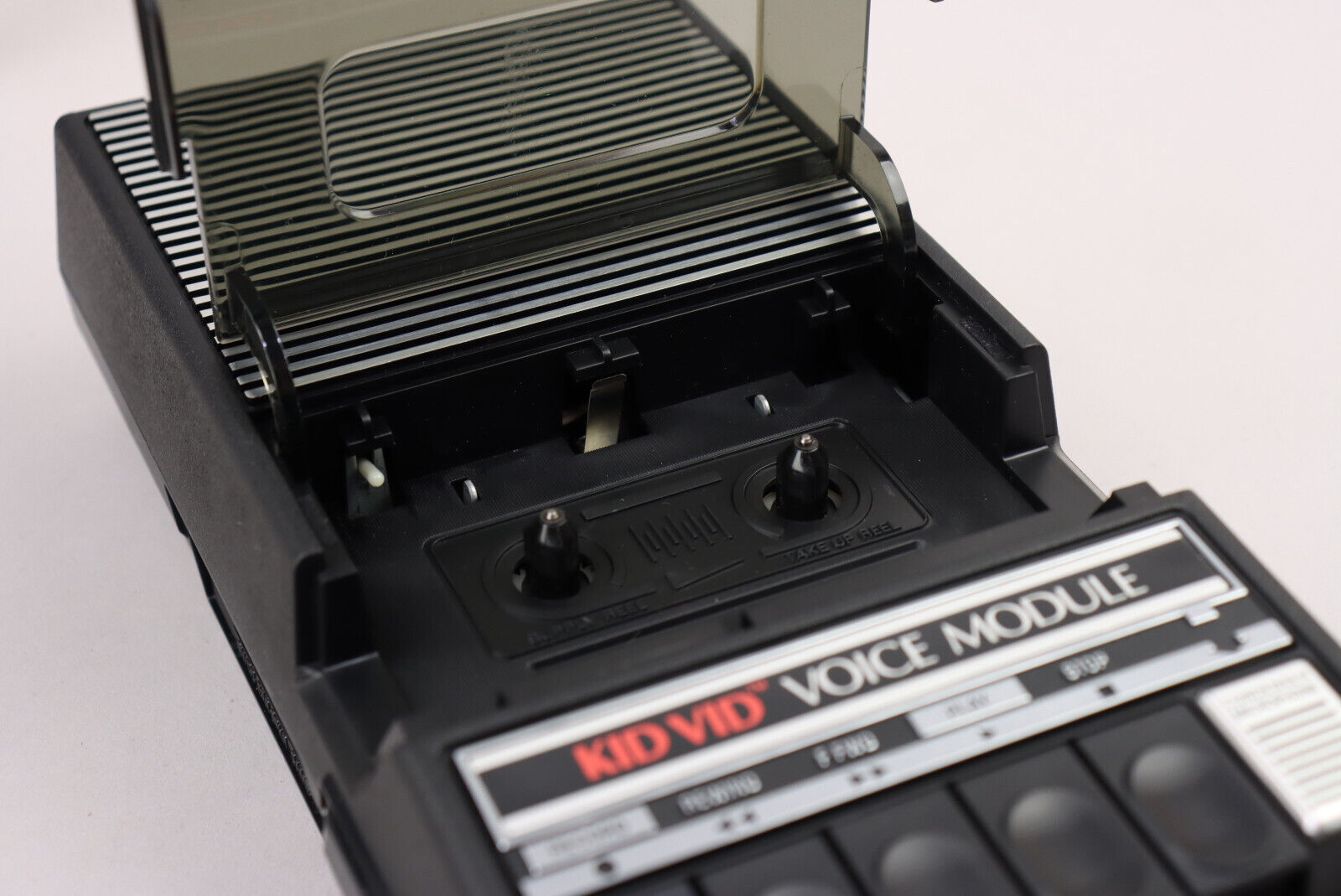
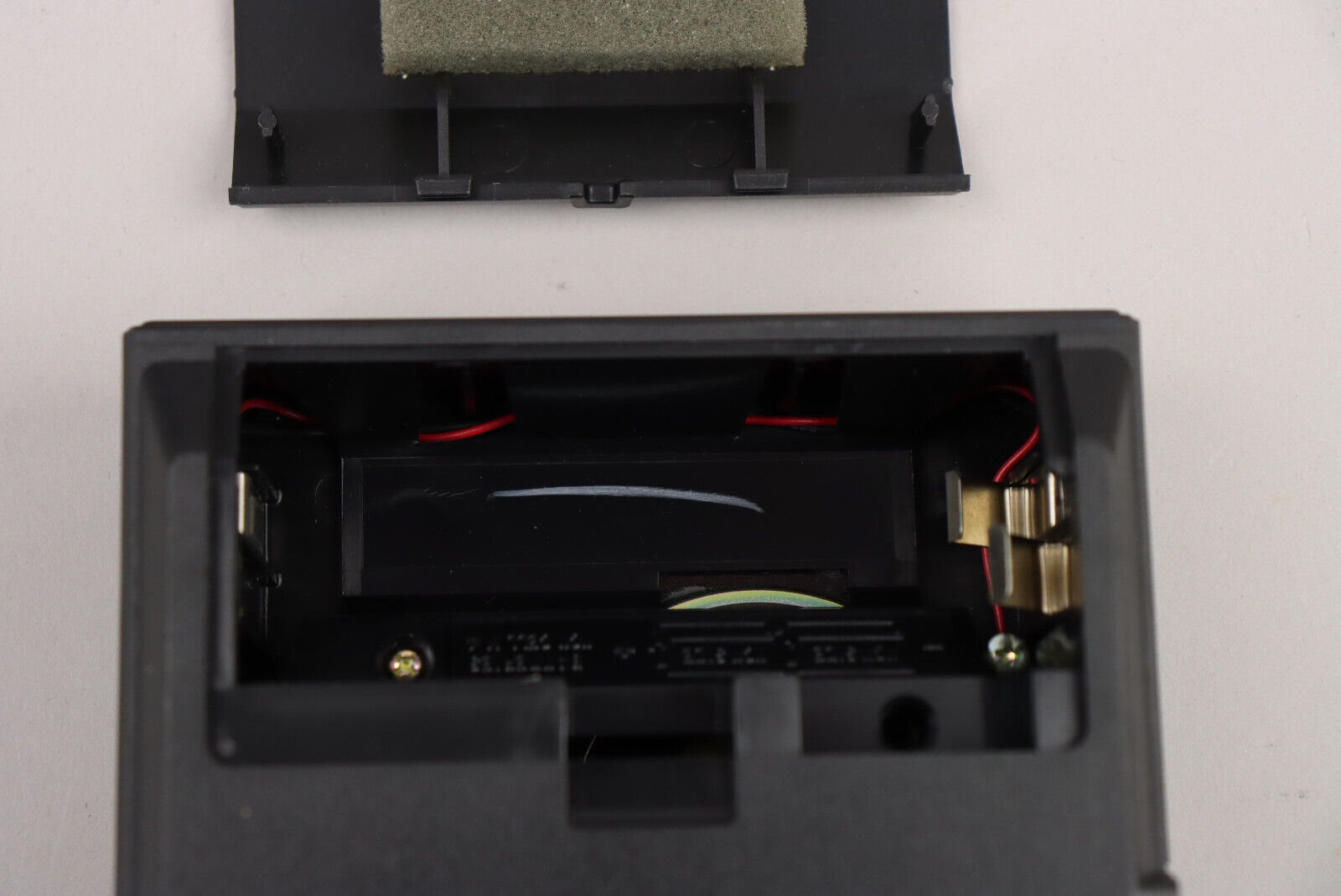
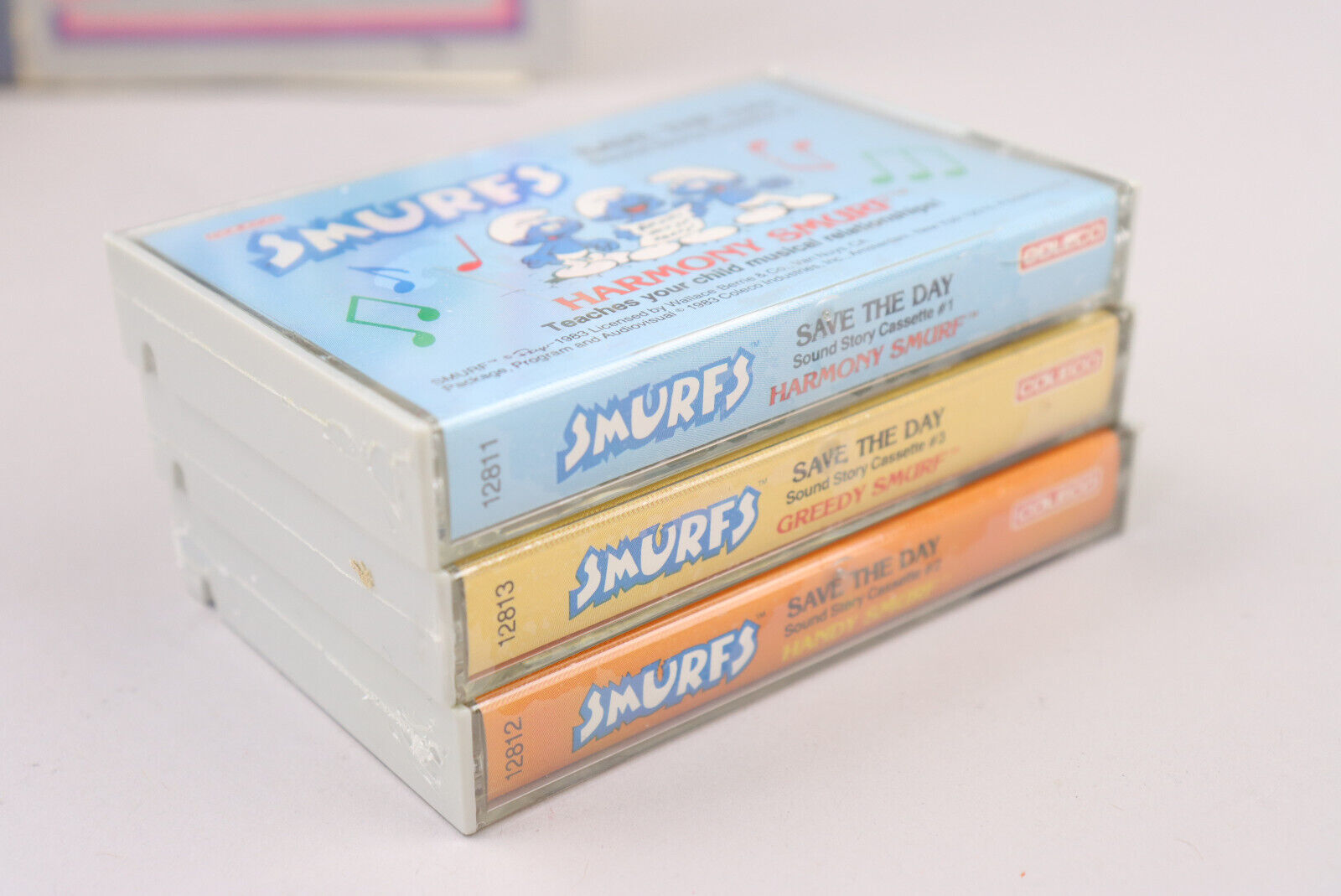
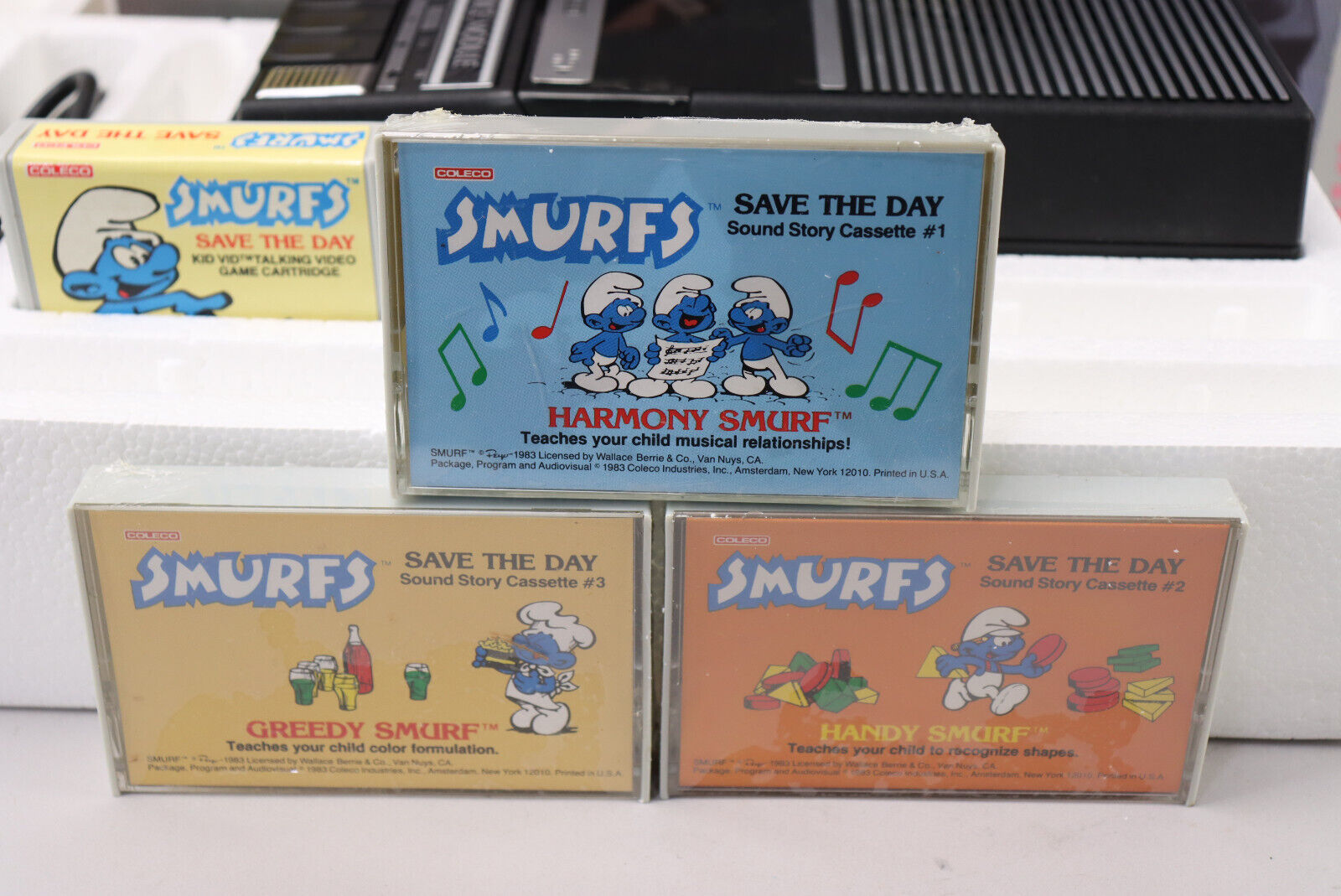
Was sold with the Kid Vid Voice Module together with three audio tapes.
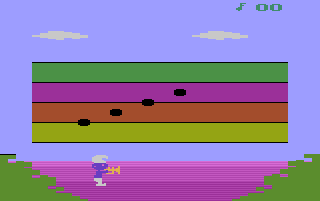
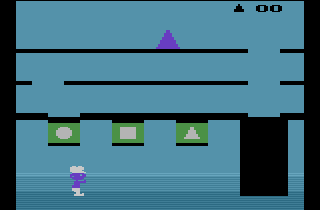
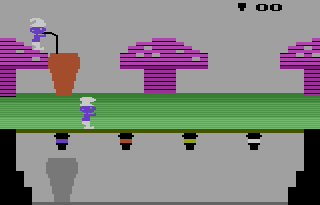
There is an undocumented feature that allows you to play without the Kid Vid Voice Module. To activate it, start the game with the TV Type switch to Color, push Down on the left joystick, move the TV Type switch to B&W, hold down Select and push Up. The difficulty switch settings determine which game appears: Greedy Smurf – Both on B; Harmony Smurf – Left on A, Right on B; Handy Smurf – Left on B, Right on A. Having both switches on A allows you to reset the game.
Screenshots (4)
Cover Art (28)