

Shoot'em Up! / Shoot'em Up! - Centipede · 1986
Millipede
Published by Atari Corporation · Developed by Andromeda Software
atarimania.com — atari-st-games-millipede-9986
Information
- Genre
- Shoot'em Up! - Centipede
- Language
- Machine Language
- Controls
- Joystick
- Players
- 1, 2 (alt.), Demo
- Resolution
- Low, High
- Programmer(s)
- [unknown]
- Graphic Artist(s)
- [unknown]
- Game design
- Atari Games [company]
- Musician(s)
- [unknown]
- Sound FX
- [unknown]
- Year
- 1986
- Publisher
- Atari Corporation
- Developer
- Andromeda Software
- Licensed from
- Atari Games / Tengen
- Country
- USA
- Software
- English
- Box/Instructions
- English
- License
- Unreleased
- ST Type
- ST, STe, 0.5MB
- Version
- [unreleased]
- Number of Disks
- 1, Single Sided
Votes / Statistics
Rating: 7.6/10 · Votes: 14 · Downloads: 1,370 · Hits: 8,235
Screenshots (9)
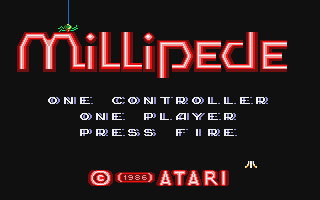
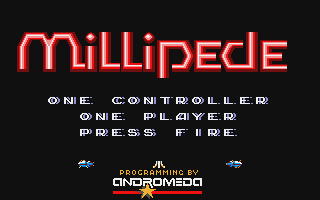
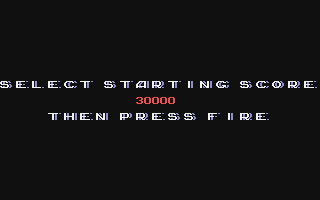
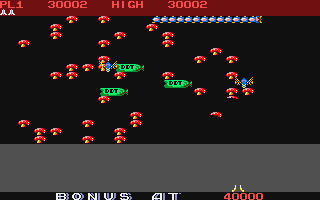
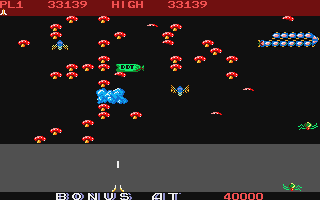
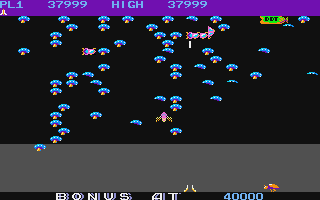
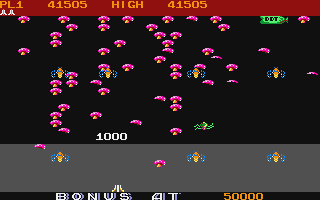
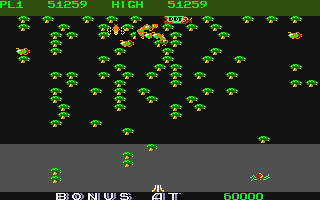
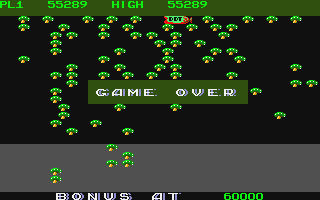
Trivia (5)
Origins
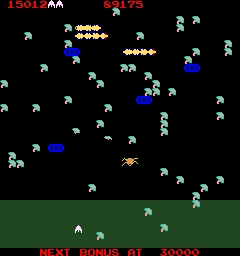
Conversion - Atari 2600
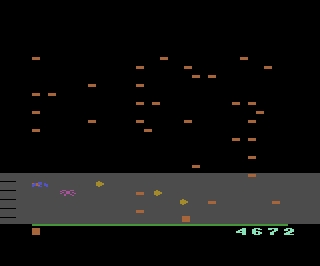
Conversion - Atari 5200
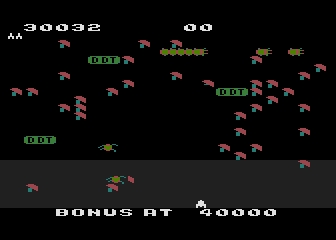
Conversion - Atari 8-bit
Origins
Comments (1)
the big m — 2 Oct 2025
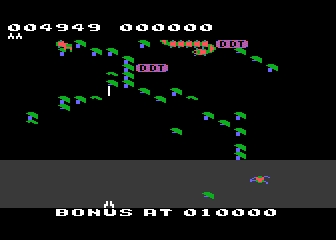
An exclusive 16-bit Port! How doe it Fare? The Good Very impressive beautifully coloured sprites attack in all corners of the screen. Nice feature: like the arcade, you can choose to start at 0 or skip ahead to a higher level. The audio is decent. The Bad I’m using emulation and I’m seeing some jerkiness and things are moving at a slower speed. Not sure if it is due to the emulation. The Bottom Line Despite the speed issues, the game is beautiful and very impressive for an early 16-bit title. Try it!