

Adventure / Adventure - Point and Click · 1988
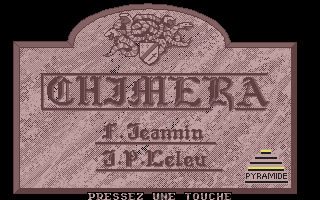
Chimera
Published by Pyramide · Developed by [n/a]
atarimania.com — atari-st-games-chimera-21913
Information
- Genre
- Adventure - Point and Click
- Language
- [unknown]
- Controls
- Mouse
- Players
- 1
- Resolution
- Low
- Programmer(s)
- Jeannin, Franck
- Graphic Artist(s)
- Leleu, Jean-Pierre
- Game design
- [unknown]
- Musician(s)
- [unknown]
- Sound FX
- [unknown]
- Year
- 1988
- Publisher
- Pyramide
- Distributor
- -
- Developer
- [n/a]
- Country
- France
- Software
- French
- Box/Instructions
- French, English, German
- License
- Commercial
- ST Type
- ST, 0.5MB
- Number of Disks
- 2, Single Sided
Votes / Statistics
Rating: 8.0/10 · Votes: 8 · Downloads: 2,509 · Hits: 6,819
Additional Comments
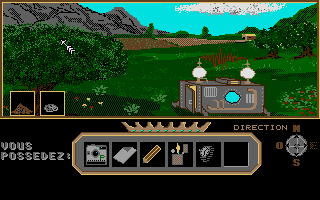
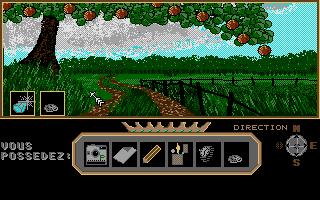
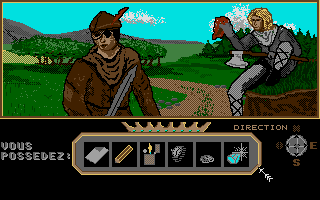
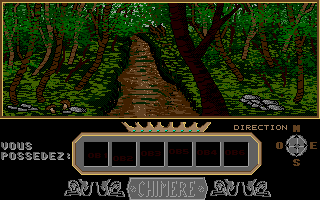
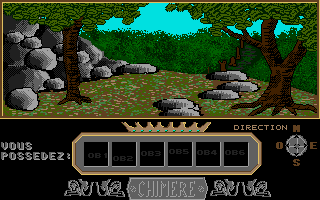
Screenshots (14)
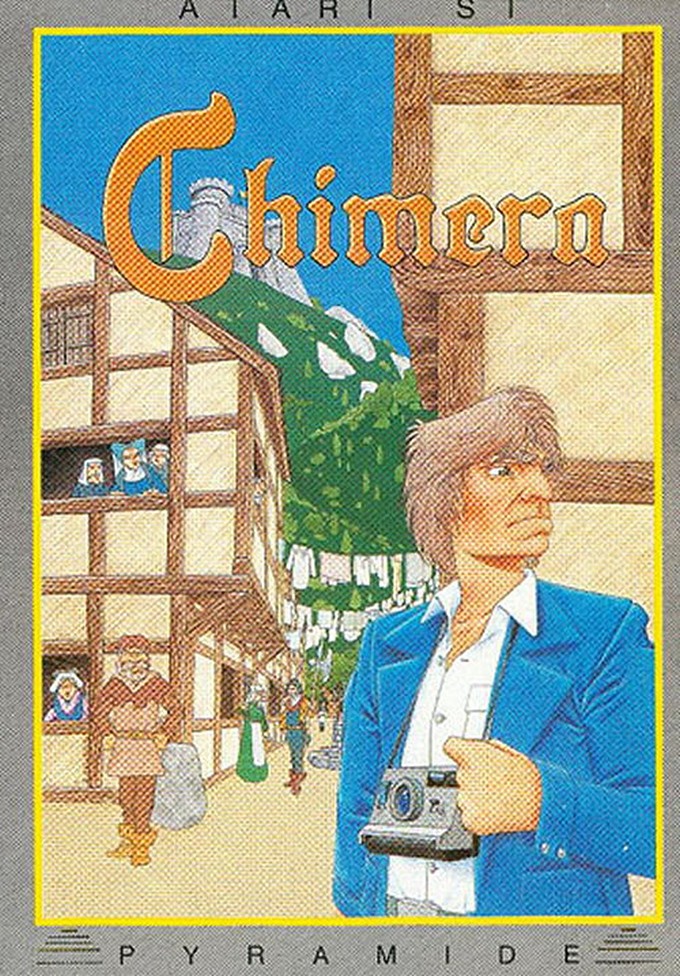
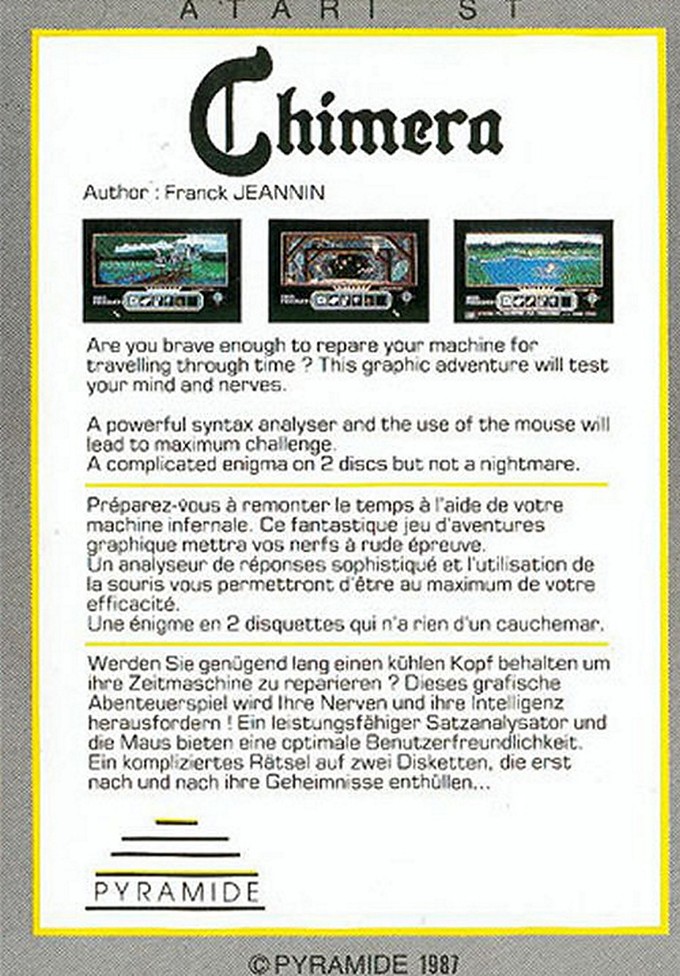
Cover Art (2)
Trivia (1)
Sound
Book / Magazine Reviews (2)
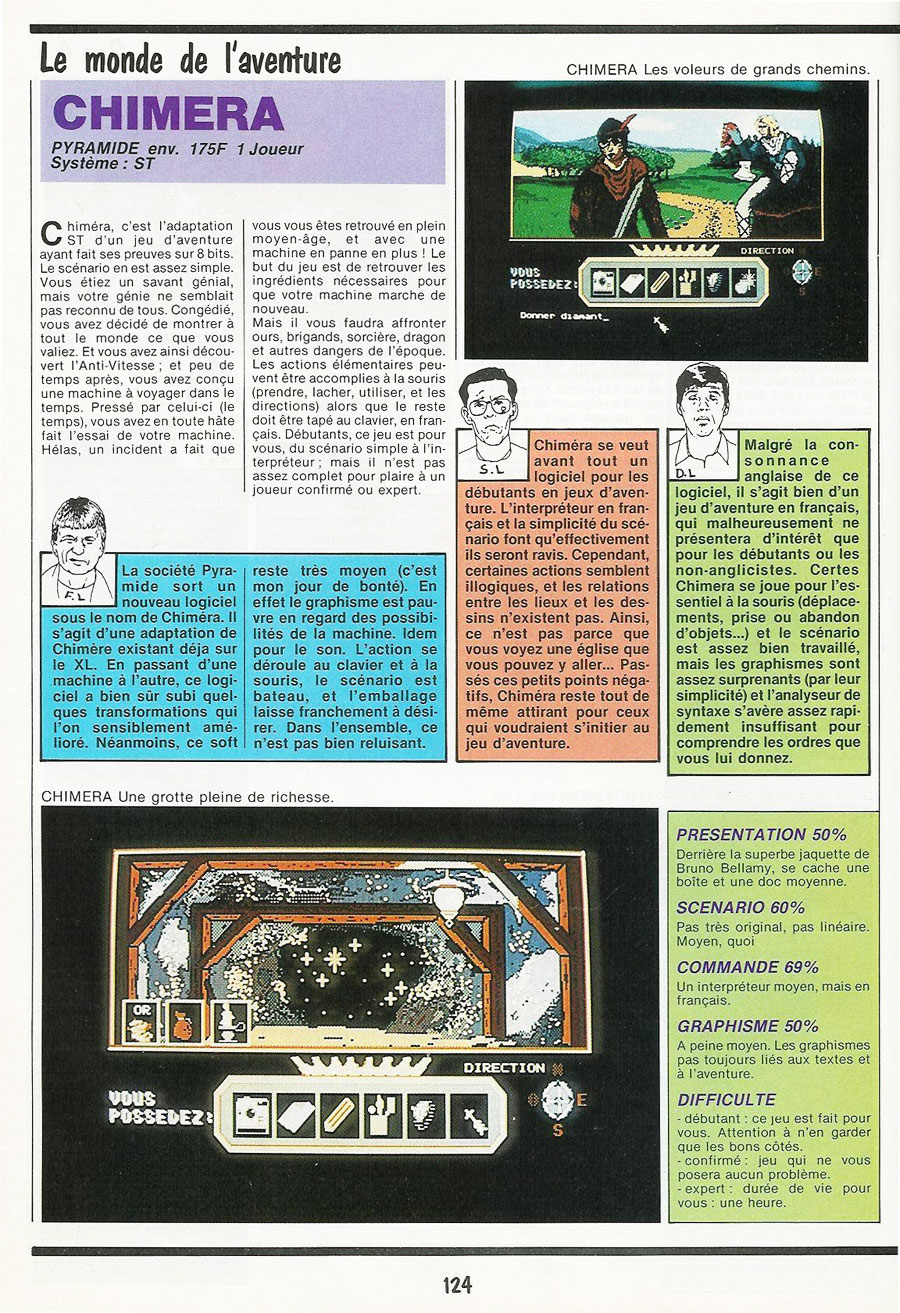
Génération 4 · Mars / Avril, 1988
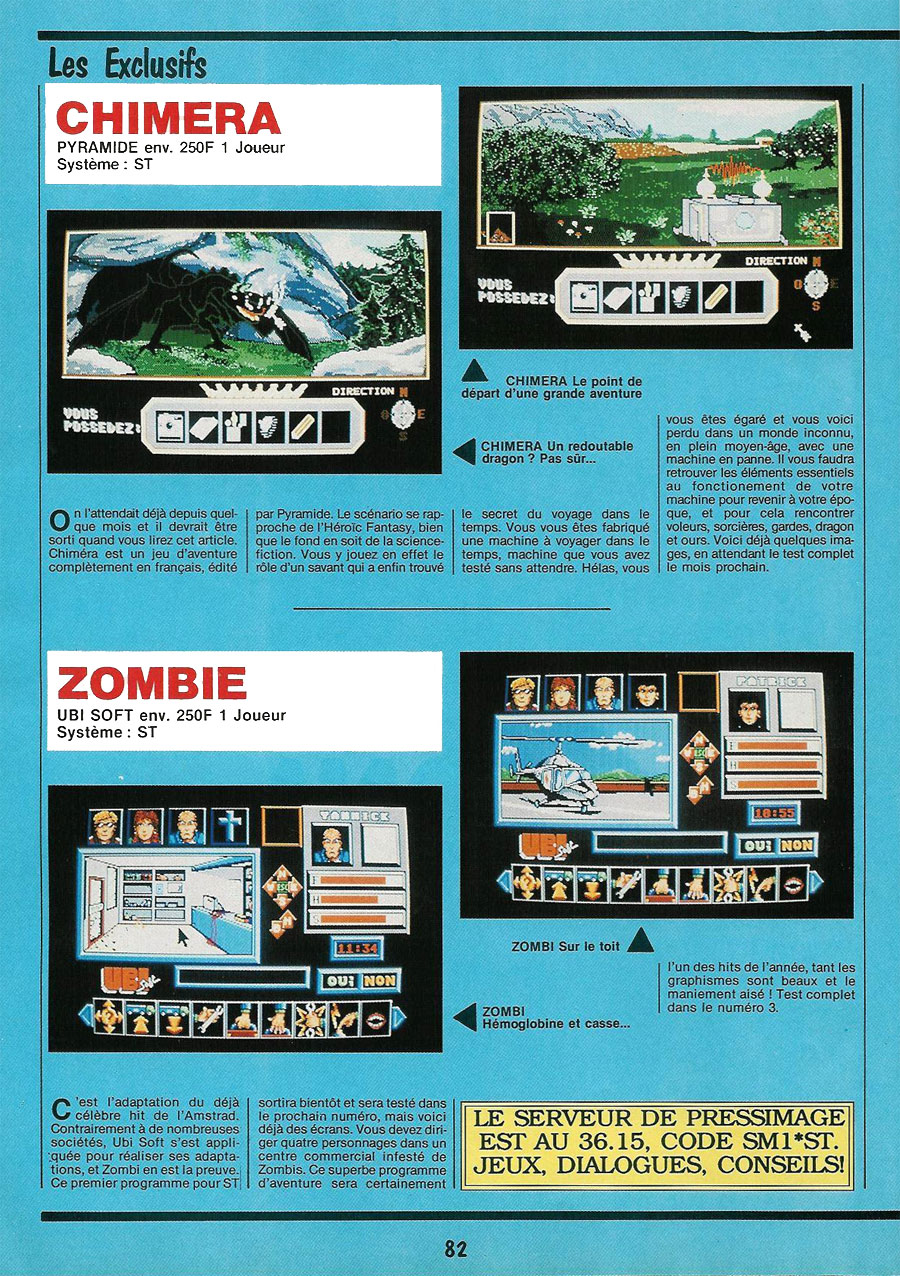
Génération 4 · Février, 1988
Comments (1)
HerbertWest — 22 Nov 2017
I don't get this game to work, neither with Steem nor Hatari. I'm using tos100fr and even got the older 0.2e.dll from Pasti (using newer one usually). I have to set Pasti settings to max accuracy to get beyond the title screen, but after I have to swap to disks, he crashes with (bad disk, fichie pas trouver) error messages. There is a configuration program on Disk 2, but so far the options I could choose didn't have an effect on that problem. Any hints how to get this to work?